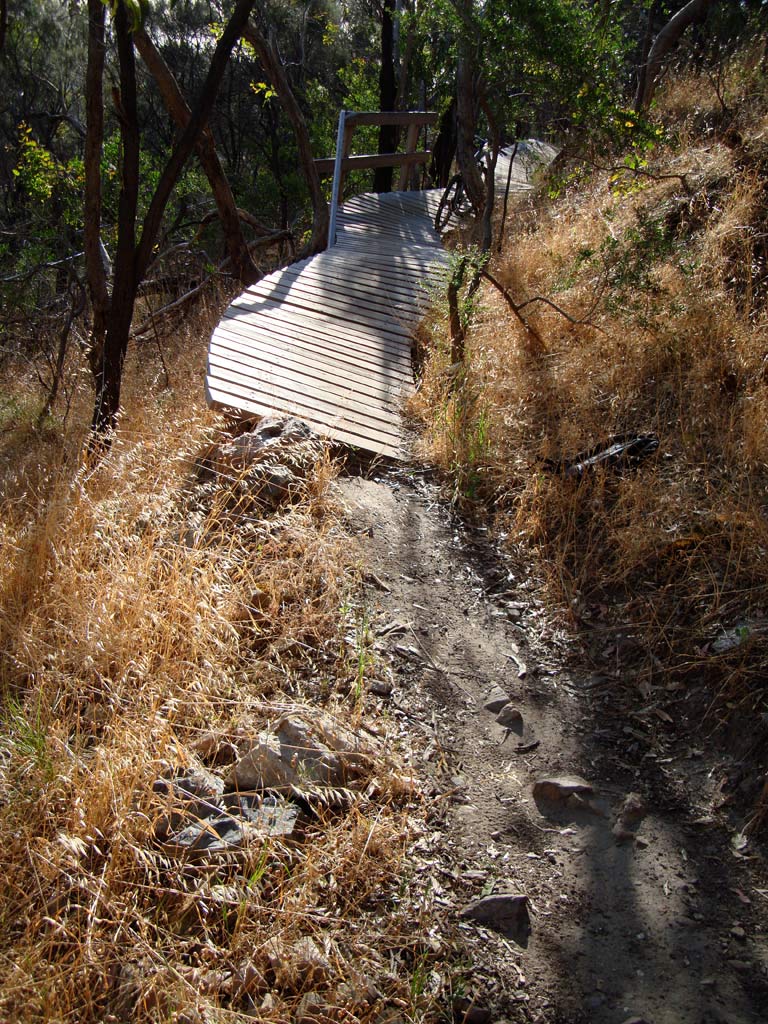
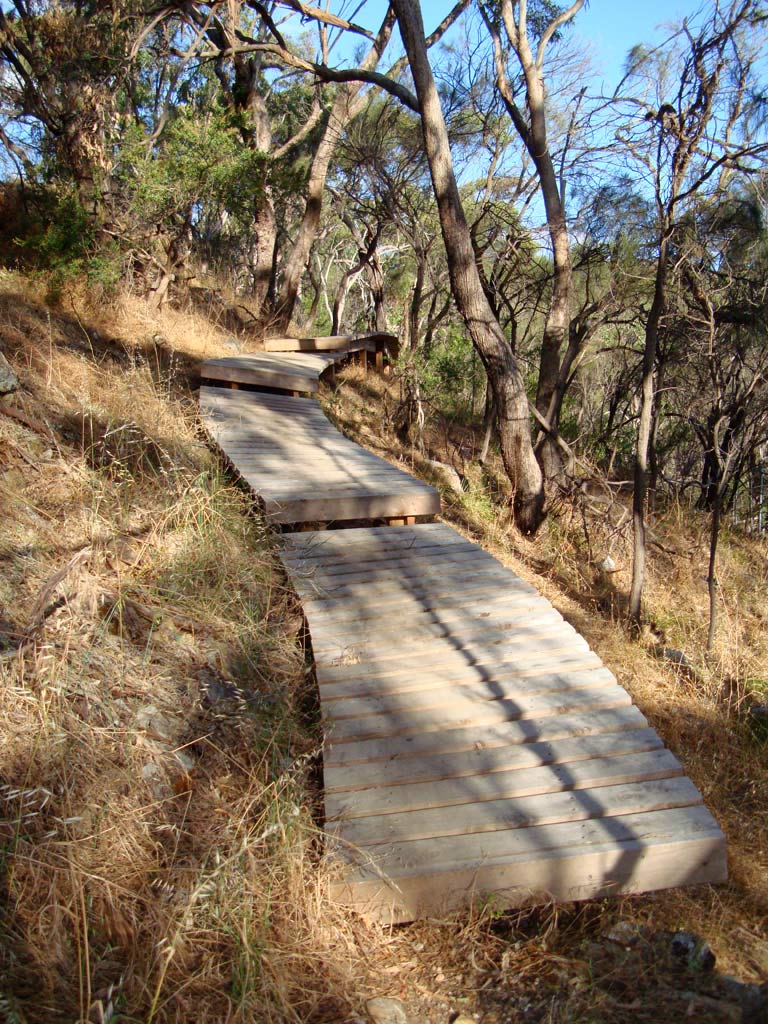
The ‘Eagle Short Course’ race was the second race in the 2009/2010 AMTBC Summer Series, and my second MTB race. This race was similar in format to the ‘Dirt Crit‘ in that the course was short (about two minutes per lap), but the terrain was a little more technical. The race was time limited plus two finishing laps, with the riders separated into five race grades.
Based on my performance and observations in the first race, this time I decided to enter in the ‘C Grade’.
My race stated well. I was in second after the mass start, and held that position for two or so laps. I passed the leader and actually held the lead for about a lap, and then crashed one one of the slightly technical sections (around 2:30 in the video).
I had ridden this section of the course several time prior to the race, but this time I didn’t quite make it. My front wheel grabbed a rut in the dirt and I went over the bars. Surprisingly, the front wheel came partially out of the dropout and the brake jammed. After a quick repair and wheel realignment I was back in the race, though apparently about 30 seconds down (on a sub two-minute lap). The rest of the race was unevetful with a few passes and being passed a few time. I ended up finishing seventh of ten. The complete C Grade results here:
| Race Plate | 132 | 323 | 849 | 345 | 451 | 415 | 421 | 454 | 453 | 423 |
|---|---|---|---|---|---|---|---|---|---|---|
| Finish | 1 | 2 | 3 | 4 | 5 | 6 | 7 | 8 | 9 | 10 |
| Laps | 16 | 16 | 16 | 16 | 16 | 15 | 15 | 13 | 13 | 10 |
| Lap 1 | 00:01:55 | 00:01:58 | 00:01:56 | 00:01:57 | 00:01:57 | 00:02:00 | 00:01:55 | 00:02:03 | 00:02:01 | 00:01:58 |
| Lap 2 | 00:01:52 | 00:01:54 | 00:01:53 | 00:01:55 | 00:01:53 | 00:01:58 | 00:01:52 | 00:02:16 | 00:02:02 | 00:01:51 |
| Lap 3 | 00:01:56 | 00:01:53 | 00:01:55 | 00:01:55 | 00:01:55 | 00:02:01 | 00:01:54 | 00:02:19 | 00:02:09 | 00:01:54 |
| Lap 4 | 00:01:55 | 00:01:55 | 00:01:55 | 00:01:55 | 00:01:54 | 00:02:06 | 00:02:25 | 00:02:27 | 00:02:17 | 00:01:53 |
| Lap 5 | 00:01:53 | 00:01:54 | 00:01:54 | 00:01:56 | 00:01:54 | 00:02:02 | 00:02:05 | 00:02:33 | 00:02:19 | 00:01:52 |
| Lap 6 | 00:01:57 | 00:01:56 | 00:01:57 | 00:01:58 | 00:01:57 | 00:02:06 | 00:02:05 | 00:02:31 | 00:02:25 | 00:01:57 |
| Lap 7 | 00:01:55 | 00:01:57 | 00:01:56 | 00:01:59 | 00:01:57 | 00:02:03 | 00:02:05 | 00:02:25 | 00:02:32 | 00:01:55 |
| Lap 8 | 00:01:50 | 00:01:54 | 00:01:54 | 00:01:59 | 00:02:00 | 00:02:06 | 00:02:06 | 00:02:30 | 00:02:30 | 00:01:52 |
| Lap 9 | 00:01:54 | 00:01:53 | 00:01:56 | 00:02:01 | 00:02:02 | 00:02:04 | 00:02:10 | 00:02:26 | 00:02:33 | 00:01:54 |
| Lap 10 | 00:01:51 | 00:01:56 | 00:01:56 | 00:01:56 | 00:02:00 | 00:02:07 | 00:02:08 | 00:02:31 | 00:02:35 | 00:01:55 |
| Lap 11 | 00:01:51 | 00:01:54 | 00:01:54 | 00:01:53 | 00:02:05 | 00:02:05 | 00:02:05 | 00:02:21 | 00:02:37 | |
| Lap 12 | 00:01:55 | 00:01:55 | 00:01:55 | 00:01:57 | 00:02:06 | 00:02:04 | 00:02:07 | 00:02:16 | 00:02:39 | |
| Lap 13 | 00:01:56 | 00:01:59 | 00:01:59 | 00:02:04 | 00:02:07 | 00:02:07 | 00:02:07 | 00:02:13 | 00:02:36 | |
| Lap 14 | 00:01:55 | 00:01:58 | 00:01:58 | 00:02:02 | 00:02:04 | 00:02:04 | 00:02:08 | |||
| Lap 15 | 00:01:53 | 00:01:54 | 00:01:54 | 00:02:00 | 00:01:58 | 00:02:04 | 00:02:00 | |||
| Lap 16 | 00:01:48 | 00:01:40 | 00:01:56 | 00:02:05 | 00:02:00 | |||||
| Avg. Lap | 00:01:54 | 00:01:54 | 00:01:55 | 00:01:58 | 00:01:59 | 00:02:04 | 00:02:05 | 00:02:22 | 00:02:24 | 00:01:54 |
| Total | 00:30:16 | 00:30:30 | 00:30:46 | 00:31:31 | 00:31:48 | 00:30:56 | 00:31:12 | 00:30:50 | 00:31:14 | 00:19:01 |
I was race plate 421. As you can see, the first few laps went pretty well, then in lap 4 I crashed. My remaining lap times never quite recovered to my pre-crash lap times.
For comparison, average lap times by grade; minutes:seconds (number of laps completed):
| A Avg. Lap | B Avg. Lap | C Avg. Lap | D Avg. Lap | E Avg. Lap | Overall Avg. Lap |
|---|---|---|---|---|---|
| 2:12 (19) | 2:14 (15) | 2:19 (14) | 2:28 (10) | 2:33 (9) | 2:21 (12) |
Full results and more info available on the Adelaide MTB Club site: www.amtbc.com.
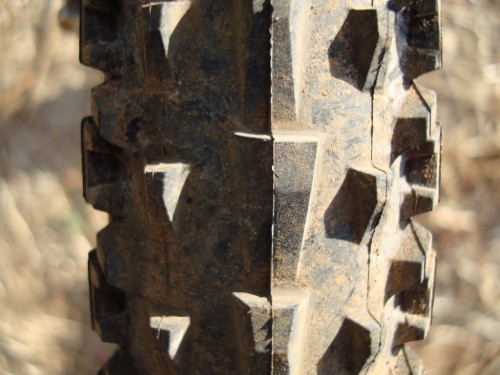
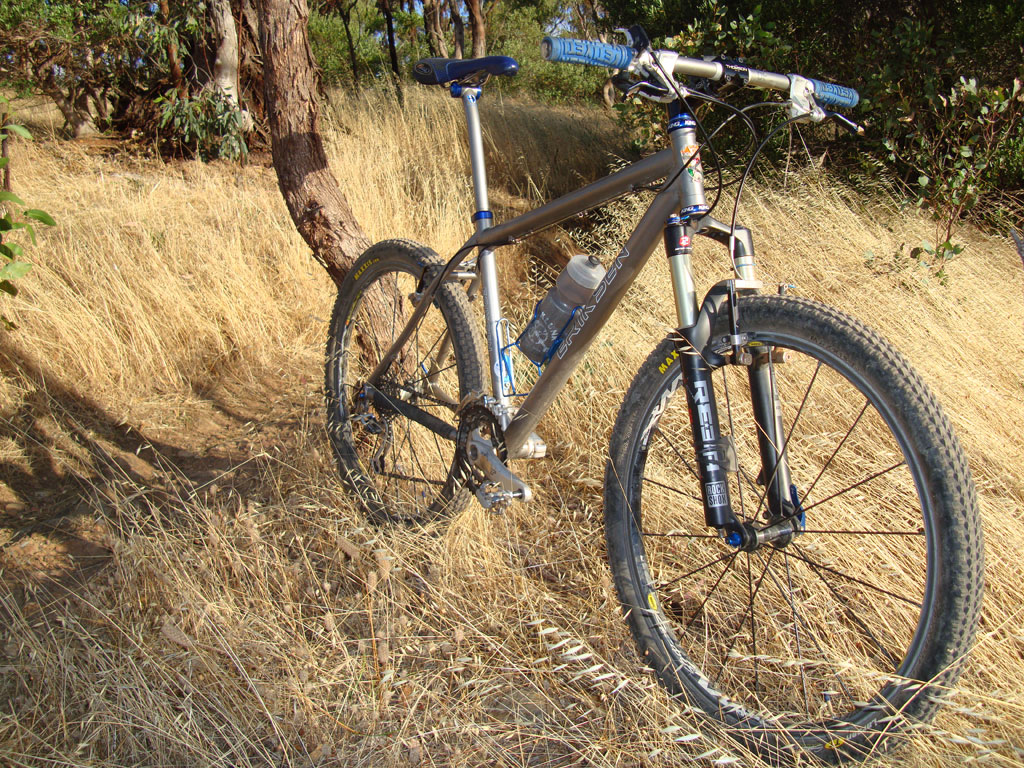
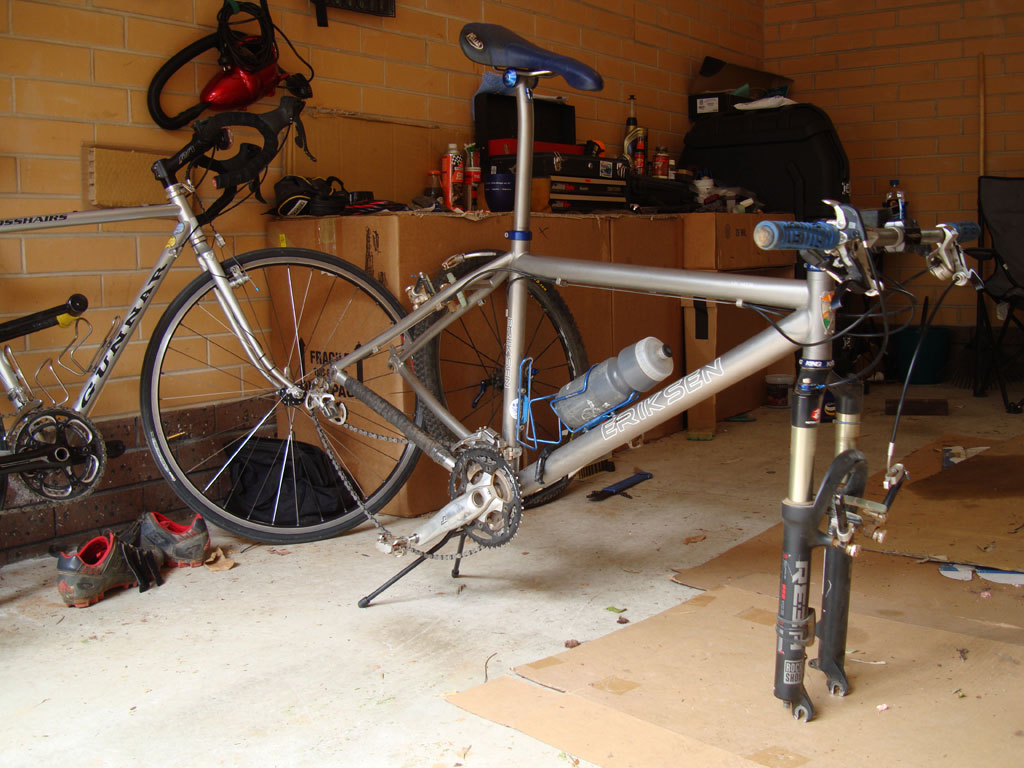
Like many others, I’m going to lay blame from my problems, at least partially, on my equipment. I decided to swap my front Larsen TT tire with a 2.1″ Maxxis Rendez eXCeption series. Supposedly, this tire should offer more cornering grip than the Larsen TT, and it may, but what it doesn’t offer is any braking traction whatsoever. The Rendez was sketchy on any slightly loose descent, and felt disconnected in heavy sprints/acceleration. Interestingly, this 2.1″ Rendez is actually 1/4″ narrower than the 2.0″ Larsen TT. I rode the Rendez on a few trails prior to the race, and against my better judgment, I left it on. For those who are interested, I generally ride the rear Larsen TT at 32 psi and the Rendez in front at 28 psi, both with tubes.
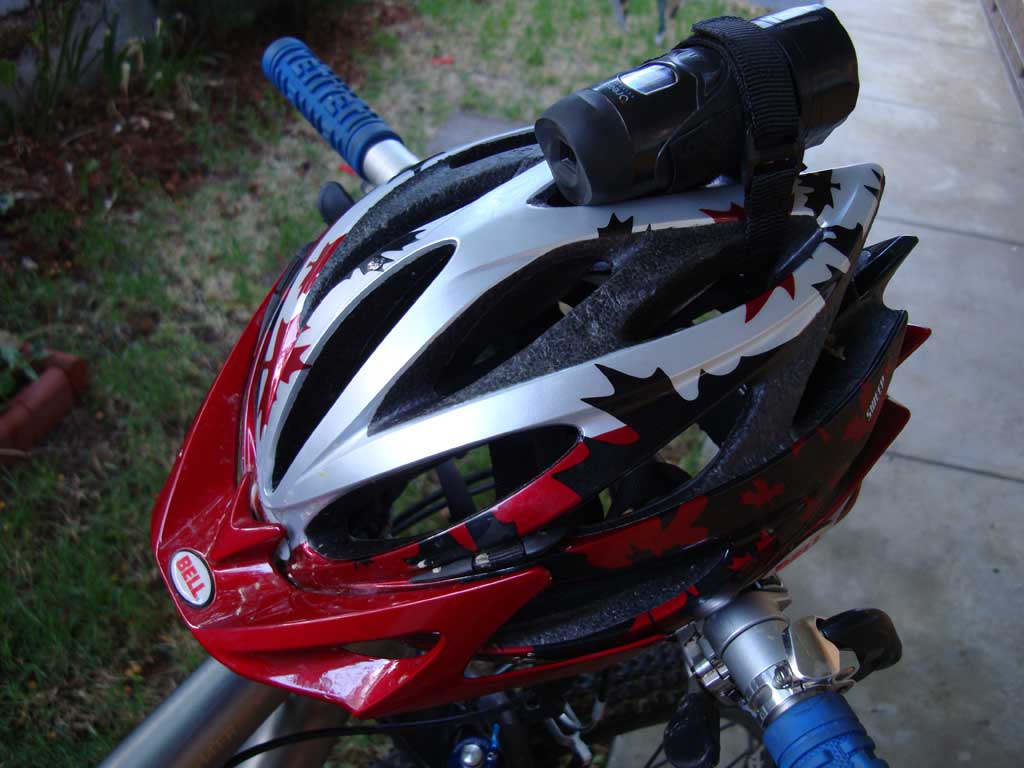
Overall I am happy with the results, and I’ll have more video and data tables after the next race. The video turned out much better this time (no leaf on lens). The first-person on-bike video was from the ATC3K helmet camera and the Sony W300 was used for the rest of the video. Next time I think I’ll try for more off-bike angles