Aside from decarbonising my house, I’ve been designing and printing various things for many years. While I have been sharing a few of these designs on Thingiverse, that’s becoming less and less pleasant. It seems like those in charge over at Thingiverse have been reading Cory Doctorow, because they’re a textbook example of enshitification. The ads and garbage added to the site over time, and especially recently, have made it unpleasant and pretty much unusable. I wouldn’t be surprised if Thingiverse just devolves in to a recursively looping crypto ad someday (soon).
I was so frustrated with Thingivese that I’m developing another WordPress plugin, WoollyPrints, the sixth of my Woolly.dev data vis plugins. WoollyPrints builds galleries and manages downloads for 3D models with no ads, no tracking, no popups, nothing. This one isn’t strictly data visualisation, but also isn’t not data visualisation as I’m sure you could fill a gallery with topo maps and bar chart models for data that is somehow better communicated as small plastic bits.
Taking a step back and recognising the often repeated pattern of the destruction and enshitificaiton of social media and other shared resources (commons?), I think leaning more heavily on self-sufficiency and owning your own data as seen in WoolyPrints, this blog, or perhaps even an electrified house, are a good moves these days. However, it’s probably also a good idea to do these things, like most others, in moderation. We wouldn’t want to end up off grid writing blog posts in a cabin in the middle of Montana.
Whatever the case, here’s a demo with a few of my favourite things (or at least things that were easy enough to find and upload). Don’t be surprised if WoollyPrints morphs into something else. I’m actively developing this one, we can all see that I’m not great at limiting the scope of projects, and WoollyPrints may still undergo some major changes. I’ll post a follow up when this one is available for download at woolly.dev and in the WordPress Plugin Directory.
Update 23 August 2026: it changed. WordPress have an absurdly broad ban on any plugin name beginning with ‘Woo’, hence the new name. I suppose it’s just bad luck for woodworkers, dogs (woof), knitters, and sheep.
Summary A look back at all of the steps with comparisons, analysis, and distractions
A few questions Addressing a few likely questions about the process and steps
References and resources Sources for various statements and claims as well as some (hopefully) useful resources
A little background
I recently listened to this excellent Ezra Klein interview with Bill McKibben, The Very Good and Very Bad News on Climate1, on the status of renewable energy and climate change. It not only highlighted just how different the conditions here in Australia are compared to what they described in some of the rest of the world, which was mostly the U.S. in their examples, but the senseless, unnecessary obstructions some face.
Of particular interest to me was the insight into what effects the destruction of progressive environmental and pro-social renewable energy policy in the U.S. has for those interested in decarbonising, renewable energy, or even energy independence. I use that last phrase not in the ‘U.S. national energy independence justification for environmental destructive fracking’ sense, but the more authentic sense of ‘reducing your personal reliance on bad-faith actors in an attempt to make your life and the lives of those around you better’ sense of the phrase.
The frustrating, absurd experiences discussed in this interview got me thinking about how I decarbonised my home and some of the energy changes I’ve made down here. So, here I’ll first give a little insight into my thinking around these issues and why I began this process, then a pragmatic overview of what I did and when, along with some of my thinking (or at least what I recall of it, which in some cases was almost a decade ago), how it went, and how it’s going. I’ll finish up with a brief summary, answer a few questions, and have a look at my future plans.
Why did I do this?
Over the past several years I’ve been working on a deliberate plan to decarbonise whatever I can, wherever I can. Why? My primary reason is to minimise my own environmental impact, a close second is to reduce my financial support and reliance on businesses, industries, organisations and governments who promote and produce fossil fuels. Obviously, we can’t removal fossil fuels from all aspects of our lives, and I doubt that would even be a reasonable, achievable, or desirable2 goal. But, that doesn’t mean we shouldn’t attempt to minimise their use, especially when there are better alternatives.
Besides, who wants to rely on fuel sourced using tenuous supply chains (that’s going well these days3) and colluding retailers4 when inexpensive, and in some cases cheaper5 renewable alternatives are here and available? These aren’t one-off events. LNG supply was significantly disrupted for an extended period after the 2022 Russian invasion of Ukraine6. We can look closer to home at Australia’s own-goal of allowing private producers to overcommit LNG for export, blowing up the domestic market raising prices and threatening shortages7. All this, even ignoring the immense and yet somehow invisible costs8 to our future selves of the continued use of fossil fuels and business as usual.
I can see resistance from those afraid of or uneasy with change, but support for those actively working against decarbonisation is difficult to explain as anything but blindly ideological or wilfully ignorant propped up with bad-faith arguments and misinformation. A prime example is the U.S. Federal Government payment to TotalEnergies (yes, the same TotalEnergies who have yet to did not podium or claim a jersey9 is this years’ TdF, as of 14 July 2026, stage 9 20 July 2026, stage 14) to abandon wind energy projects10. Which itself is also an example of, as Mckibben puts it, “National economic self sabotage”. However, my purpose here is not to think about the fear and other motivations those standing in the way may have, but to talk about what I have actually done and what I plan to do. Clearly we can’t sit still and wait for everyone to come around.
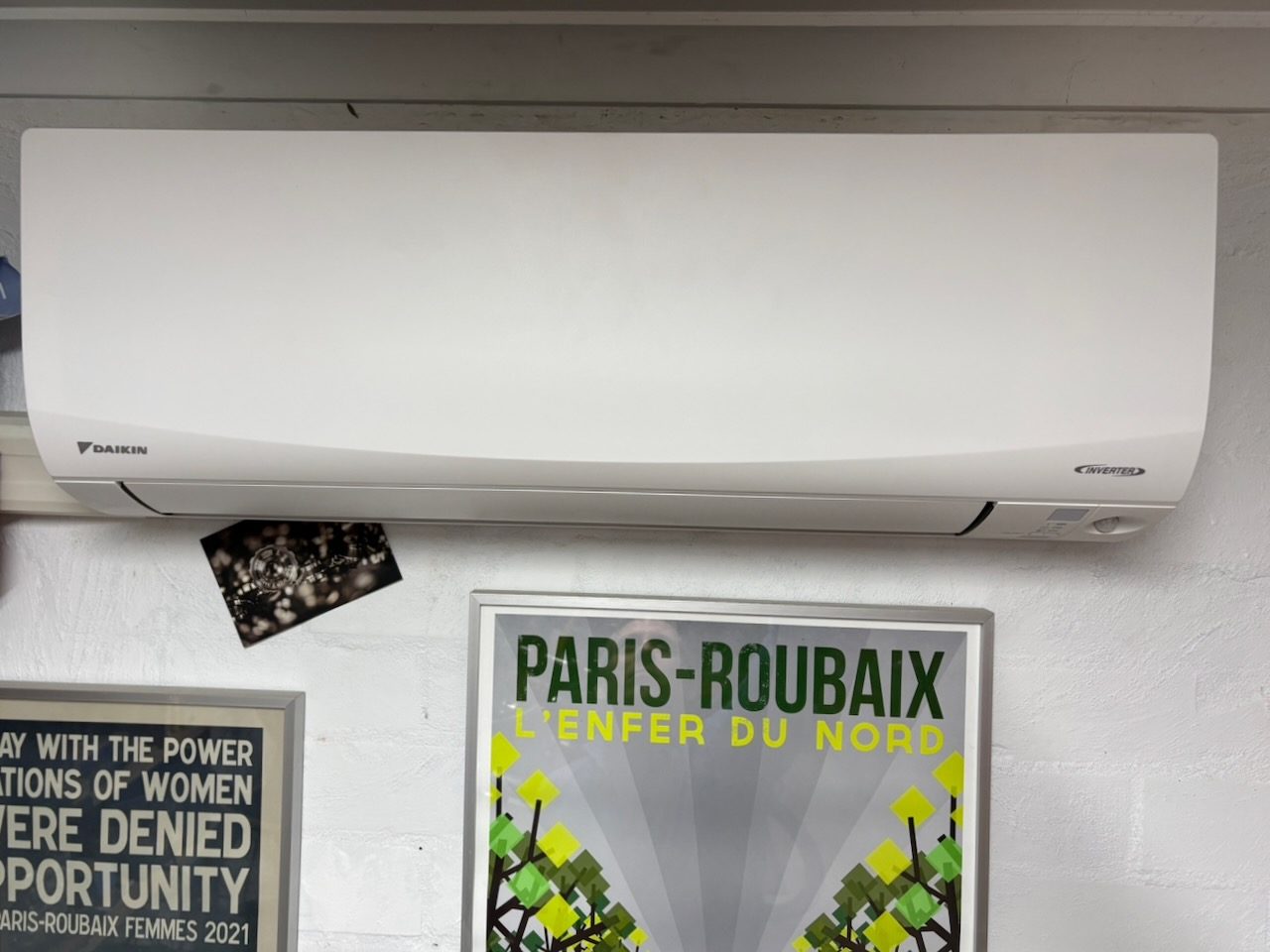
Finally, and not insignificantly, I find a lot of this technology interesting for its own sake and it’s just fun. Having said that, I do recognise the difficulty of effectively communicating the enthusiasm, and this became quite apparent when taking the photos for this post. Is a beige heat pump exciting? How about the third and fourth heat pump? No? At least we have the (beige) battery. Even Mckibben acknowledges the home battery’s beige nature in the interview, but still discusses them effectively and in an engaging manner. Despite the aesthetic disappointment, I maintain that aspects of this can be fun and hope I’ve been able to share some of it.
Another note to the skeptical reader: despite the length and tedious (thoughtful) detail that follows, none of this, or any other written content on this blog, was created whole or in part by an AI. All of the long, awkward, comma, parenthesis, and semicolon filled sentences are mine; you can read my AI statementfor more detail (if you like).
A final note to the persistent reader: this post started as a fairly concise response to the interview mentioned above, but has clearly grown a bit, and then grown some more. I’ve added a table of contents and made the details of my decarbonisation steps collapsable in an effort to make all of this a little more digestible. Between these two, you should be able to jump to and expand whatever section or step interests you. Hope it worked.
What did I do?
One major part of my decarbonisation process has involved removing fossil-fuelled appliances in the house and in transport, and replacing what I could with efficient, electric alternatives. Obviously none of us can completely remove fossil fuels (or their products) from our lives, but we can certainly minimise them, and that’s what is going to happen next. These two aspects are what I’m going to discuss here, and I broke this down into two primary projects:
Replace all gas appliances in the house with electric, add renewables (solar), and shut off the gas supply
Replace the petrol and hybrid petrol/electric cars with EVs
I think my plan really began to take form in 2021, shortly after the purchase of a 50-year-old house in suburban Melbourne, Australia with a shockingly inefficient, unreliable, original gas ducted heater. But, I’ll start the timeline a little earlier in 2018 with the purchase of a heat pump clothes dryer in Adelaide, South Australia, include the move to EVs, the addition of various heat pumps, a detour on an ebike, and then on to the solar and house battery in early 2026.
When did I do it and how was it done?
The timeline below includes major steps in my decarbonisation process. Each step includes details on the decision making surrounding the equipment or process, challenges faced, the outcome, a cost/benefit relative to the other steps, and finally a summary rating of the cost, value, difficulty, and effectiveness of each step.Each step can be expanded for more detail or collapsed if it’s just all too much.
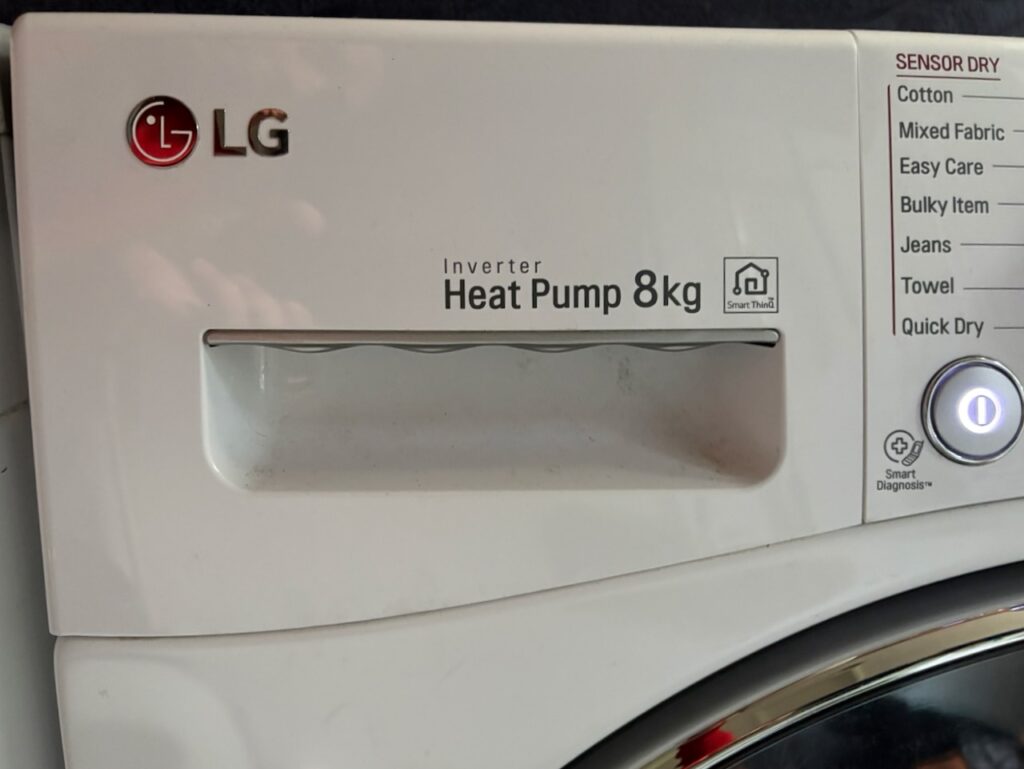
2018, September: A first step. LG Heat pump clothes dryer.
We had been in Adelaide, South Australia for many years, living with no clothes dryer. Initially this was a bit of an adjustment having previously lived in the U.S. where a clothes dryer seems to be about as ubiquitous and vital as a car. However, for us a clothes line and abundant Adelaide sun (at least 10 months of 12) was mostly adequate.
I had been resistant to purchasing a clothes dryer due to their high energy use, costs, and our limited need. But, an extensive home renovation finally made it to the laundry room and we had an opportunity to include a dryer. Heat pump driers were fairly expensive at the time, but I reasoned that the minimal energy use would make up the difference over time.
Outfitting the laundry room for a heat pump dryer is fairly straightforward. The dryer does not vent hot, humid air, but rather recycles the warm air internally and drains water into an onboard tank or drain. I opted to plumb the drain into the laundry sink/tub trap, which only requires a second dishwasher connection (assuming the first is used by your washing machine), at least that’s how we do it down here.
The dryer has been around and used extensively over the past eight years over which time it’s proven reliable, been cheap to run, and hasn’t had any major issues.
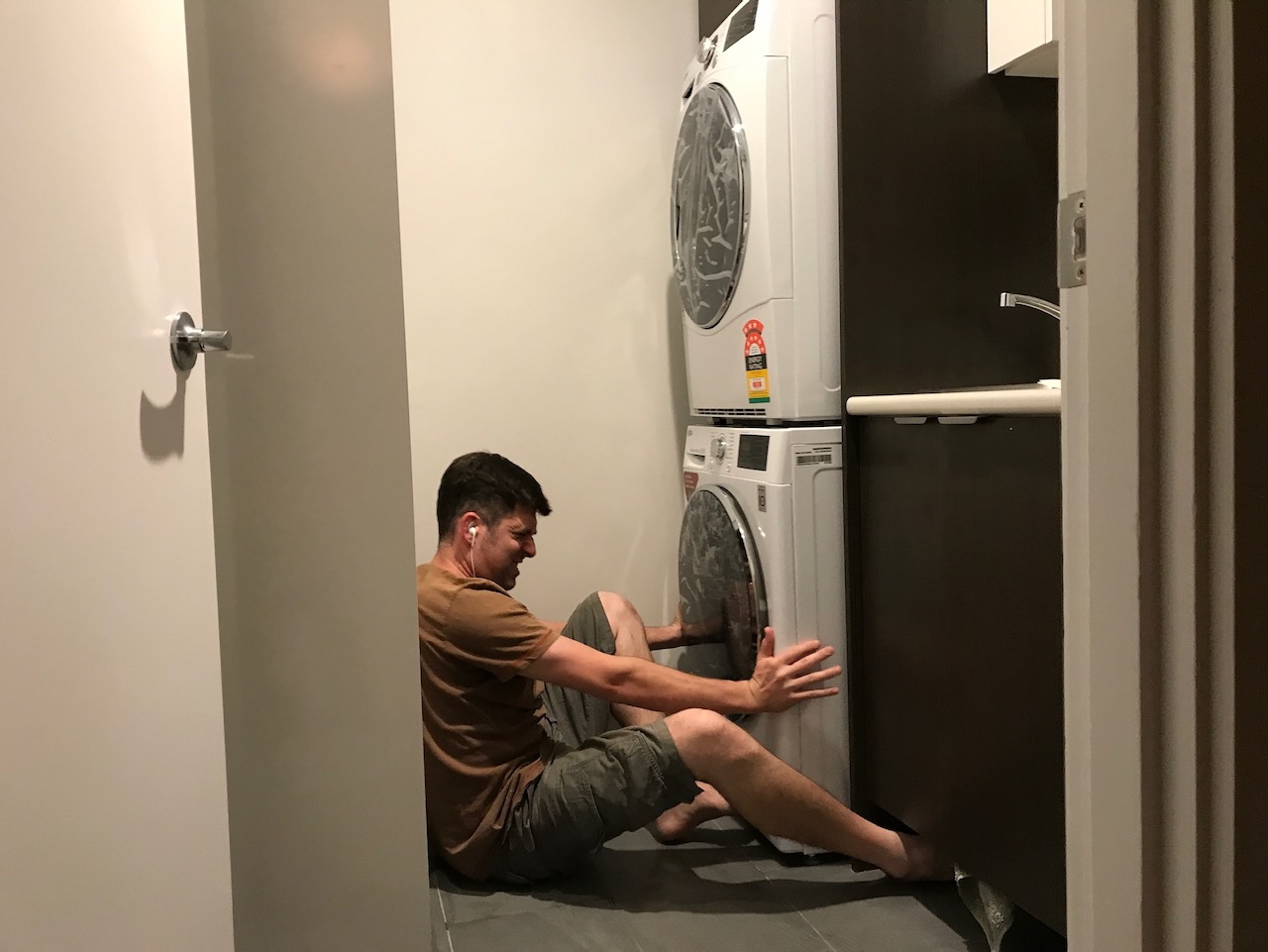
Downsides? It takes a while to dry clothes, especially a large load of wet towels. Aside from that, it’s quite heavy. In the last house I had the dryer stacked and bolted on top of the matching washing machine, and manoeuvring the two into the built-in laundry joinery wasn’t fun. These days the two are side by side and the weight isn’t an issue.
Cost
Value
Difficulty
Effectiveness
2021, November: A big step. Replacing the 2004 Toyota Prius with a 2021 Tesla Model 3 SR+.
Our 2004 Prius (purchased used in 2012) had been fairly reliable, but its age was showing and many electronic components were successively failing. A 12V coolant pump, the original 12V battery (which has an impressive 14 year service life), the clock spring in the steering wheel, the LED taillights, and the list goes on. None of this was catastrophic, but it was annoying and we were at a decision point: keep chasing the small failures and hope nothing too expensive goes, or call time and replace the car.
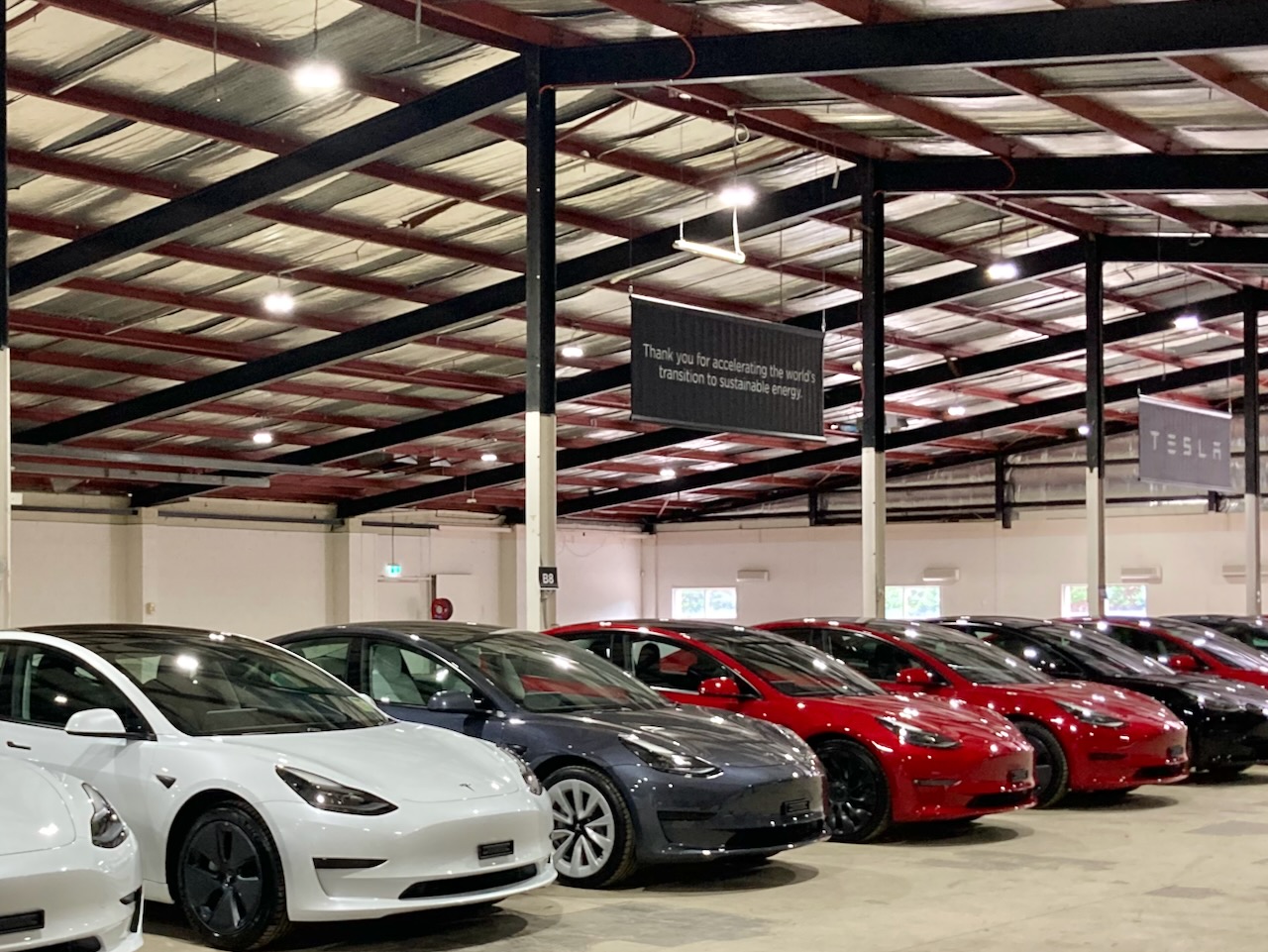
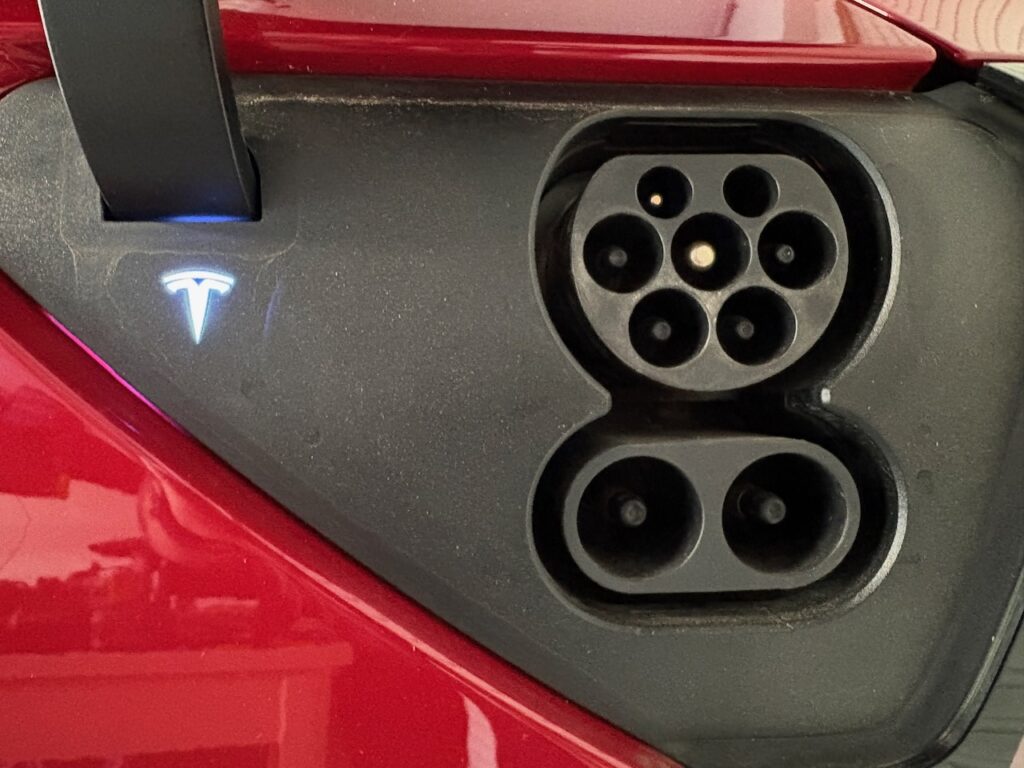
This was in 2021 and the Tesla Model 3 was new to Australia. We test drove a Model 3 SR+ (standard range plus), and ended up ordering a red one. It was quite expensive, but was in the time when Tesla was known for promoting EVs and technology and it was exciting.
When we ordered the Tesla they couldn’t tell us exactly what was going to arrive: a pre-update Model 3 with an NCA battery, or the updated car with CATL LFP prismatic cells. They did give us the option of re-ordering in the next shipment which would be updated LFP cars, but the COVID shipping delays meant they couldn’t provide an estimated delivery date. We kept the initial order and ended up with a one-month-only Model 3 that’s a mix of pre and post update parts with highlights such as the old drive motor, an LFP battery, half of the windows double-glazed, an Intel Atom-based MCU2 instead of the updated AMD Ryzen-based MCU3 unit, the previous (faster) 0-100 time, and the previous (shorter) range of the NCA car. I also initially added the $500AUD heated rear seat option, which they refunded and included as standard equipment on the car delivered.
Prior to purchase I looked at a few options, but in 2021 they were quite limited. The only real alternative considered was a not-yet-available Ioniq 5. It would have been larger, more expensive, and more unknown. All of that considered, I didn’t move beyond initial research and settled on the Tesla.
I could go into the detail of moving from a petrol or hybrid car to an EV, but it really was never an issue. The Tesla worked as a car, and didn’t take much effort to make the adjustment aside from some odd UI decisions, controls that move around with software updates, and their well known extreme aversion to physical buttons. One previously normal activity that did begin to stand out was not with the Tesla, but with the old Subaru sitting next to it. Charging the car at home was and still is very convenient, and having to drive the Subaru to a petrol station became an odd, time consuming, and inconvenient chore.
The Tesla is mostly used for commuting and the usual short trips, but it has gone on some longer road trips with the furthest being Melbourne to Adelaide and back. According to Tezlab, that trip was 1900km total (including driving around Adelaide), with roughly 900km and two charging sessions totalling about one hour of charging each way.
The Model 3, now five years on and with about 50,000km was and still is a great car, but the association with unfortunate and surprisingly persistent bigotry, racism, sexism and hate exposed over there is deeply disappointing. We’ve considered replacing the Tesla with something else, but that’s a very expensive prospect, and despite the availability of a lot of good EV options, none are a significant enough improvement to justify the expense, for now.
I cannot see a likely scenario where I would consider anything but another EV. Charging and range are a non-issue, and seem to be mostly talked about by those without real experience (or maybe Nissan Leaf drivers). There are certainly outliers13 here, but none of this has been an issue for us in the Tesla over the past five years. That said, I will not be purchasing another Tesla. There are numerous other good EV options out there, and most don’t have the baggage.
Cost
Value
Difficulty
Effectiveness
2023, March: A Necessary step. Replacing the old gas heat with a surprisingly expensive ducted heat pump.
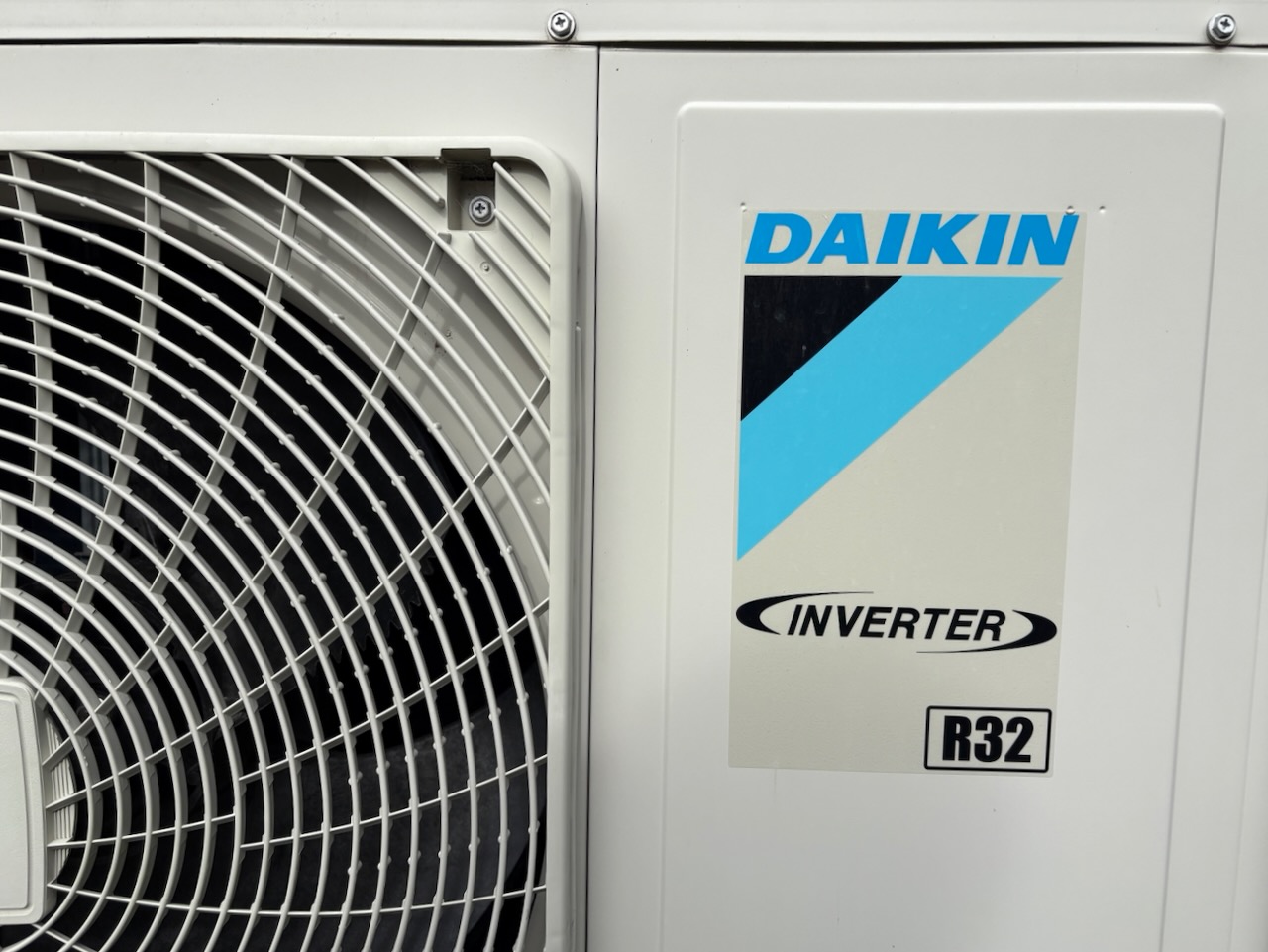
Our 1974 house (purchased used in 2021) came with a the original gas heat, an underfloor ducted system. The heater didn’t heat the house well (a fundamental flaw), cost quite a lot to run, and was clearly overdue for replacement. I looked at several options, and chose a Daikin ducted and zoned heat pump that could provide not only heat, but also A/C.
The house also had, and still has, a ducted evaporative cooler. This system is contained within the attic/roof cavity with ducts through the ceilings. The new heat pump is installed underfloor in the crawlspace with ducts through the floor. This underfloor arrangement seemed to be a challenge for some installers quoting the system, but it seems to be due to a lack of familiarity and not much else.
I choose the installer based not only on their quote, but the questions they asked, the level of detail in their plans, and their responses to my questions. Incidentally, they were the highest quote by a reasonable margin. The installation included removal of the old heater, an asbestos flue, and the original ducts. The new system needed larger diameter ducts, a couple additional ducts, and about 10km of cabling and refrigeration lines (that’s an exaggeration, BTW). I had the compressor located at a far corner of the house and mounted on the ground to minimise noise and vibrations inside the house. We had some wall-mounted heat pumps on the old house that would reverberate through the house and I wanted to avoid that this time.
The two systems (heat pump and evaporative cooler) complement each other well. The evaporative cooler cools effectively in low humidity, which is most of the warmer months in Melbourne, but falls short in high humidity or on extreme heat days, perhaps above 40C. The heat pump cools well in all conditions, but does so using apx. 10x the energy of the evaporative cooler. I don’t have any data to provide, but monitoring energy use shows the evaporative cooler pulls a constant ~200-500W (depending on fan speed) compared to the 2-16kW (it usually cycles between 2-4kW) of the heat pump. This isn’t a big deal if it’s sunny out and the panels are producing their 5kW, but I generally prefer the open windows and breeze from the evaporative system.
The quoting, removal of the old system, and installation of the new were fairly complex and disruptive. And, as I mentioned before, quite expensive. Think small car or S-Works Tarmac SL9 expensive. For that reason, I’d give this step some careful thought before beginning.
Despite the difficulty and cost, the heat pump has been great. It’s been trouble free in the three years since installation. I don’t use the zoning as much as I thought I would, but otherwise it has worked as expected. No regrets with this one.
Cost
Value
Difficulty
Effectiveness
2025, January: An unplanned step. Adding a 2022 Giant/Momentum Transcend ebike.
If it wasn’t clear from my recent post about bicycle drivetrains, I have a lot of bikes, and it would be pretty foolish to try to argue that I needed another one. However, this one was pretty cheap. That’s it. I don’t have any other justification.
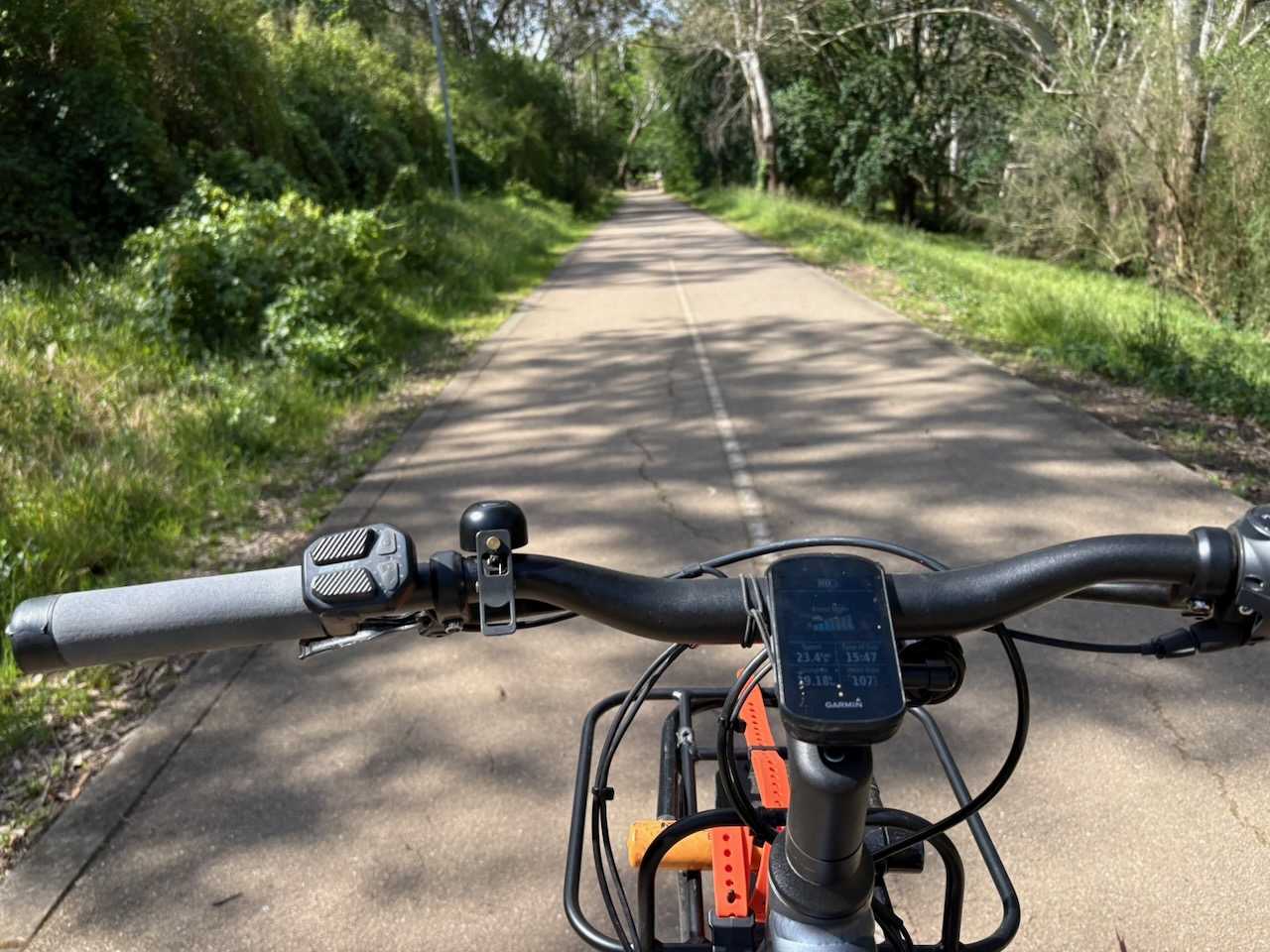
So, what about this 2022 Momentum Transcend? The specs aren’t too impressive, and neither is the range. This ebike is really from an earlier era and was discounted for a reason. But, despite this, it’s been very handy and has significantly reduced my reliance on the car, EV or otherwise.
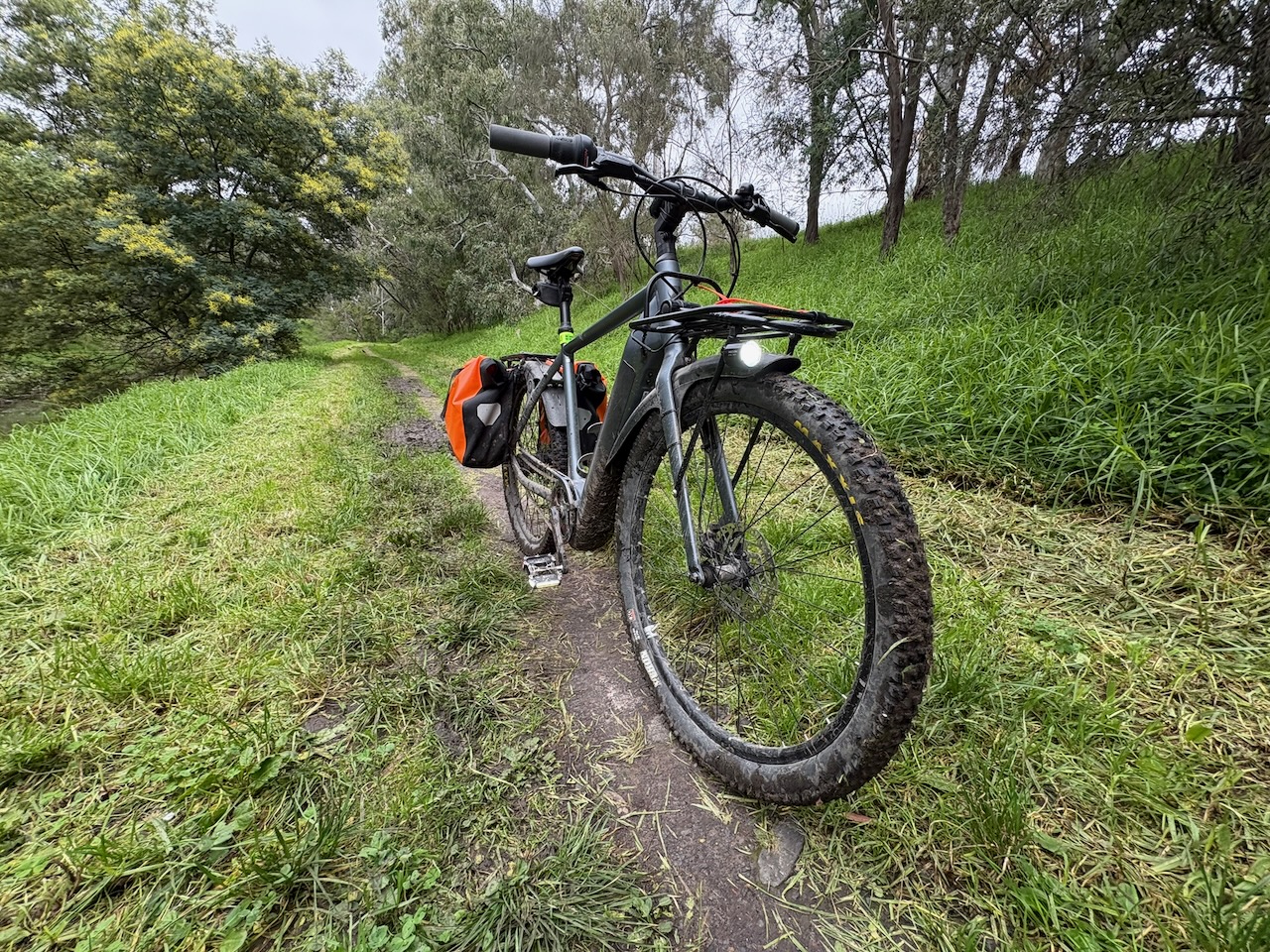
The primary advantage I’ve found has almost nothing to do with the ‘e’ and instead with the ‘bike’ half. All of my other bikes are built for specific uses, have clipless pedals, no racks, and I don’t like leaving them out even if locked. In contrast, the ebike has platform pedals, racks, panniers, locks, and lights. I treat it completely differently* to the other bikes and it’s great. *- I still wax the chain and it does get ridden on singletrack, so it’s really not all that different.
My tips for a practical, useful ebike:
Platform pedals for normal shoes. I have some Redshift LED platform pedals that are nice, attention getting and bright, but probably not good value.
Racks and panniers. I especially like my orange Ortlieb waterproof panniers, and the front rack is good for large/bulky items.
Don’t install anything too fancy, keep it boring so you can confidently lock it and leave it.
Mudguards and fenders are your friend.
XC tyres may reduce your range a bit, but open up gravel and singletrack. I had some sketchy moments with heavily loaded panniers and a loose descent down a gravel road that I’d rather not repeat. Cheap wire bead single compound Maxxis Rekons and great.
Lights. I installed a front light bolted to the front rack, switched from the Giant bar-mounted ebike controller and powered from the primary battery. For the rear I use a Garmin Varia rear radar unit (just don’t leave it on the bike when you lock up).
ESI chunky silicone grips work well for riding without gloves. This one is down to personal preference, but I use a very different approach on my other bikes
Locks. I use a decades-old Kryptonite U-lock and a newer chain lock. I also have a Kryptonite New York lock and a bigger chain, but they weigh about as much as the ebike. Use locks appropriate for your environment whatever that is.
Bell. Get a bell and use it.
Kick stands are good, especially when you 30kg of whatever in the panniers.
All of what I described above can work with a normal bike, but the assistance could be more or less useful depending on your terrain and fitness. This ebike lets me carry quite heavy loads with minimal extra effort, but is among the slowest of all my bikes for commuting.
Cost
Value
Difficulty
Effectiveness
2025, July: A key step. Adding 6.6kW of solar panels and a 5.0kW Fronius inverter.
You may have noticed a reasonable two year gap in activities from that ducted heat pump until now. Two reasons: that thing was expensive and the budget needed a break, and second, I was distracted with grad school. However, I was still thinking about adding solar during that time, and in early 2025 I ramped up my research into equipment and installers.
This step involved significantly more planning and research. Not necessarily because it’s more complex, but more so because of the vast range of panels, inverters, and installers out there.
I initially spoke with many friends and acquaintances about their solar systems, their installers, and their experiences. In addition to that, I also used the quoting service on solarquotes.com and requested three quotes. I contacted one of the installers from these conversations and two from the quote requests. I judged two of the three worth pursuing and worked with both installers to design a system for the house.
The two systems were quite different, one appeared to be designed to maximise the available government rebates available, and the other designed around our energy usage, preferences, and roof geometry and orientation.
I used a few tools to organise my thoughts, research, correspondence, quotes, and a significant number of datasheets.
Claude Projects. I compiled all of the quotes, data sheets for all components quoted, energy bills, rebate program details, installer and component reviews, and other relevant information in a Claude project. I then used Claude to analyse and compare different aspects of these options. The analysis performed by Claude was helpful, but absolutely had to be verified. It was excellent at direct comparisons in spec between equipment, but the financial analyses were inconsistent. This was all happening in early 2025, so I think that would be around the Claude 3.5 days, and things have certainly moved on since then. I’ve found systems like Claude Projects or Google’s NotebookLM to be great tools for compiling and interrogating sets of documents for projects like this one.
Obsidian. I compiled all of my notes and analysis from Claude in Obsidian. This was (and is) a great cross-platform tool to store and organise notes and other documents. I organise my notes by project, and looking back at my Obsidian folder for this one provides a good snapshot of what I was doing and thing about at the time. Highly recommended.
So, after all that, what did I decide to do? I chose the installer who seemed more responsive to my requests and designed a system appropriate for my situation. At this stage it was time to finalise the component spec and capacities and I continued my analyses with the assistance of Claude and dozens of datasheets.
The solar panels themselves are more or less a commodity, and the selection process was almost entirely down to price. I decided on Jinko Solar Tiger Neo Satin (what a name) 440W panels, the exact number of which was TBD.
From here, focusing on the selection of inverter. This was a more difficult decision that I’ll briefly summarise and a choice between established, more expensive, and known versus newer, cheaper, and potentially a little risky.
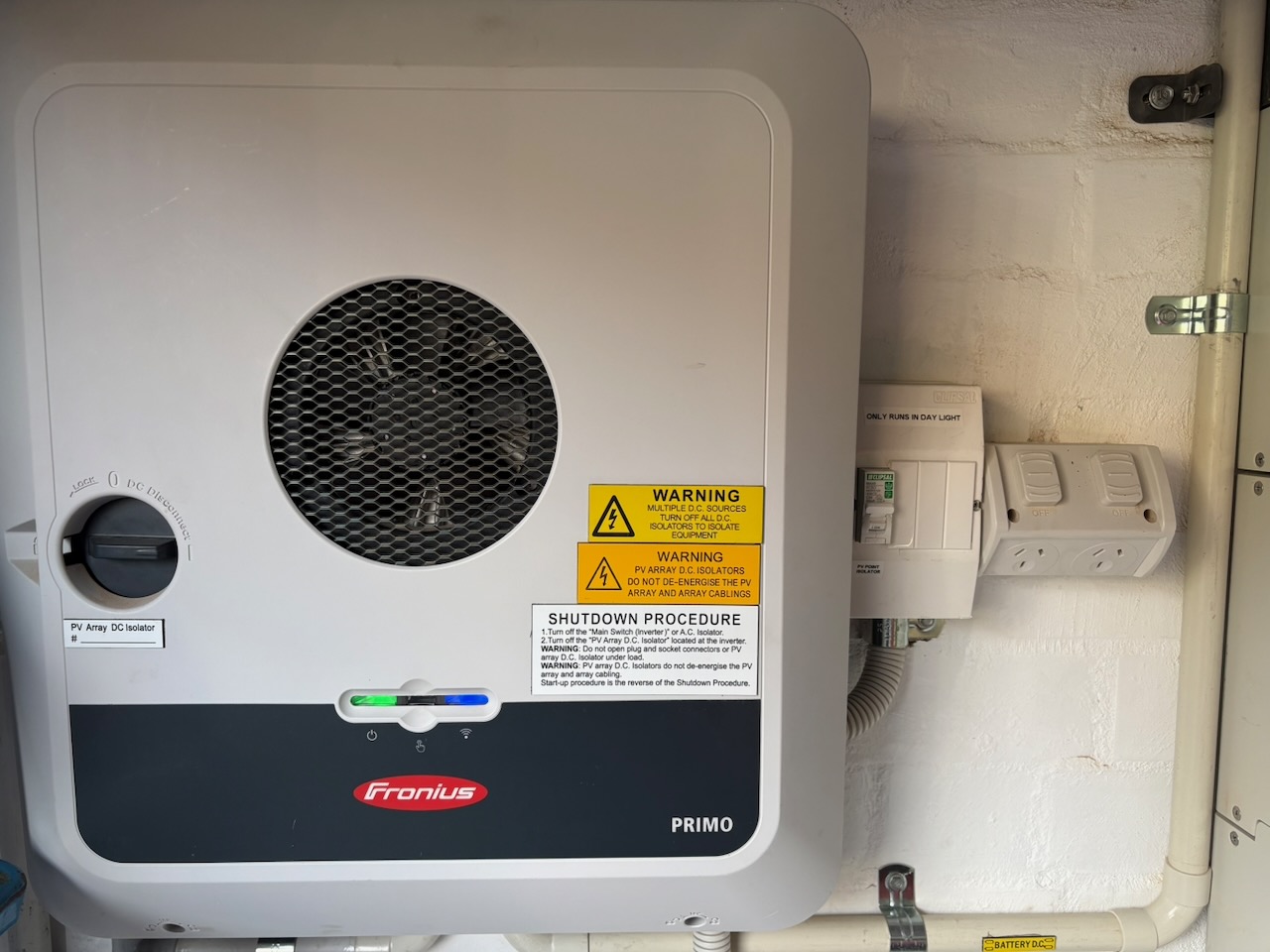
The established option was Fronius. Fronius is a well-known Austrian (not Australian) manufacturer with a long track record and a good reputation for reliability. The unit I considered was the Fronius Primo GEN24 5.0 5kW inverter. Unfortunately, that’s not a very inspiring name, especially sitting next to the Jinko Solar Tiger Neo Satin on a quote. Anyway, this inverter is fine. It works, it’s reliable, it’s expensive, could support a PV point to provide power directly from the panels in case of a grid failure, and it’s upgradable to support a battery. This would be paired with 6.6kW of those well-named panels.
An option from the second category was Sungrow. Sungrow was described as a good option, less expensive than the Fronius, but no PV point and no support for a battery. This system would use the same 6.6kW of Jinko panels and the Sungrow SG5.0RS 4.999kW inverter. What came first, the SRAM 28.99mm DUB spindle or the Sungrow 4.999kW inverter?
A final third option, also from the second category, was a battery-integrated system from Sigenergy. This system was cheaper and offered an integrated battery and inverter unit. The installer had less experience with these, and as of 2025 there was less data for system relativity and performance in Australia. The system spec was 8.36kW of panels, a 6kW inverter, and 8.06kW of battery storage, and was very well priced.
If somehow neither the name of this step or photo gave it away, I went with the Fronius/Jinko system. I also included the PV point and had the inverter installed in a location that could accommodate a house battery. Speaking of which, I ran through the costs and different battery scenarios and came to the conclusion that adding a house battery now was more of less neutral. There was no significant financial advantage, but there was a a significant immediate cost. I decided to hold off on the battery, but planned to add one in the next few years as prices continued to fall. I think they call that foreshadowing.
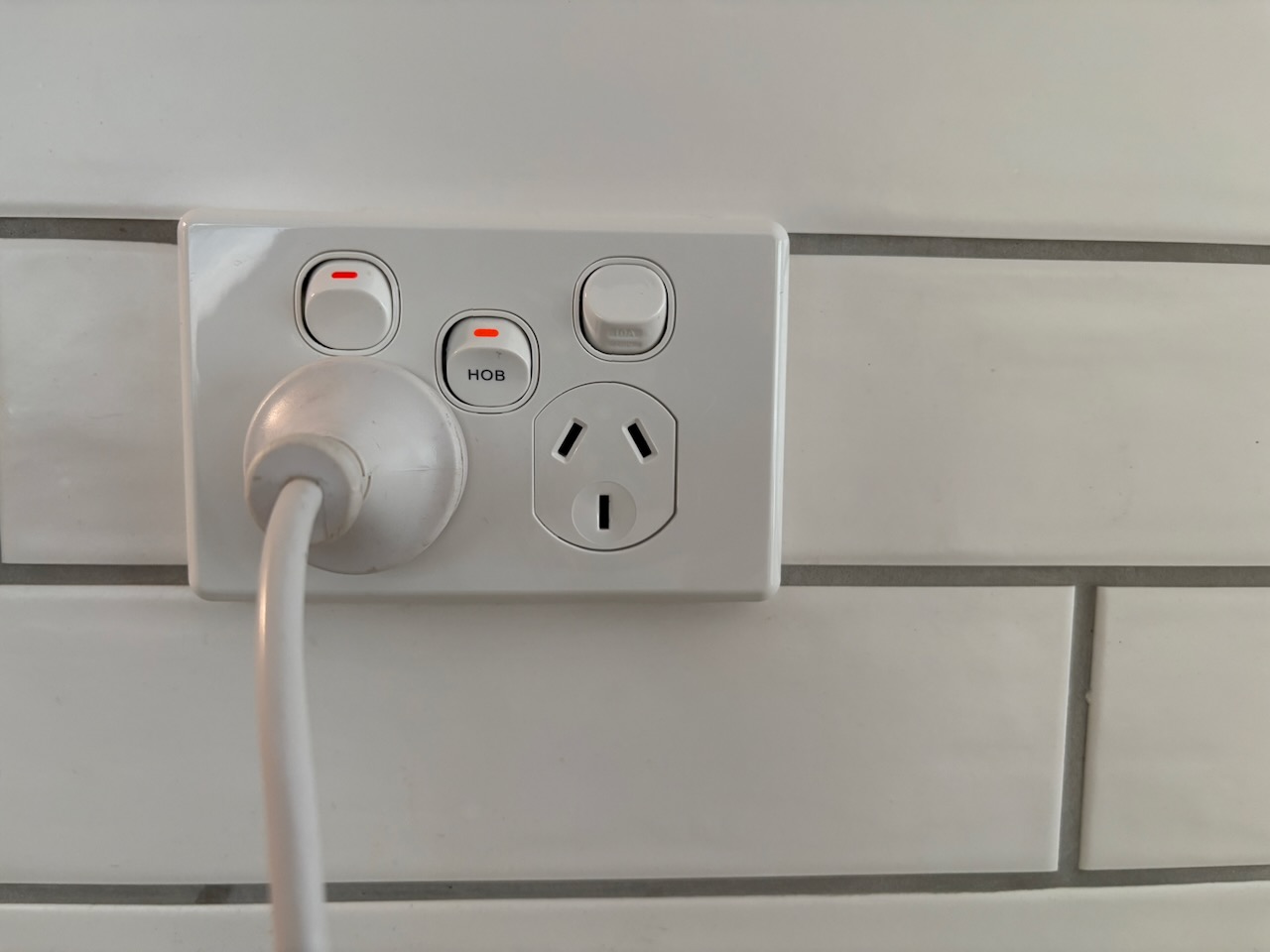
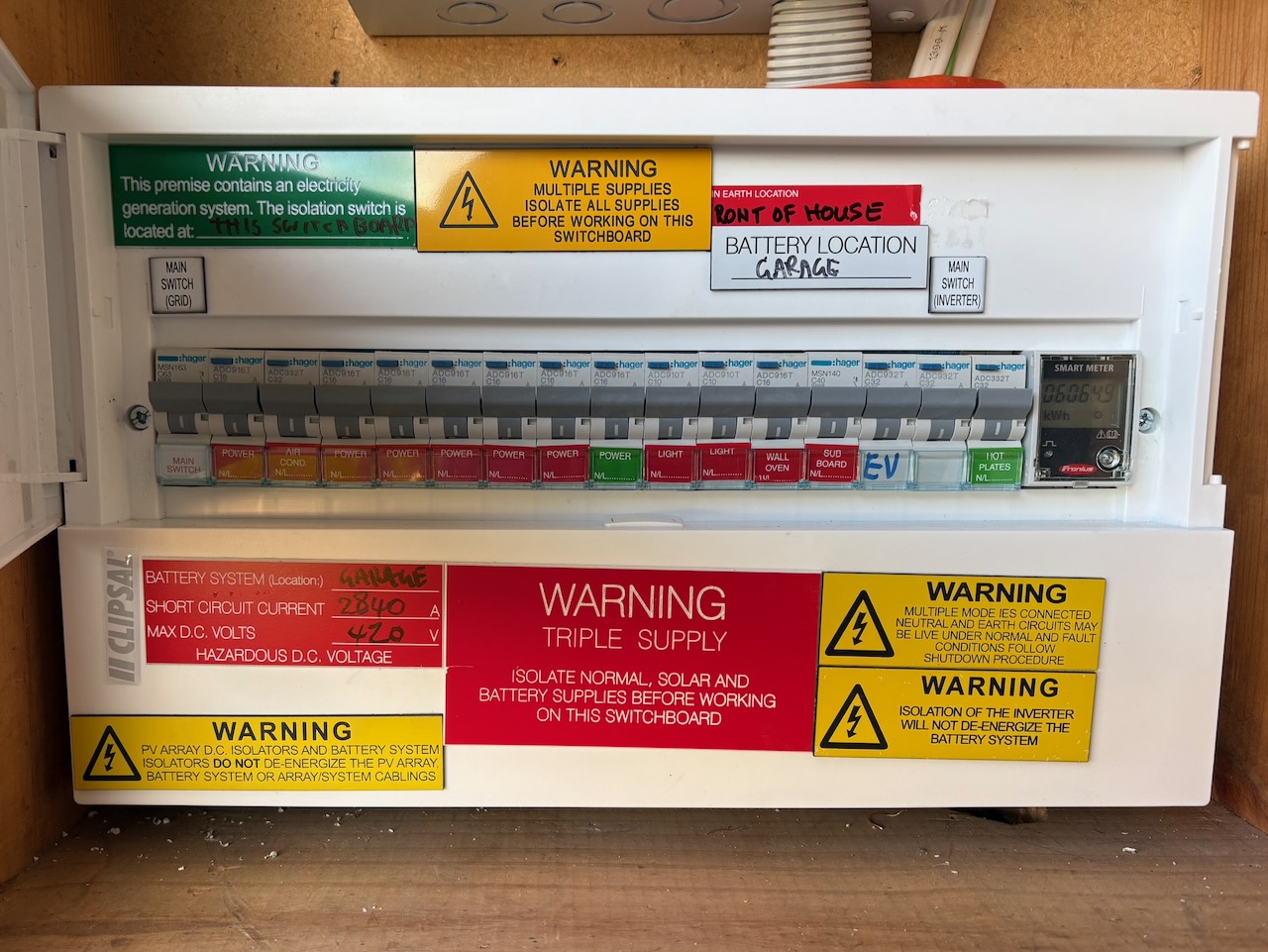
The primary challenge we faced with this system was integrating it into the quite full main switchboard. While there was sufficient room for the necessary circuits and Fronius smart meter, there was not going to be much left over. One of my requirements was that we left capacity for 1. a battery, and 2. an induction cooktop. We were able to do both, but with zero margin.
Our house has the original concrete tiled roof, which was painted about 10 years ago and is in pretty good condition. In preparation for the solar installation I preped and painted about a dozen spare roof tiles. I think the installers only used one, but it was good to have some spares just in case. Overall, the installation went well.
The solar system has performed well and as expected over the past year. I have had no issues with any of the equipment and it’s been reliable. And, referring back to my earlier concerns regarding the risk with new, lesser-known options, that was later shown to be valid21.
The thinking behind that PV point, which provides unto 3kW of power as long as the panels are producing a sufficient amount, was that it could be used to charge a car or run whatever appliance in a power outage. We haven’t had any power outages, but I did shut off the grid connection and verified the PV point functioned.
Overall, I’m satisfied with the system chosen and happy with the result.
Cost
Value
Difficulty
Effectiveness
2025, July: An intermediate step. Replacing a perfectly functional instant gas water heater with a Sanden 300L heat pump tank water heater.
The house had a relatively new instant gas water heater, specifically a Rinnai Infiniti 32 with a big “Enviro” sticker on it, so I suppose we should have been all set. Right? We still had high gas usage and bills even after removing the gas heater a couple years earlier. And, aside from standing in the way of my decarbonisation project, it was clearly using a surprising amount of gas day to day, often cycling when a mixer tap was used. I suspect that it, along with the many metres long large diameter copper pipe was an expensive installation. Too bad it was also expensive to run.
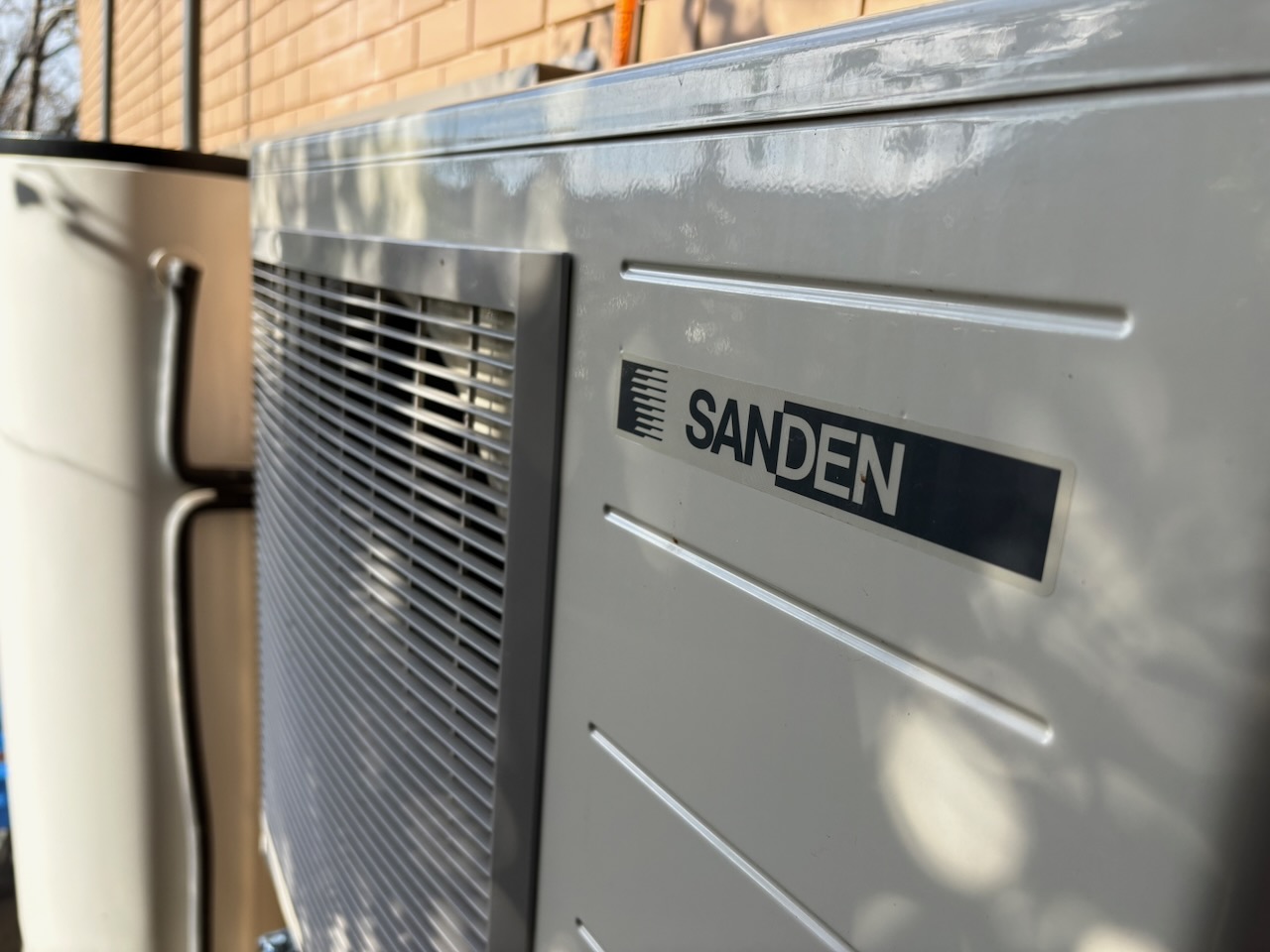
A heat pump water heater was always a key component of the solar installation, and there was never a question of whether or not to get one, just which one. I considered a few manufacturers, but it was pretty clear that the Sanden water heaters were among the best and the right choice. I initially specified a 250L tank, but increased it to 300L to minimise the likelihood of a cold shower.
The water heater was initially configured to heat the water automatically based on usage. I left it this way for a few weeks, but found that it was running at night and at times that weren’t taking advantage of the solar generation. I changed the schedule to only heat between 10:00am and 5:00pm, and haven’t changed it since. We haven’t run out of hot water and I don’t think about it anymore.
We’ve now been using the heat pump water heater for a little over a year and I have no complaints. Running costs approach zero and there’s always hot water. I’m not sure what else you would want. However, I still need to bring that old copper gas pipe to the scrap metal dealer.
Cost
Value
Difficulty
Effectiveness
2025, July: An impulsive step. Replacing the much-loved 2008 Subaru Liberty wagon with a 2020 Nissan Leaf.
The Subaru was pretty expensive to run and difficult to justify driving with an EV in the house. But, the large boot and bike racks were still useful and the Subaru stuck around for years. It averaged about 1,400km per year since the purchase of the Tesla, and that usage all but stopped after I bought that ebike.
I could only take some many oil changes, dumping $100 of clearly still good synthetic motor oil and throwing away very clean oil filters. So, after watching too many videos about repurposing Leaf batteries for home use, I test drove a nearby used Leaf on a whim and bought it.
I ended up with a cheap 2020 Leaf with about 50,000km, a very health battery, and generally in very good to excellent condition. It has a surprising number of features for a cheap Nissan hatchback: Apple CarPlay, heated front and rear seats, heated steering wheel, 360° camera, LED headlights, two bonnets, adaptive cruise, auto braking, and probably more that I’ve forgotten.
For anyone looking at a used Leaf, I suggest a $20 bluetooth OBD2 module and LeafSpy Pro (iOS, Android). You can assess the battery cell health prior to purchase and avoid later surprises.
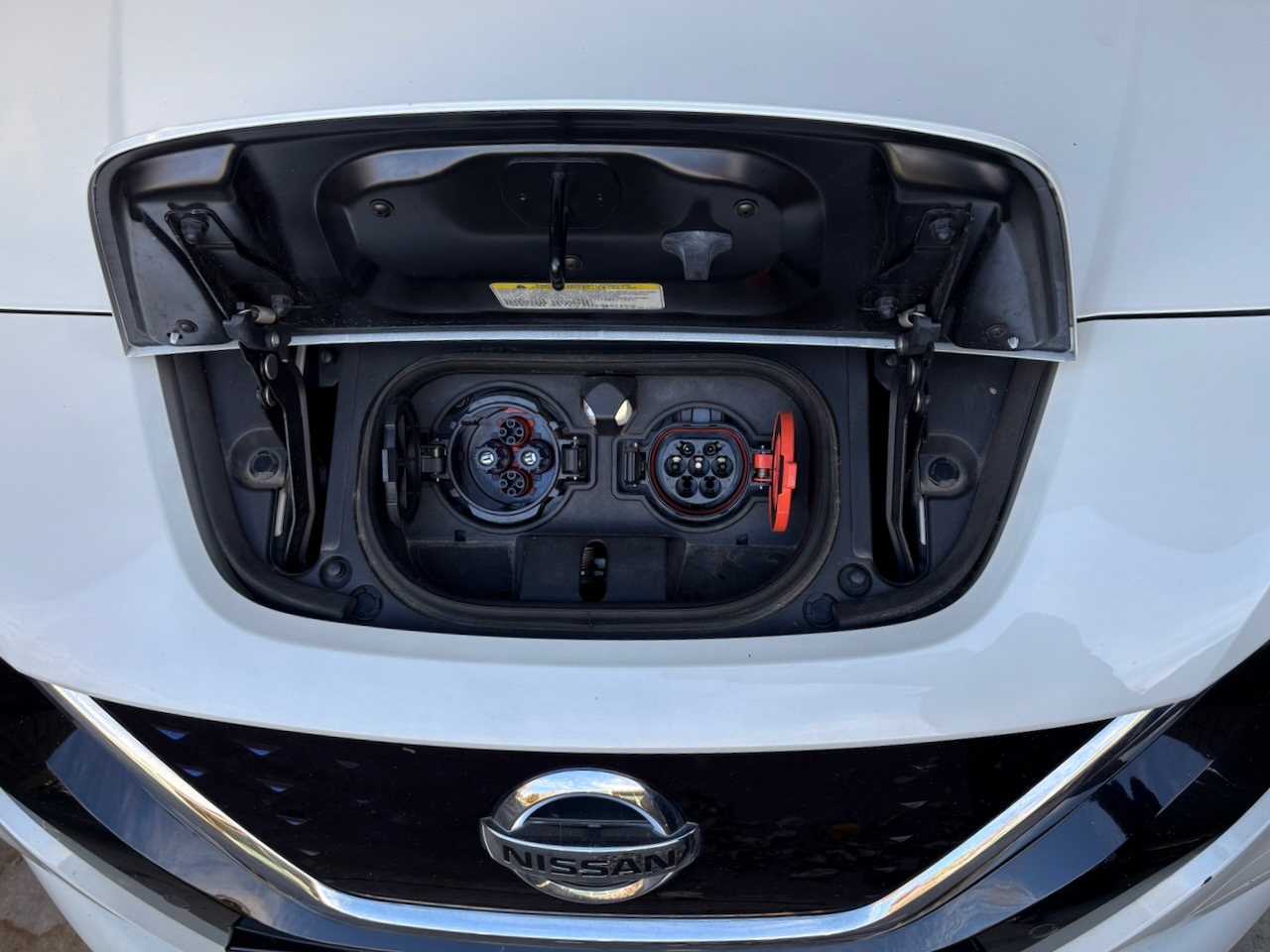
The prospect of Vehicle to Grid (V2G) with the Leaf was enticing, but I did not sufficiently investigate which ports on the Leaf support bi-directional charging (tip: it’s only the CHAdeMO) or the supported CHAdeMO V2G chargers available in Australia. The high cost (apx. $5,000AUD) for a CHAdeMO V2G charger with the now non-standard connector is pretty hard to justify. In the end I didn’t and (spoiler) went with a home battery instead.
Speaking of CHAdeMO, there aren’t many of those around and range isn’t one of the Leaf’s strong suits. The combination of a passively cooled battery (read that as it heat soaks the case and hopes for the best), an NCM battery that should only be charged to 80% SOC for daily use, a resistive PTC heater (no heat pump for the Australian Leaves), and reliance on slow chargers results in a pretty modest range and limited use cases. Remember that 2022 ebike from another era? Well, this 2020 Leaf is from another epoch than our 2021 Tesla. But, to be fair, it is a great car for around town trips and commuting and generally choose to drive it over the Tesla. I would look elsewhere if you like road trips.
If there’s one thing I have more of than bikes, it’s tyres. Anyone good at arithmetic and can picture a bike could probably figure out this isn’t necessarily surprising. However, I like swapping out both bike and car tyres and have quite a few more than your typical ‘(2 ⋅ bikes) + (4 ⋅ cars) = total number of tyres’ would lead you to believe.
So, Leaf tyres: the (new) Toyo Proxes C100 Plus tyres that came with the car were unremarkable in the dry, but diabolical in the wet. These things just had no grip in the wet: they understeered without warning, and this underpowered Leaf would spin both front tyres on a freeway entrance ramp up to 100kph. In a word, terrible. I thought possibly the tyre pressures were too high (an ill-advised hypermiler habit) or the alignment may have been off, but neither were the case.
After one too many rainy days I replaced these dodgy Toyos with my favourite tyre, the Michelin Pilot Sport. I had the Pilot Sport 4 on both the Tesla and the Subaru and wanted to get the same for the Leaf. The Leaf has a less-than-common size for most cars that would warrant a Pilot Sport 4, and it wasn’t available. However, the newer Pilot Sport 5 was. In addition to the tyres, I also had the alignment tweaked a little to reduce understeer, or at least as much as I could considering the Leaf’s cheap and agricultural torsion beam rear suspension. It’s hard to compare two different tyres on three very different cars, but they’re quite nice. Both dry and wet traction is excellent and predictable. No complaints.
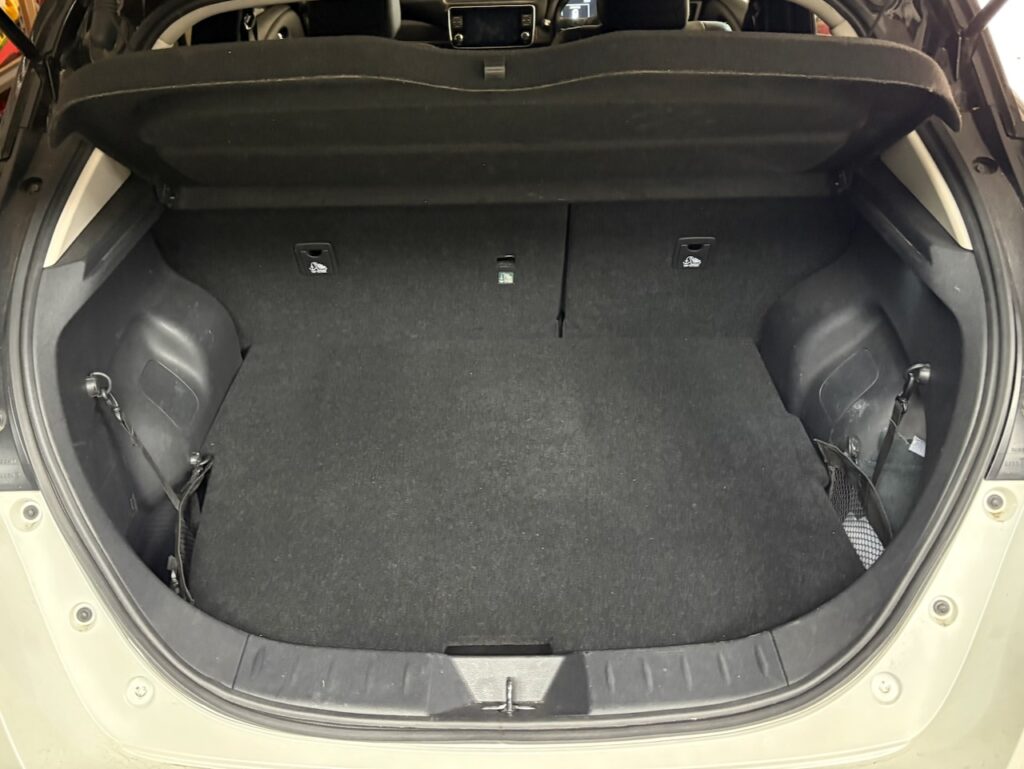
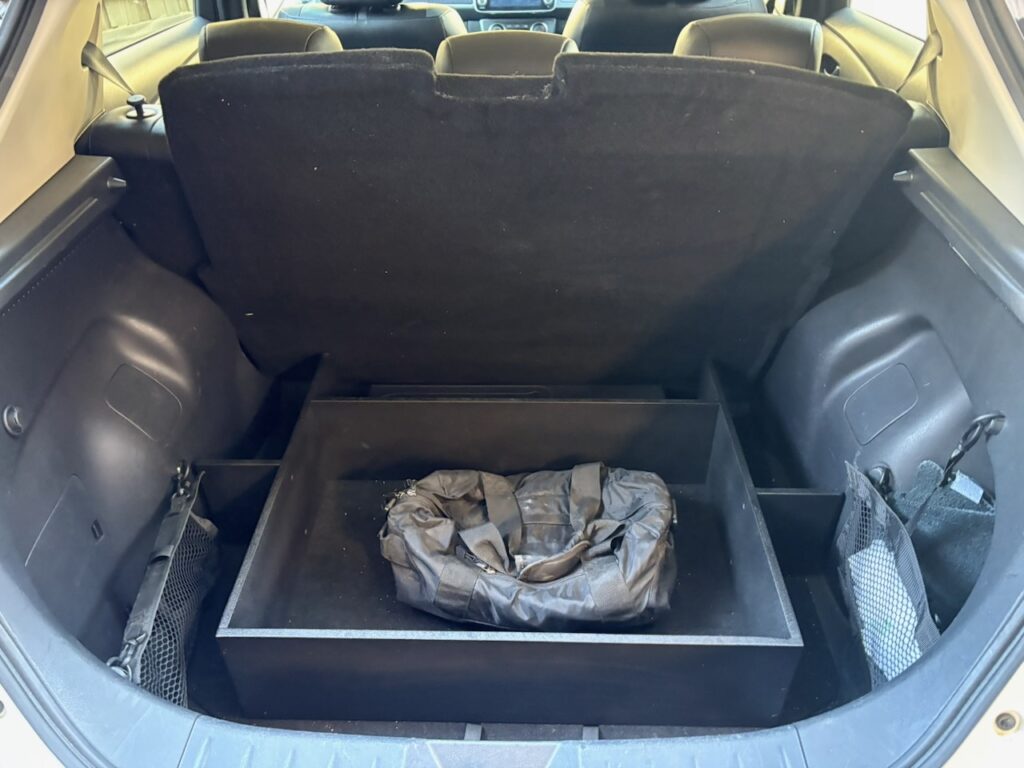
Other changes to the Leaf included installing a tow bar, which meant I lost the under-floor mounted spare tyre. No big deal, this thing is never likely to be far from home, as I discussed earlier. The boot in the Leaf is reasonably large, but has a high sill and a Bose subwoofer bolted to the floor just kind of hanging out there. I made a cargo organiser from MDF and sound deadening, and a new cargo floor from plywood and automotive carpet. Aside from that, I sourced a missing parcel tray from a semi-local (but within Leaf range) wrecker. The Leaf is more usable now, but it’s still not a wagon, it’s more like one of those tall-ish awkward hatchbacks that really should be a foot or so longer. I may add easily removable crossbars for longer timber and oversized materials at some stage, but no firm plans yet.
Overall, I’m fairly happy with the Leaf, but the limited range and public charging options are definitely a drawback. However, it charges fast enough on a standard 7kW home charger and it’s also very practical for local use. More importantly, the transport decarbonisation project is now complete.
Cost
Value
Difficulty
Effectiveness
2025, December: A step I should have taken years ago. Replacing a very nice gas cooktop with an even better Bosch induction cooktop.
Much like that gas instant water heater, we also had a relatively new and very nice Bosch five-burner 70cm gas cooktop. I had zero complaints about it and was reluctant to swap it out for something else. And, even though we used the gas cooktop daily, the gas meter wouldn’t even tick over to the next smallest unit of reportable use most months, which was a cubic metre in our case. However, we were still paying a supply charge that added up to about $30 AUD per month, which was annoying.
I settled on a Bosch induction cooktop fairly early in the process. Not because it was so much better than anything else, but because it matched all the other appliances in the kitchen. Vain? Maybe, but I like the consistency. As an aside, I do run Shimano chains and cassettes on SRAM road drivetrains and Shimano brakes on SRAM MTB drivetrains, so it’s not pathological.
Back on topic, I narrowed my choices down to two Bosch cooktops, a 60cm and an 80cm. You’ll note that the old cooktop was a 70cm. After pulling the built-in oven, inspecting and measuring, consulting drawings and installation guides, I found the opening and cabinetry was exactly the right size and shape for the 60cm induction unit. With this information I made the rational decision and went with the cleverly named “PXE875DC1E” 80cm unit.
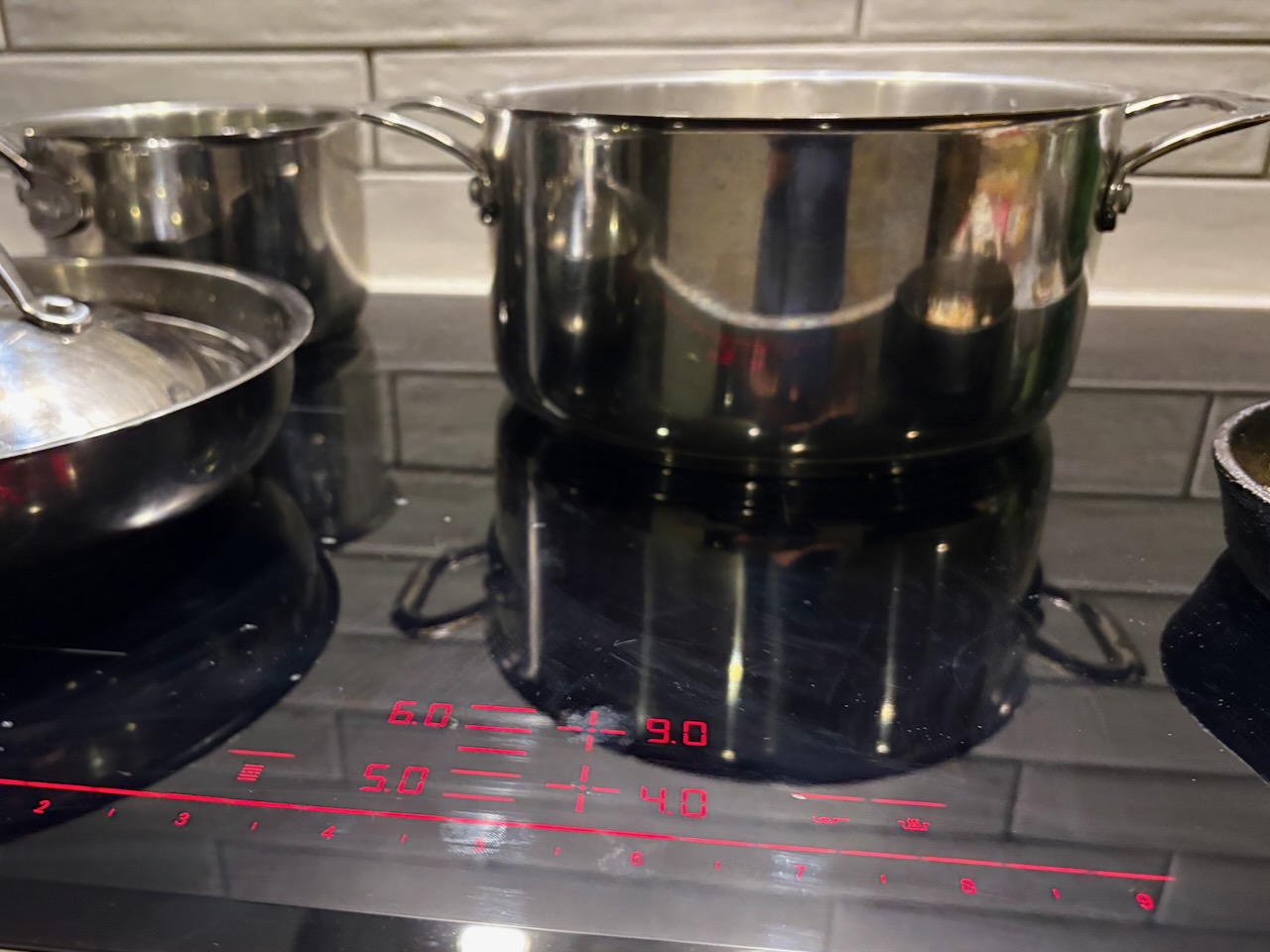
This decision would require modifying not only the Caesarstone bench top, but the base cabinets as well. I planned this carefully and with significant help from Ivan the sparky and Johnny the shop fitter we now have an induction cooktop installed. I don’t know how much extra the modifications cost of their own, but the overall installation and induction cooktop itself wasn’t too bad. And with the gas cooktop out, we no longer had any gas appliances.
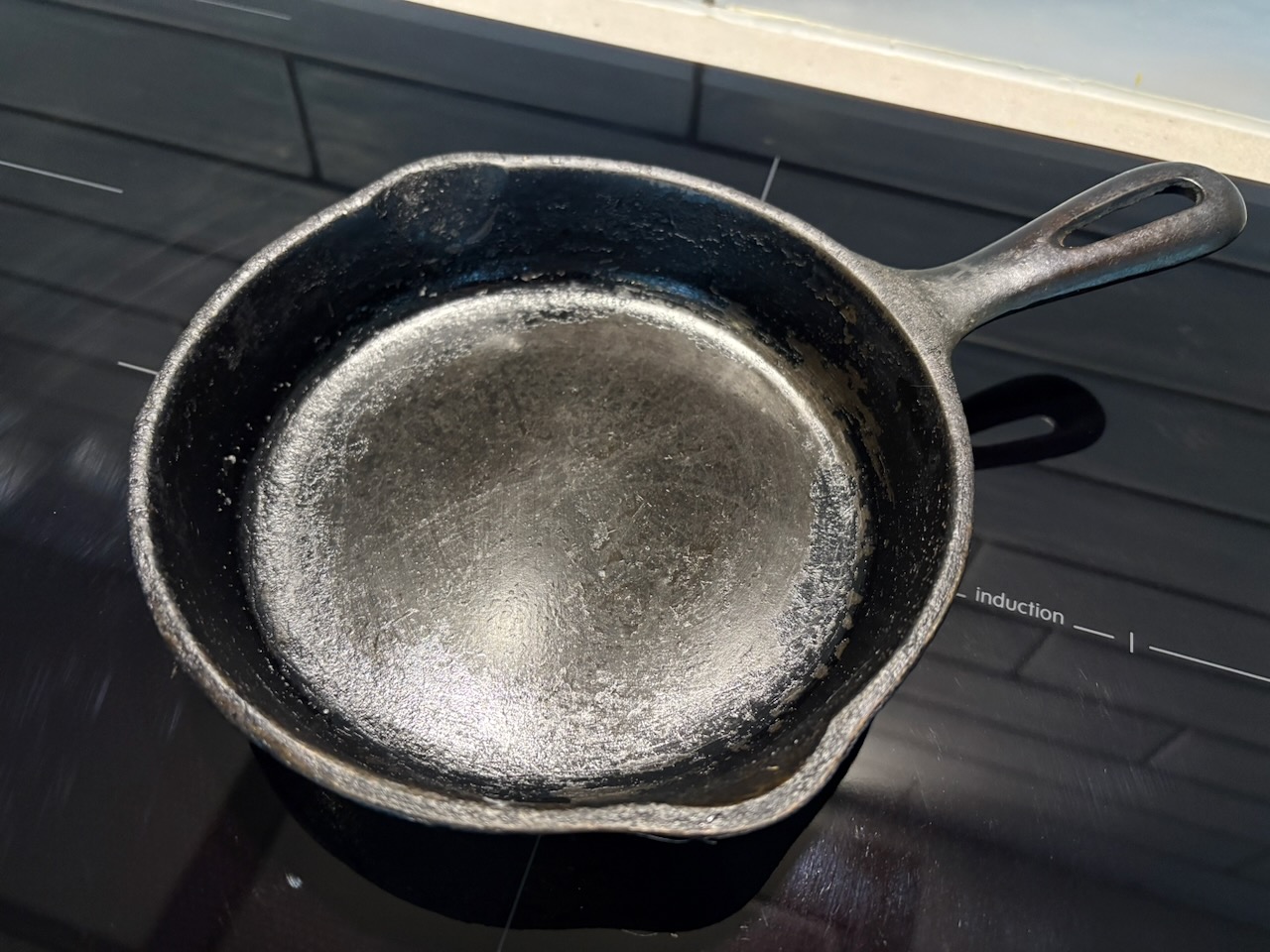
We did have so additional costs in new induction-compatible pots and pans, and the cast iron wok is just as heavy as you’d expect a large lump of cast iron to be. I still need to get a Bialetti induction plate to use the 30-year-old Moka pot, but should have that sorted out sometime soon. Is it just me, or does that kind of feel like a dongle adapter for a coffee pot? Anyway, at least the old 6 ½” cast iron skillet that’s been in the family for a few generations is compatible and still going strong, no adapter needed.
How does it work? Most will reference the speed at which it boils water. Yep it does that, but it’s not that interesting. Do you know what it does do? It cooks silently without the need to vent combustion product from the gas cooktop, a sometimes overlooked feature that may provide other environmental and health benefits22. That’s my favourite feature. The heat modulation took a little getting used to, but it works very well. It changes heat output quickly like the gas cooktop and it’s significantly easier to keep clean. I would say it here if there is anything I miss about the gas cooktop, but there is not. I’m very happy that we have moved on.
Cost
Value
Difficulty
Effectiveness
2026, January: A likely irreversible step. Removing Abolishing the gas supply to the house.
Gas abolishment is the term used by the gas utility service here, and it’s a far more invasive process than just locking out a meter. This fact sheet outlines the process of gas abolishment in Victoria.
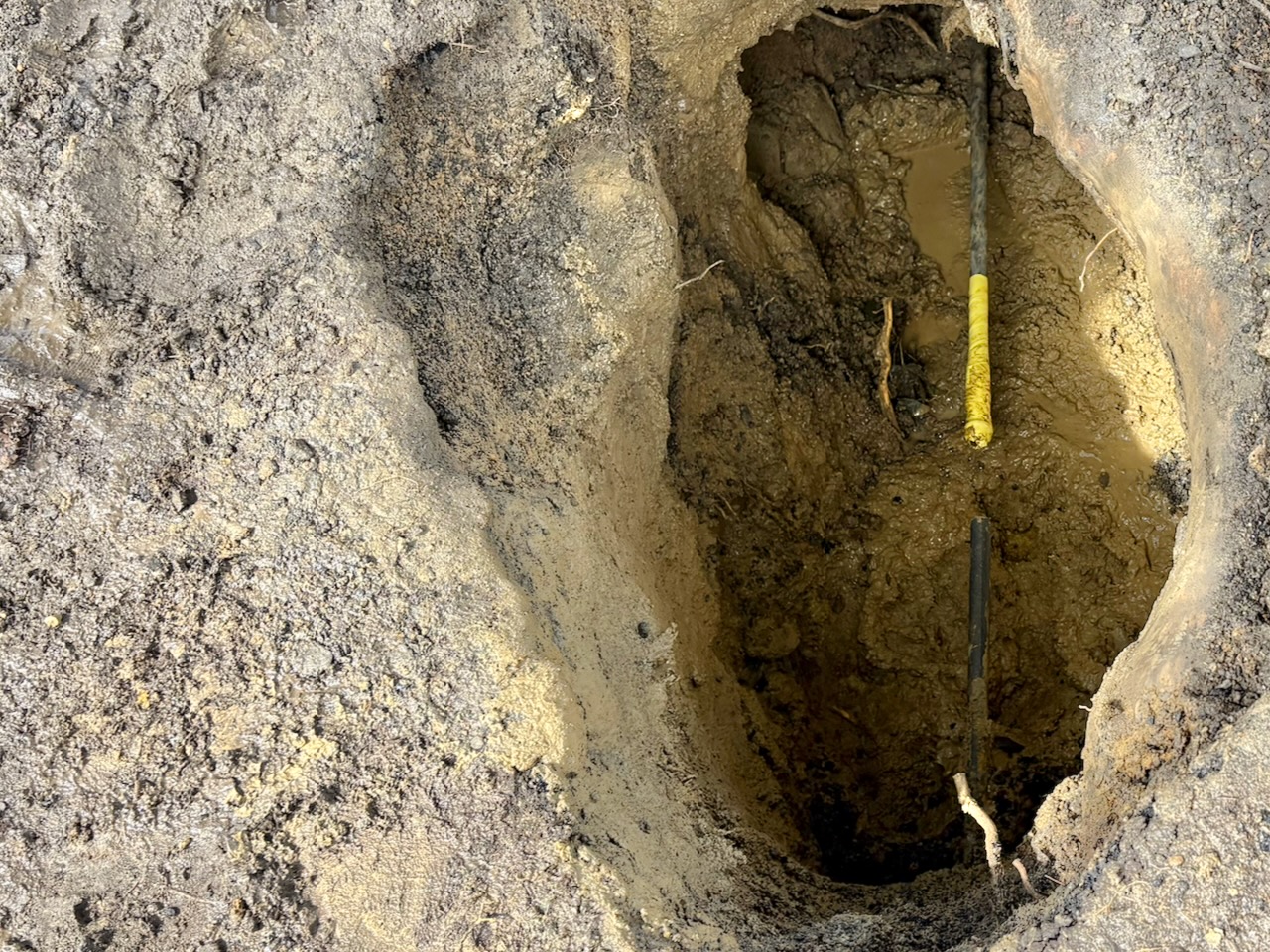
The gas contractors came out on three seperate attempts to locate and disconnect the gas line. It was a long and disruptive process that should be simpler, but it’s understandable when dealing with 50 year old buried infrastructure. This request came with a $135.30 AUD bill, which seems like a bargain considering the about of time and effort expended on capping a pipe. On the other hand, the gas was already shut off at the meter, and this long and difficult process capped the already shut off service to the property line, which doesn’t seem all that effective.
I don’t have much else to say about this one. The gas service is gone, and it was a long, drawn out and extremely disruptive process. But, no more $30AUD per month gas supply fee and no more fossil fuels.
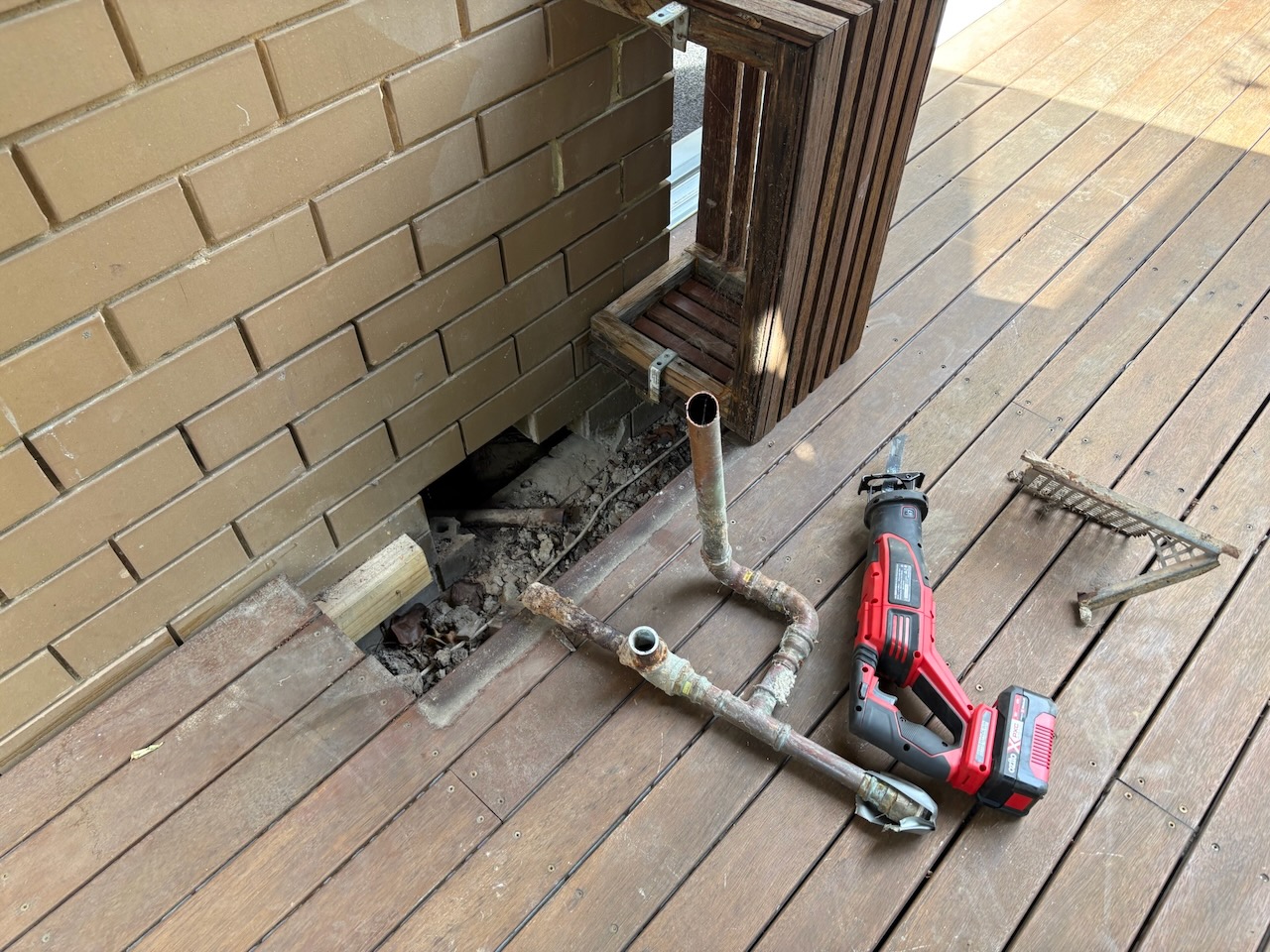
After all that, I could pull out the 50 years of galvanised iron and copper gas pipes snaking their way under the house. Thanks Paul for the sawsall!
As far as I’m concerned, the home energy project is now complete. We’re done, right? But why are there more steps below and why does it say expensive?
Cost
Value
Difficulty
Effectiveness
2026, February: An expensive step further. Adding a 19.3 kWh BYD HVM LFP house battery.
I paid a fair amount of attention to our solar energy production through the first winter, spring and beginning of summer we had the panels. While it was possible to time shift some energy use to peak solar production times, there was still a significant excess of production going back to the grid.
In Australia there is usually an excess of power generation during peak sunlight hours, which is the primary motivation for those three free hours of electricity20. Another consequence is the feed-in tariff, which is the amount you get paid for excess energy you produce that’s fed back into the grid, approaches zero.
Watching hundreds of kWh of energy flowing back to the grid and then paying for use in the evening to run the A/C, oven, cooktop, etc, was getting pretty annoying. I can only charge the cars so often, and I don’t want to cook dinner at 2:00pm. So, I returned to my battery research. The careful reader will note that this was not a few years later, as I had planned, but more like six months. Unbeknownst to me at the time, the federal government was soon to announce changes to the home battery rebate program. More on that later.
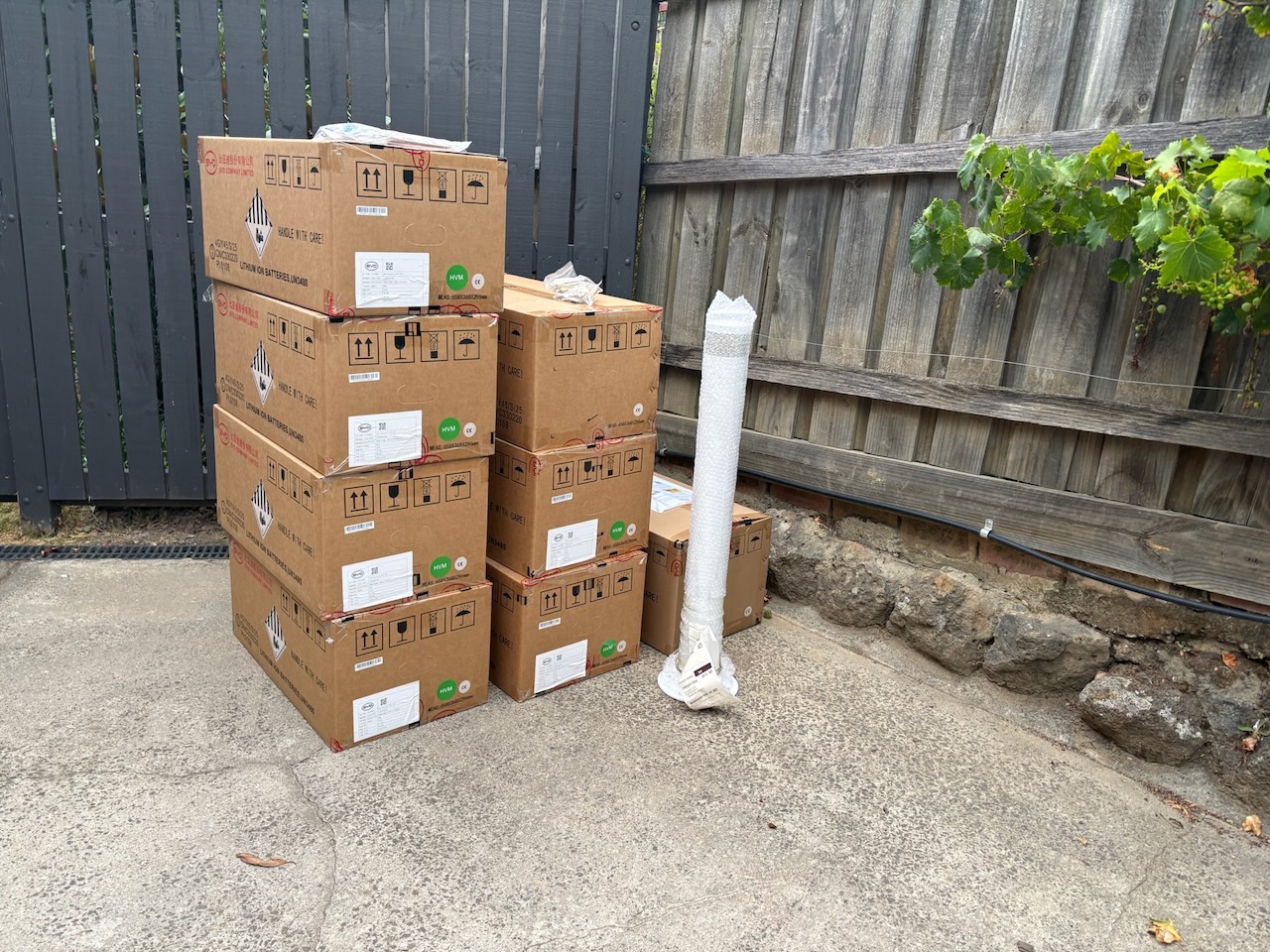
The battery selection process was mostly completed back when I made the panel and inverter selection, which was the BYD HVM home battery, an LFP battery consisting of stacked 2.76kWh units. During the period between designed the solar system and late 2025, Fronius released its own battery to complement their inverter, the Fronius Reserva. I briefly looked at it, but it was more expensive per kWh than the BYD and required more floor space.
So, the BYD was chosen. But, what about capacity? Considering the home battery rebate program and its direct link between battery capacity and rebate received, I opted for the largest capacity I could fit in a single stack in the garage, which was seven units and 19.3kWh.
This built-in incentive to maximise capacity had some consequences. For me, I have a larger battery than I would have otherwise chosen, and I was not alone. Apparently, most people had a strong response to these incentives and in aggregate increased the average installed home battery capacity in Australia by 50% from Q3 2025 to Q1 202623. As a result, the rebate program was modified shortly after to disincentivise excessive battery capacities.
However, my installation was completed prior to the scheduled change in the program. Looking at the changes, I would have lost 40% of the subsidy on capacity in excess of 14kWh, which is 5.3kWh (apx. two of the seven BYD HVM units) of capacity. In my case, the changes to the program would have reduced the rebate received by about $1,800AUD. Considering this, I probably would have installed a five unit, 13.8kWh battery. This seems like an effective policy change.
Back to my battery. The installation was pretty straightforward having designed the system with this scenario in mind. The battery was installed in its designated spot in the garage along with several more km of cabling. I did opt to hardwire both the Fronius inverter and the BYD battery into my network. Both are wifi capable, but they’re unlikely to benefit from the freedom of movement, so they’re now on dedicated ethernet ports.
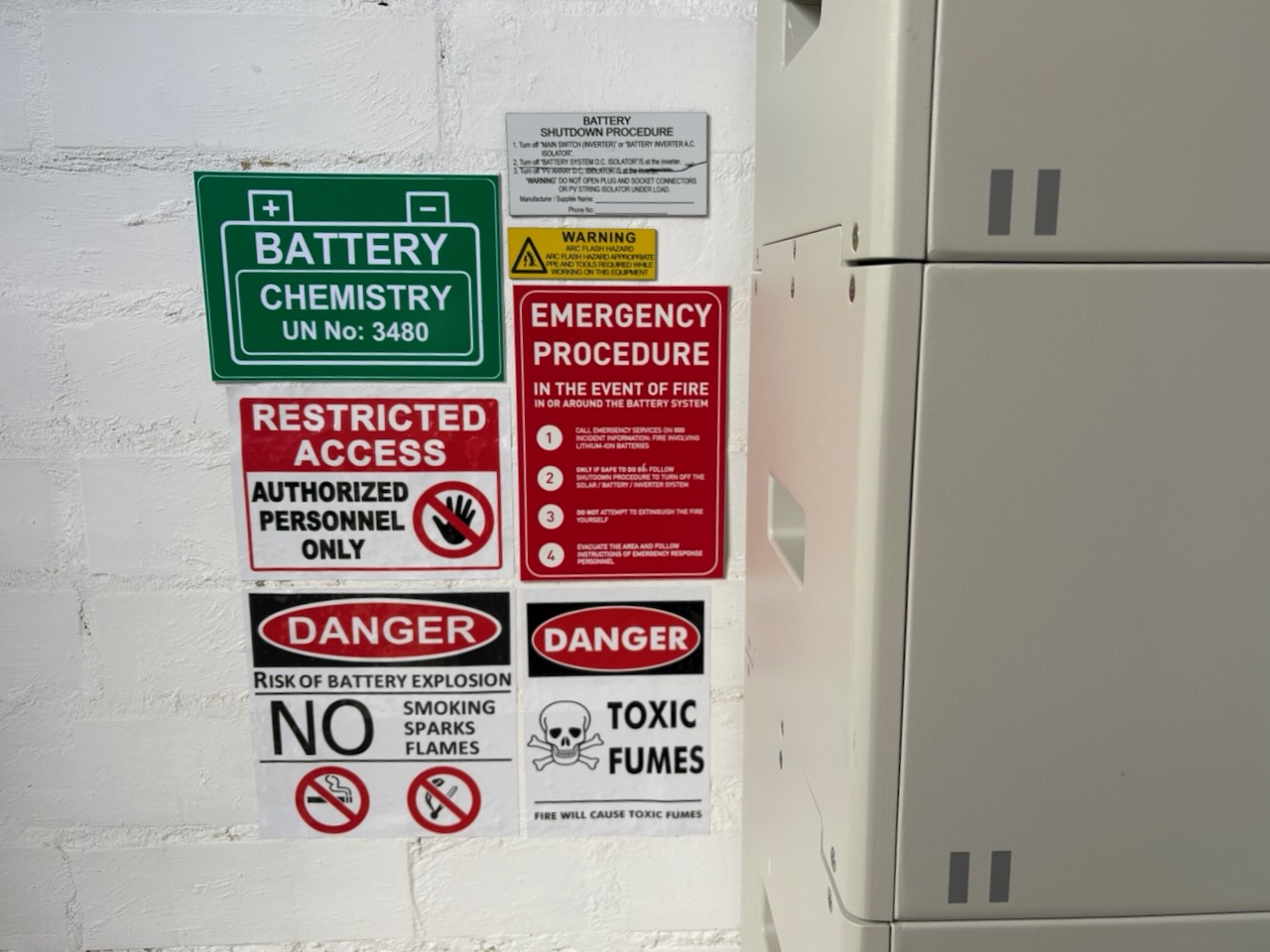
During this process the Fronius Primo GEN24 5.0 inverter was upgraded to a Fronius Primo GEN24 5.0 Plus, which still isn’t an impressive name. That’s just a firmware update, but it’s also a $1,000 firmware update. Speaking of cost, how much of the cost of solar and house batteries in Australia can be attributed to warning stickers and labels? 10%? And, if you placed all the solar and battery stickers in Australia end to end, would anyone read them? 🤔
Any challenges? We had insufficient capacity in the main switchboard for backup circuits. So, while the battery can provide backup power in a grid outage, ours only does via the PV point, which now provides power from the battery and/or solar. The lack of backup circuits in the house could be a big deal for some, but we rarely have outages and the expense of relocating and expanding the main switchboard to accommodate the backup circuits didn’t seem justified.
I don’t think the World Bollard Association would be impressed with this box-ticking dynabolted bollard.
While the battery is quite effective at storing solar energy and allowing us to time shift its use, I think it’s too early to judge the battery’s overall value. I would like to use it through all seasons and try some different energy plans to work out the best way to use the battery and I’ll post an update when I have more thoughts.
Cost
Value
TBD
Difficulty
Effectiveness
Extras: There were other significant costs along the way that aren’t necessarily included above, and some not strictly necessary.
A new main switchboard for the house. It works, it accommodates the extensive switches and equipment for the solar and battery, and despite being almost entirely obscured from view by warning labels, it’s very well done. Thanks, Ivan!
Cost
Value
Difficulty
Effectiveness
An additional split system heat pump for the workshop. We considered adding the workshop as a zone on the main ducted Daikin system, but it wasn’t cost effective or straightforward. They suggest a split system the time, and that’s what I did a few years later. My fingers went numb working through the winter and I finally had enough, but I really should have installed the split system a couple years earlier. This one also required an additional sub-board for the garage and workshop.
Cost
Value
Difficulty
Effectiveness
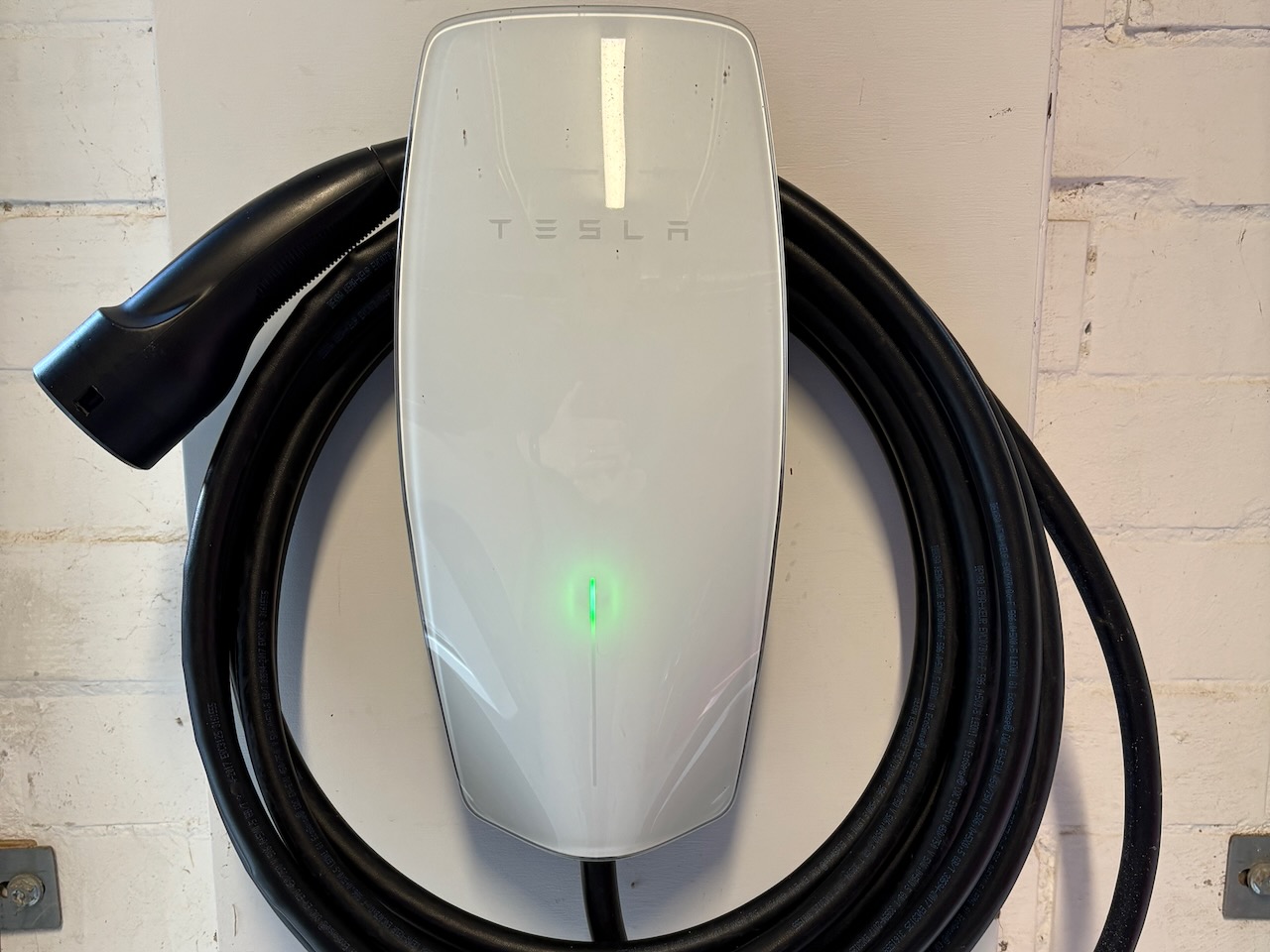
A less-than-trouble-free Tesla Wall Connector V3, although in 2021 Australian Teslas were still delivered with Universal Mobile Connector included. The Leaf and Tesla generally share the Wall Connector, but the Universal Mobile Connector is also there if both cars need to be charged simultaneously. The Wall Connector is hardwired to a single-phase 32A circuit and can output apx. 7kW. The Mobile Connector is plugged in using the 10A pigtail and can output apx. 2kW.
2kW doesn’t sounds like much, but it charges the Leaf at a rate of apx. 5% SOC/hour, compared to apx 15% SOC/hour on the 7kW Wall Connector. I don’t pay attention to the Tesla’s charge rate; it’s charged far less frequently and manages charging rates and schedules pretty well on its own, so I don’t think about it much.
Cost
Value
Difficulty
Effectiveness
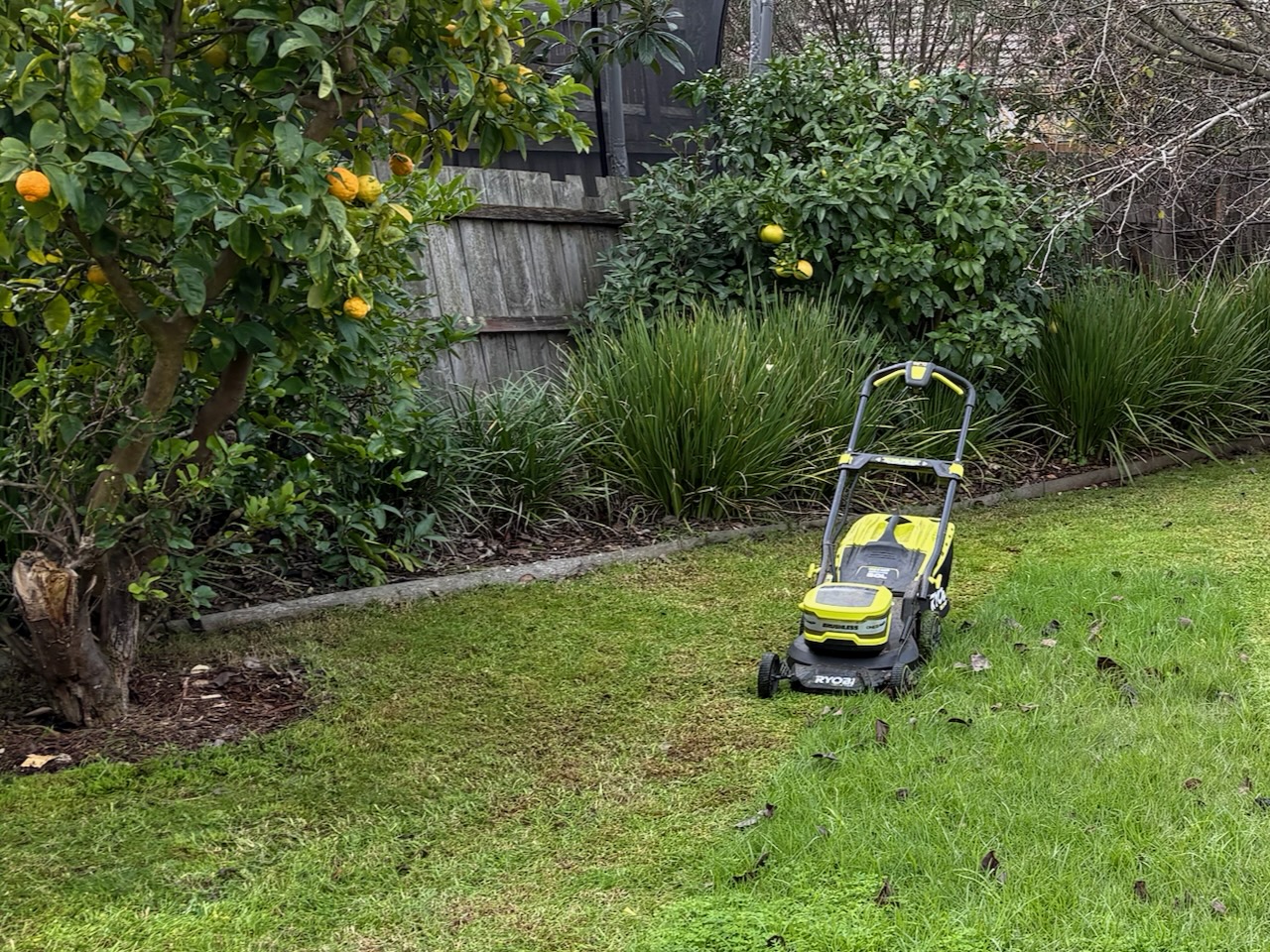
I most recently replaced an old c.2013 corded AC lawn mover with a Ryobi 18V dual-battery mower, but aside from the cord this is more or less like for like. I do share batteries with my other power tools so the cost was minimal. I also waited to do this until the old mower failed, but really should have done it earlier. While dragging the extension lead around the garden was annoying, I ran over precisely zero extension leads in the 12 years of use of the old mower.
Cost
Value
Difficulty
Effectiveness
Summary
Remember earlier when I mentioned the post had grown in scope a bit? Well, it did again. I wanted a way to visually summarise the costs, value, challenges, and perceived effectiveness of these steps, and a simple treemap seemed the most straightforward option. Unfortunately, I didn’t find any good options that did what I wanted to do here. So, what you’re seeing below is a development version of my third unreleased WordPress plugin, the first generates word clouds and the second creates waffle charts. Coincidentally, the word cloud plugin is running on this site and created the word cloud at the bottom of this page.
The treemap below shows the relative cost, value, difficulty, and effectiveness of all these steps.
Decarbonisation Summary
Cost
Ducted heat pump5 of 5
House battery5 of 5
Solar panels4 of 5
Heat pump water heater4 of 5
Switchboard3 of 5
Induction Cooktop3 of 5
Split system2 of 5
Heat pump dryer2 of 5
Tesla Wall Connector2 of 5
Gas abolishment
Lawn mower
Tesla Model 35 of 5
Nissan Leaf4 of 5
eBike2 of 5
Value
Ducted heat pump5 of 5
Solar panels5 of 5
Switchboard5 of 5
Heat pump water heater5 of 5
Induction Cooktop5 of 5
Gas abolishment5 of 5
Lawn mower5 of 5
Split system4 of 5
Heat pump dryer4 of 5
Tesla Wall Connector
Tesla Model 34 of 5
eBike4 of 5
Nissan Leaf3 of 5
Difficulty
Ducted heat pump5 of 5
Gas abolishment5 of 5
Solar panels4 of 5
Switchboard4 of 5
House battery3 of 5
Heat pump water heater3 of 5
Induction Cooktop2 of 5
Heat pump dryer2 of 5
Tesla Wall Connector2 of 5
Split system
Lawn mower
Nissan Leaf2 of 5
Tesla Model 3
eBike
Effect
Ducted heat pump5 of 5
Solar panels5 of 5
House battery5 of 5
Switchboard5 of 5
Split system5 of 5
Tesla Wall Connector5 of 5
Heat pump water heater4 of 5
Induction Cooktop3 of 5
Heat pump dryer3 of 5
Lawn mower
Gas abolishment
eBike4 of 5
Tesla Model 33 of 5
Nissan Leaf3 of 5
An aside: treemaps are an effective way to visualise relative values and roughly compare them to each other. In this case, my x of 5 ratings are pretty rough estimates, and I think this is the best way to visualise them. My inspiration for oollyTrees, my (not yet released) plugin that generates these treemaps, is the MacOS utility GrandPerspective, an excellent tool for figuring out why your local storage is suddenly full.
Why rough estimates? While I do have good data of upfront costs for these steps, I don’t necessarily have good data for running costs or energy use prior to or after electrification. In addition to that, a few of these steps happened concurrently. This may be good for decarbonisation, but it’s pretty poor experimental design. Because of all this, I’ve used these ratings as a crude way to estimate impact, and I believe a treemap is the best visualisation tool.
These data can be further compared and we can look at the ratios between cost, value, difficulty, and effectiveness. For example, if the ratio between cost and difficulty is less than one this tells us that there is relatively less cost and more difficulty, and if the ratio is above one, then the inverse is true. The greater the value of the ratio, the larger the difference.
We can look at two ratios from the table below: Gas Abolishment Cost to Difficulty, which is 0.2 (1/5) and the Tesla Model 3 Cost to Difficulty, which is 5 (5/1). What this ratio of 0.2 tells us is that the cost of the gas abolishment was extremely low in comparison to the difficulty. In contrast, the Tesla Model 3’s ratio of 5 tells us the cost was very high, but there was very little difficulty.
Click on the column headers to sort by ratio values for the various comparisons to find which steps incurred the most cost and returned the least value (cost:value), or which steps returned the most value and least difficulty (difficulty:value). Note that the last ratio is the reverse of the question, so click that column in the header twice to sort in a ascending order.
Decarbonisation SummaryMore ▶
Item
Category
Cost
Value
Difficulty
Effect
Cost:Value
Cost:Difficulty
Cost:Effect
Value:Difficulty
Value:Effect
Difficulty:Effect
Heat pump dryer
Appliance
0.5
1
0.67
2
1.33
0.67
Tesla Model 3
Transport
1.25
5
1.67
4
1.33
0.33
Ducted heat pump
Appliance
1
1
1
1
1
1
eBike
Transport
0.5
2
0.5
4
1
0.25
Solar panels
Appliance
0.8
1
0.8
1.25
1
0.8
Heat pump water heater
Appliance
0.8
1.33
1
1.67
1.25
0.75
Nissan Leaf
Transport
1.33
2
1.33
1.5
1
0.67
Induction Cooktop
Appliance
0.6
1.5
1
2.5
1.67
0.67
Gas abolishment
Appliance
0.2
0.2
1
1
5
5
House battery
Appliance
—
—
1.67
1
—
—
0.6
Switchboard
Appliance
0.6
0.75
0.6
1.25
1
0.8
Split system
Appliance
0.5
2
0.4
4
0.8
0.2
Tesla Wall Connector
Appliance
1
1
0.4
1
0.4
0.4
Lawn mower
Appliance
0.2
1
0.5
5
2.5
0.5
Below 11 (equal)Above 1Ratio of the first item to the second for each pair (eg. Cost:Value > 1 means Cost outscores Value)
So, what does all this tell us? The most cost effective steps are to get a split system, a Tesla Wall Connector and an eBike, and probably best to stay away from EVs. Or, maybe this tells us to look beyond statistics alone and think a little more about what the data actually say, what questions they can actually answer, and the context. The measures above aren’t all equal and their weights aren’t necessarily reflected in the data. I think a more nuanced interpretation would be that split systems are a cost effective way to heat and cool a small area, the Tesla Wall Connector is a relatively inexpensive EV charger that usually works, and EVs, like all cars, are generally not a cost effective nor are they good value.
A few questions
What was the best value? Considering the data above as well as some context not necessarily shown in the data alone, the heat pump water heater wins. Despite finishing mid-pack in the cost to value comparison and the relatively high initial cost, the running costs are zero in the spring, summer and autumn, and approach zero in the winter. Another way to say this is that the value rating for the water heater has a much larger influence than the cost. Not only that, but it acts as a battery allowing you to time shift energy use stored as hot water that can be used anytime. One of these paired with the three free hours of electricity14 can provide no cost hot water for anyone, just watch out for the other charges15. I would get a heat pump water heater regardless of solar or gas supply.
What was the worst value?The Tesla is probably the worst value when looking at initial purchase price and current residual value. That said, it’s only one of two new cars I’ve ever purchased and this is not all that surprising.
In 2021 there weren’t great used EV options. Today there are sufficient used EVs that I would look to the used market first (see the used 2020 Nissan Leaf purchase in July 2025). There are also a plethora of Chinese made EVs available in Australia at very good prices. However, I believe the security implications16 are real and should not be dismissed. The U.S. de facto bans on Chinese EVs are clearly politically motivated, but doesn’t mean all aspects of them are necessarily without merit. Many of the security concerns identified with Chinese EVs I would also apply to Teslas made in the U.S., China, or anywhere else.
Despite the Leaf’s many shortcomings, Nissan’s ineptitude surrounding the abandoned NissanConnect17 program and made in the U.K. origins all but remove any similar security concerns. As a result, the Nissan Leaf is probably the best EV out there for the conspiratorially-minded libertarian who enjoys having sensitive conversations in their car while driving to and from illicit activities, but be sure to go to the long range E+ if your activities are far away or it’s cold outside.
What changes would I make? Having seen the descent of Musk18, 19, I’d avoid the Tesla brand altogether. However, I think I’d be finically worse off now with the then runner up, an Ioniq 5 that would have had a months-long wait, higher initial purchase price, questionable reliability20 (Thanks, Mark), and greater decline in residual value. I still believe the LFP Model 3 was the best option at the time, but events in the interim complicate the decision significantly.
Aside from that, I think more solar panels and a larger inverter might have been beneficial, but it’s unclear. The system and electrical demands evolved and changed (that means increased) over time. Some of this was due to the addition of the second EV, but some is probably also down to induced demand. I imagine we’re not quite as careful with electricity usage when we know there’s no cost when the sun is shining or the battery is charged.
The changing power price tariffs and the introduction of three free hours of electricity option further complicate this issue and probably make smaller solar arrays more cost effective. Whatever the case, the system is running and I’ll adapt energy plans and battery management to suit whatever the conditions are. An opportunist might see the current situation and respond by foregoing solar altogether, maximising battery capacity, upgrading to a three-phase supply, charging those batteries at full bore for three hours and selling it back in the evening peak. Good plan (from a financial return perspective, but a bit iffy from the decarbonisation perspective) , until the market conditions change.
Future plans? I’m watching the battery performance though the seasons and am considering switching to a virtual power plant (VPP) energy program. Both Globird and Amber have VPP options, but I’m not yet at the stage where I’ll be making any decisions.
I maybe also look into options for adding a circuit to allow the evaporative cooler to run off of the battery in a power outage. This would be a nice feature if we have a grid failure on a hot summer day.
Aside from that, I’m hoping these systems will be fairly hands off and I can focus on more important things. But, if I have any updates I’ll post links to them here.
References and resources
I’ve made an attempt to include references for any claims or statements of fact I’ve made plus some additional resources I’ve found useful along the way.
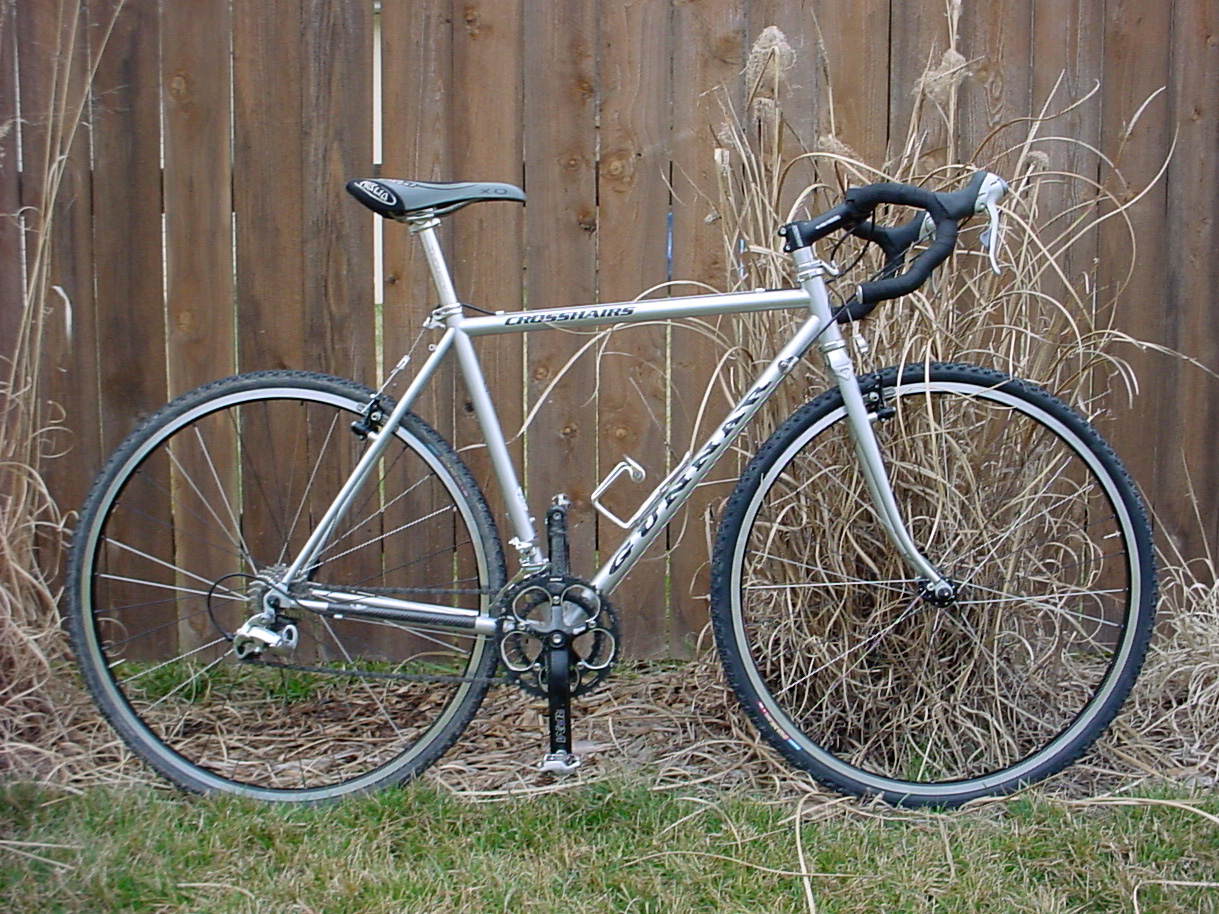
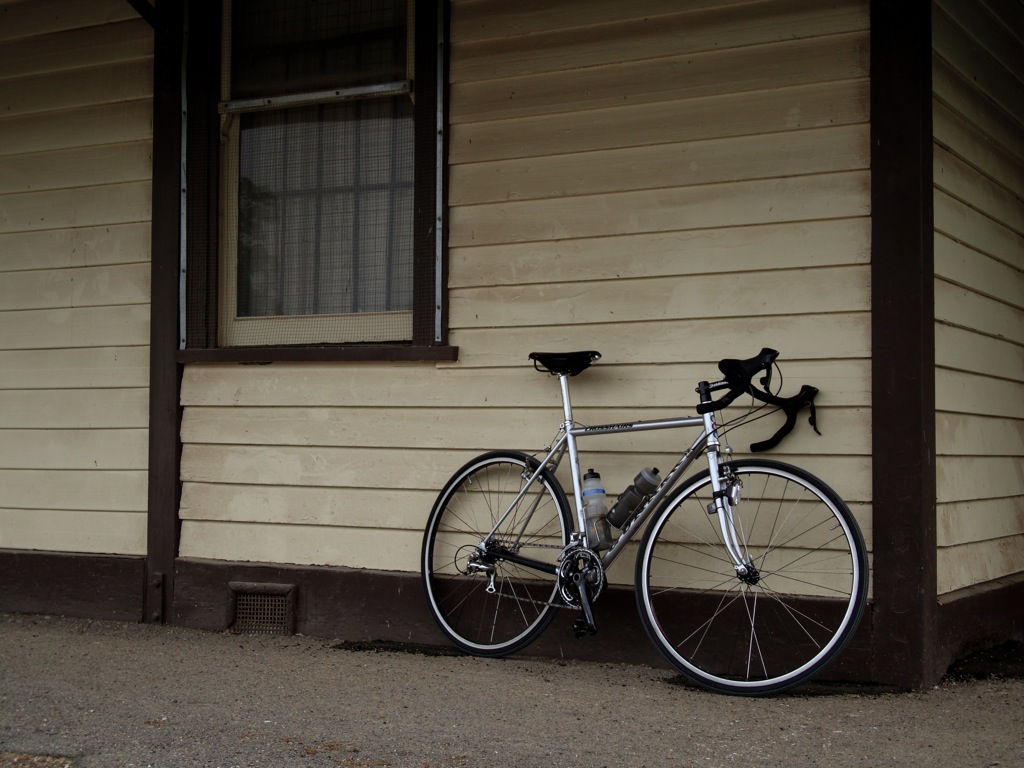
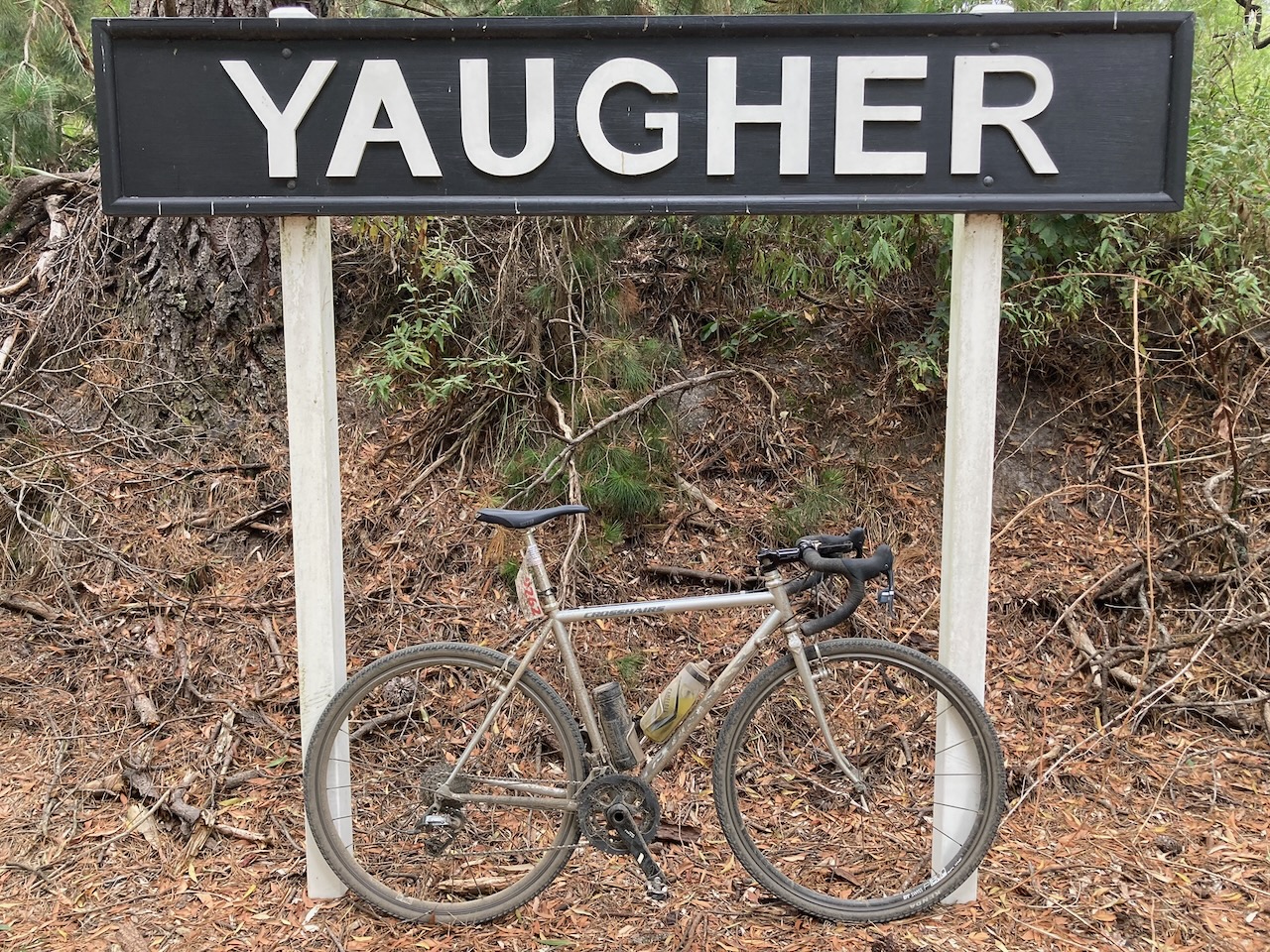
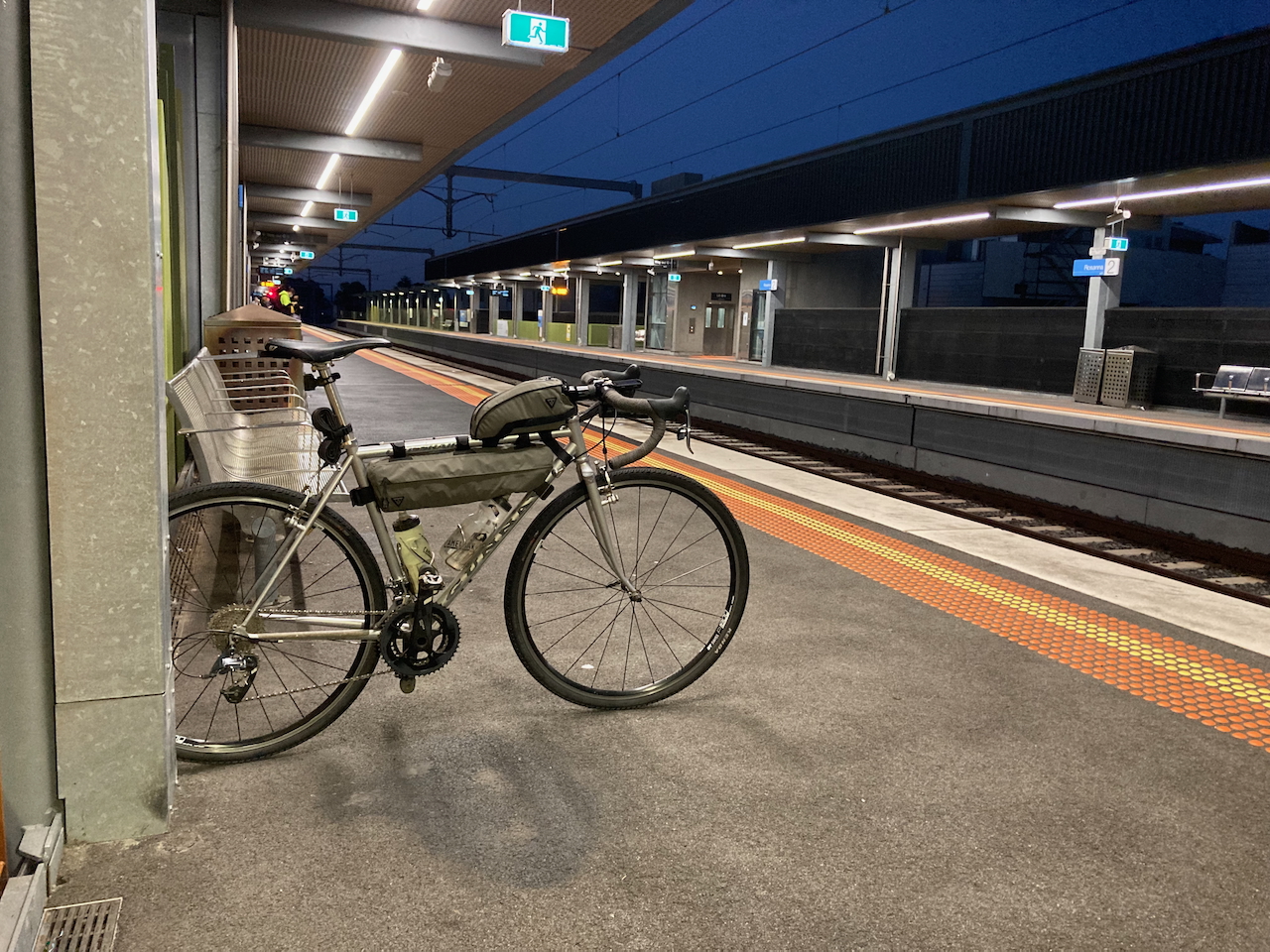
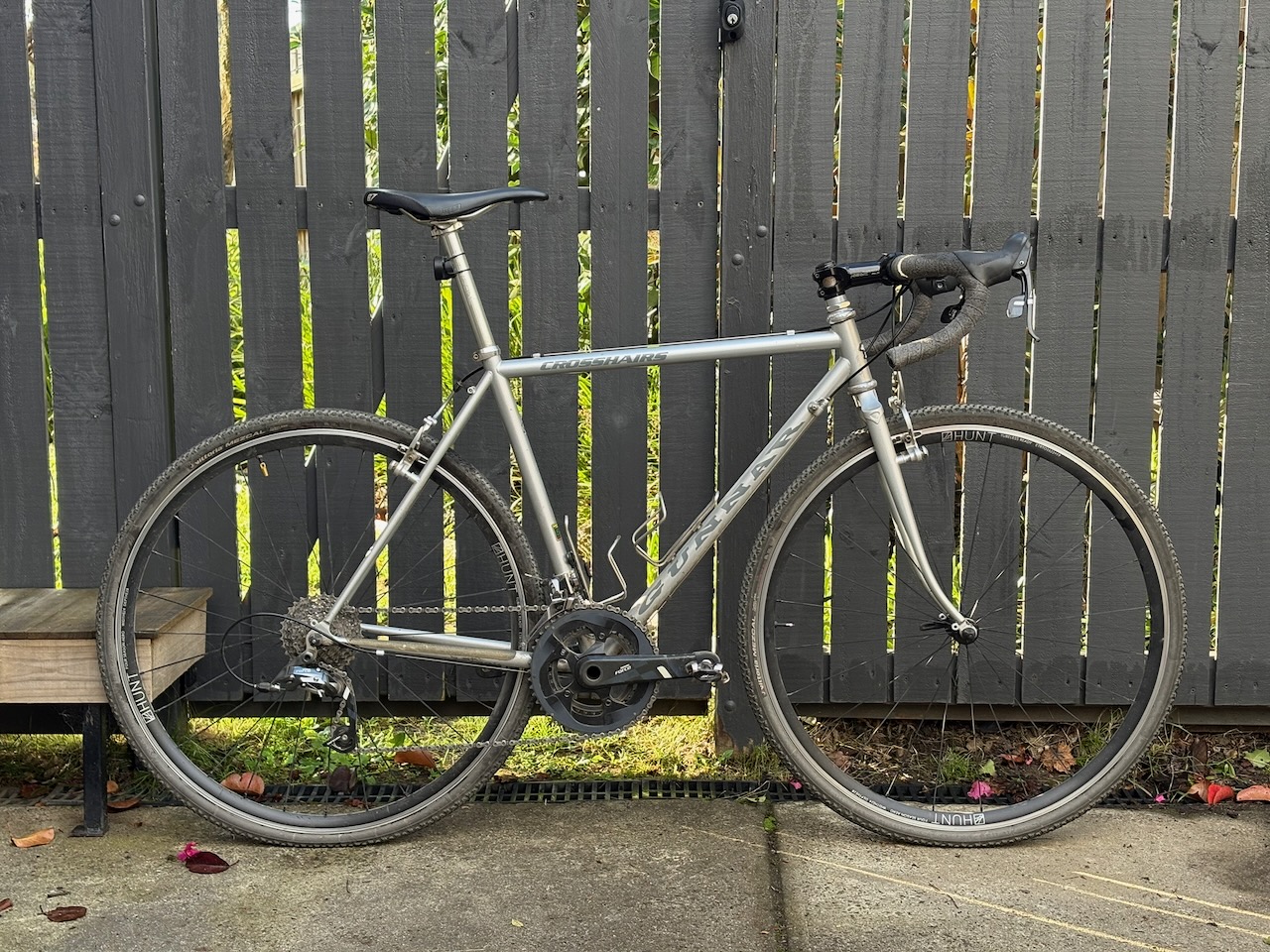
20 years ago in the (northern hemisphere) spring of 2006 I bought a used Stirling Silver 2001 Gunnar Crosshairs from Karl at Klunk Cycles in Columbia, MO. It was my first dropbar bike, and I rode it off-road far more than on anything paved. In mid-Missouri there was the MKT and Katy Trail, somehow both gravel long before gravel bikes. Who knew? Aside from that, the Crosshairs saw singletrack and the annual MS150 where in 2006 I rode my first century and then my second century the next day.
So, what was the Crosshairs then, and what is it now?
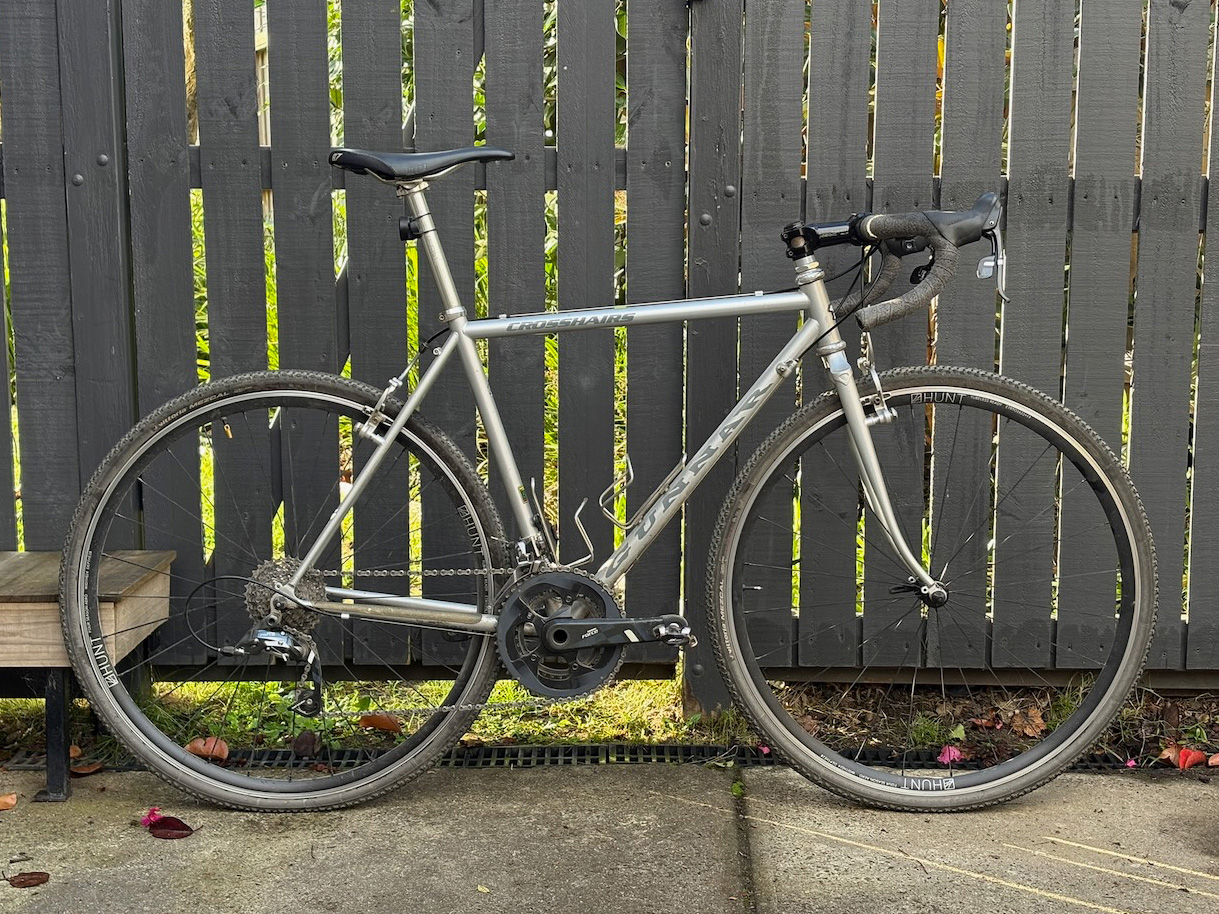
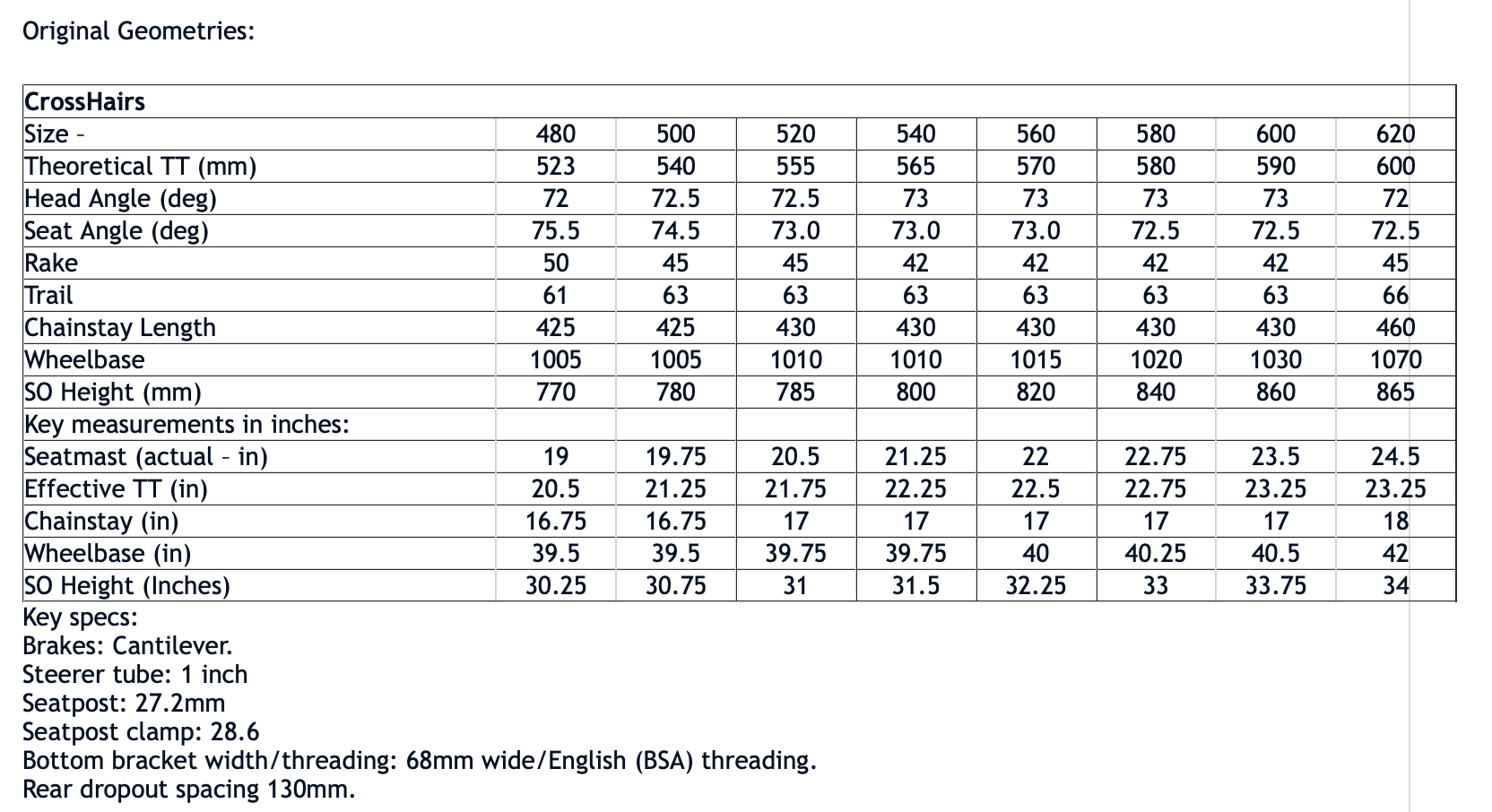
The Crosshairs was Gunnar’s cyclocross frame. My 52cm has a 555mm top tube and a tiny headtube sitting at 72.5 deg. All this results in a fun bike off-road with a lot of saddle to bar drop and significant toe overlap. I was able to tolerate long hours on this thing in the past, but I find the aggressive bar drop a bit much on longer rides these days. Looking back at that photo from 2006, it seems I had significantly higher bars thanks to some spacers and that recalled Salsa CroMoto stem giving some additional rise. It looks like things have changed a little over the past 20 years.
This chart below is from the old Gunnar site and lists the original Crosshairs geometries prior to an update sometime in the early 2000s.
If memory serves, my Crosshairs was built with parts pulled from a Specialized cyclocross bike. Based on what I can find and my memory of the components, I’m going to assume it was a 2006 Tricross. The 8-speed 105 drivetrain was pretty good, but the wheels weren’t. The first upgrade was my Karl Klunk built Deore XT/Salsa Delgato Cross wheelset, and they stuck around for years until they were donated to a commuter bike build. The changes continued through a 9-speed 105 drivetrain that wasn’t really an improvement or the 8-speed, to the 2015 SRAM Force 22 rebuild that’s still here.
The most beneficial upgrade of any is almost certainly the tyres. Early 700c off road tyres weren’t great in terms of traction, longevity or puncture resistance. Patching punctures from thorns, goatheads, rim impacts or whatever else was a regular occurrence on my rides through the Adelaide Hills in the 2010s. However, finally swapping over to tubeless was a great improvement. I currently have a set of Hunt 4 Season Aero alloy wheels with tubeless Vittoria Mezcal 700×35 tyres. This combo maxes out the available tyre clearance on the Gunnar and is acceptable in most conditions. The Mezcals have proved to be durable, roll reasonably well on roads, and give decent grip on gravel and dirt.
I gave a brief summary of the drivetrain in the last post, and aside from the SRAM Force 22 drivetrain and Hunt wheelset, the Crosshairs has the original Thomson seatpost with a WTB Silverado Ti saddle, a newer Thomson X4 stem (the X2 slipped), Salsa Cowbell bars with Spank Flare gravel tape, a shiny silver Chris King headset (very nice), and a couple King stainless cages. I also have an old Fulcrum Racing 5 CX wheelset with some tubed Vittoria Corsa N.Ext 32mm tyres that have seen some use on the road and gravel.
I started tracking my gear on Strava in 2011, and since then the Gunnar has recorded just over 19,000km. As that last post may have revealed, I have a lot of bikes around and I can only ride one at a time, so the Gunnar doesn’t get a lot of use. Still, it does account for about 1/3 of all my recorded distance on Strava, and a few years ago I took the Gunnar out on a two-day, 265km bike packing gravel ride out to Warrnambool. These days I have a coupe dropbar MTBs that probably see more use off-road than the Gunnar, the recent addition of a more traditional road bike means it will now probably see fewer KMs on the road as well, and while it is my only cyclocross bike I believe my last CX race was over 10 years ago. Still, I hope to continue riding the Crosshairs and look forward to the next one.
What about Gunnar / Waterford Cycles themselves? Richard Schwinn announced the closure of both Waterford Cycles and Gunnar In 2023. More recently, Escape Collective reported the Waterford and Gunnar are revived under new owners. The new owners, Abracadabra Fabrication, have a new site up with a few framesets with familiar names. All these Gunnars a shown with the old Star Wars Gunnar downtube decals (nice.), but I don’t know much else about them.
What’s left to do? Here’s the Crosshairs now 25 years old, 20 years later, and still leaning against fence.

 Woolly
 Cable Guide for 10mm Rack
 Brake and Shift Cable Clips
 Chainstay Shift Cable Guide for Lynskey R300
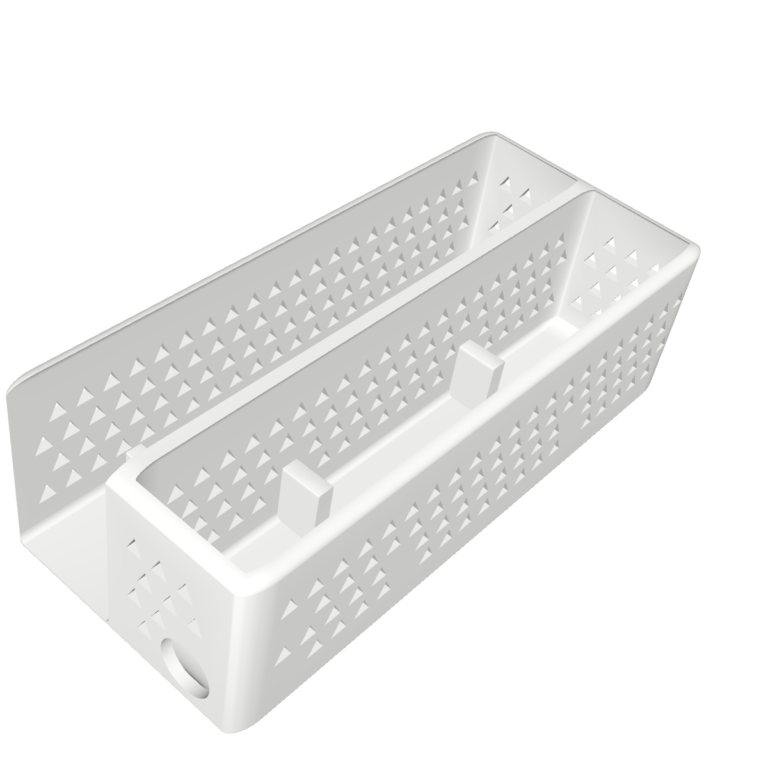 Vertical Dock for UniFi Cloud Gateway Ultra and Lite 8 PoE Switch
 Door Meeting Sign
 RJ45 Block Off