• Recent Updates

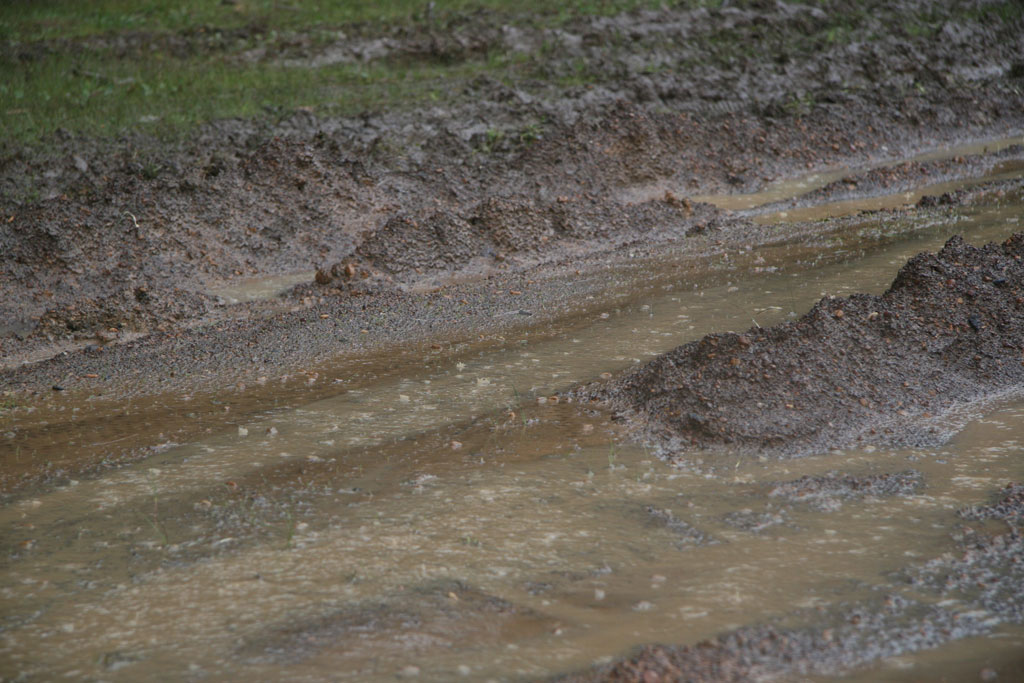
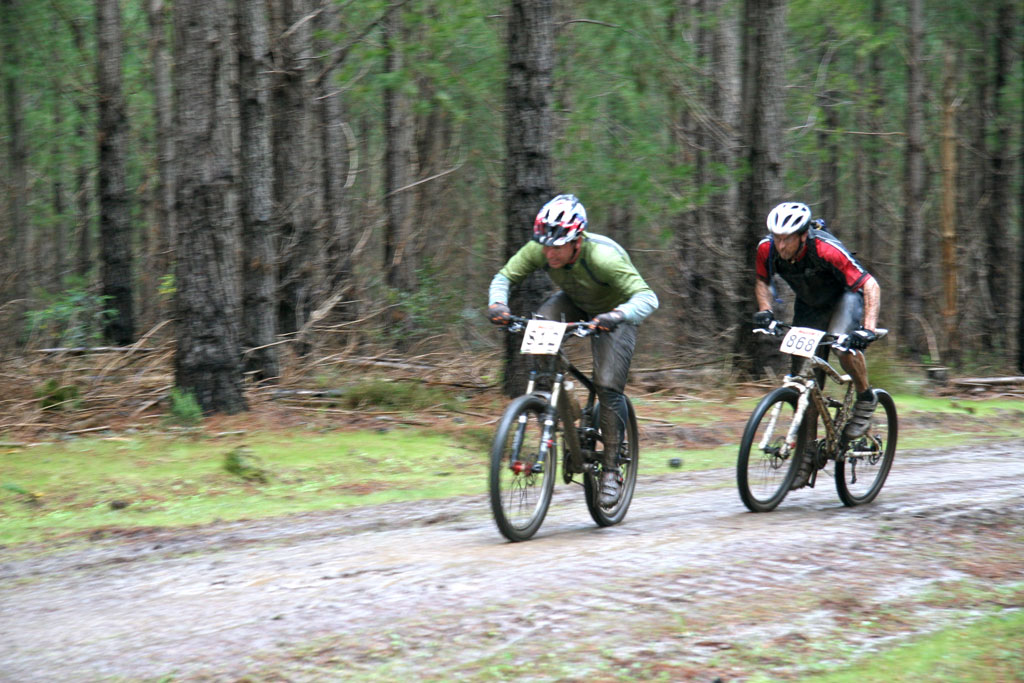
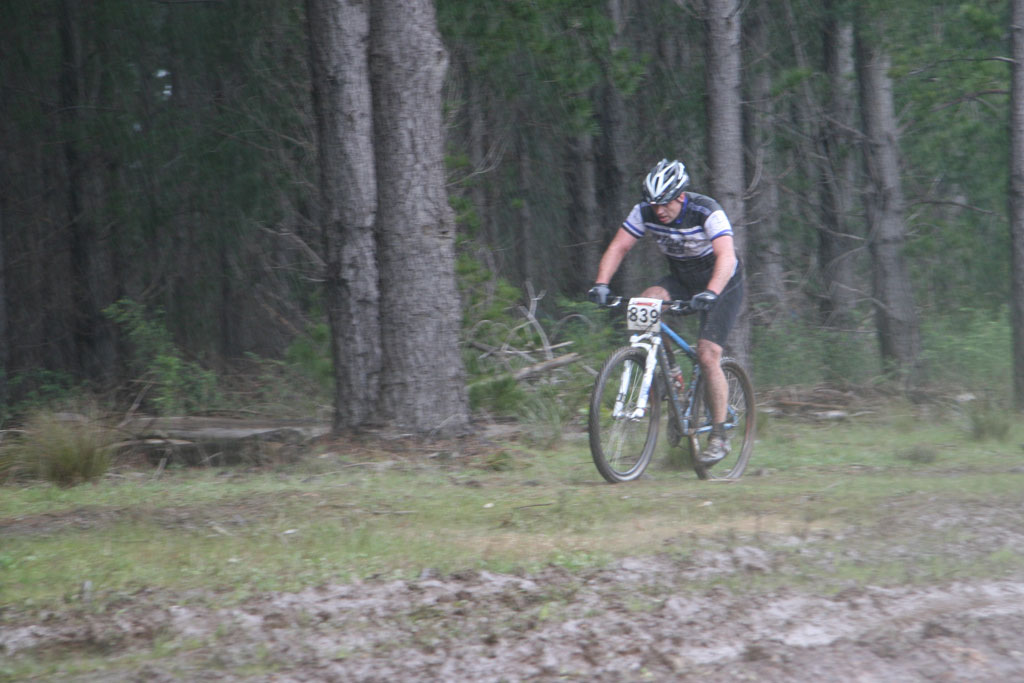
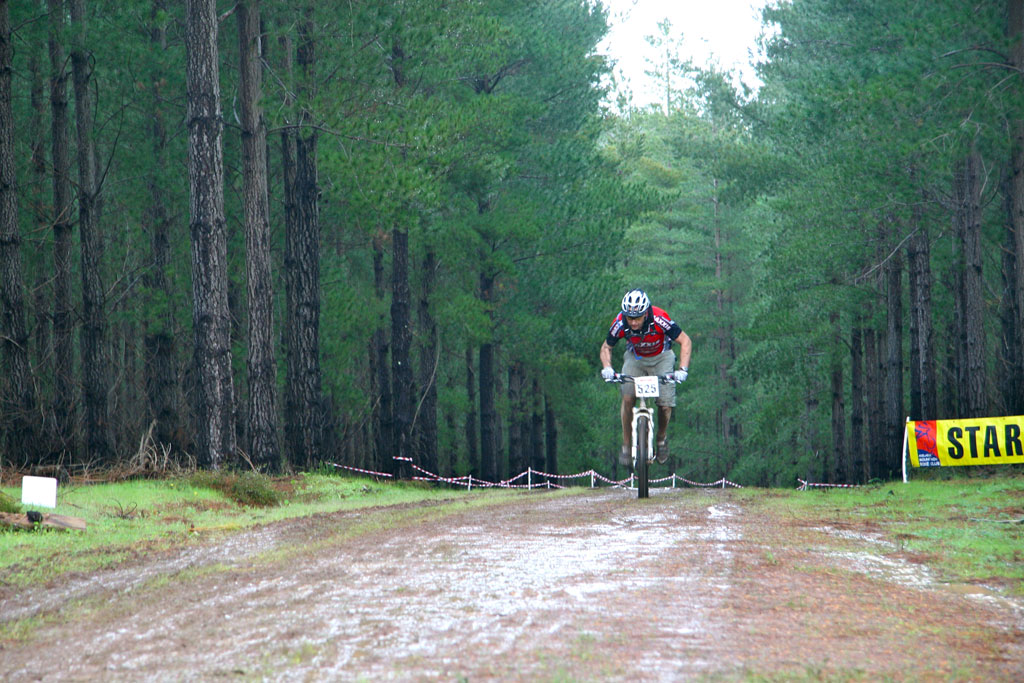
    I’ve been traveling, so you’ll have to excuse the gap since the last update. For the first update, you get photos of a very foggy Eagle Park in the early winter.

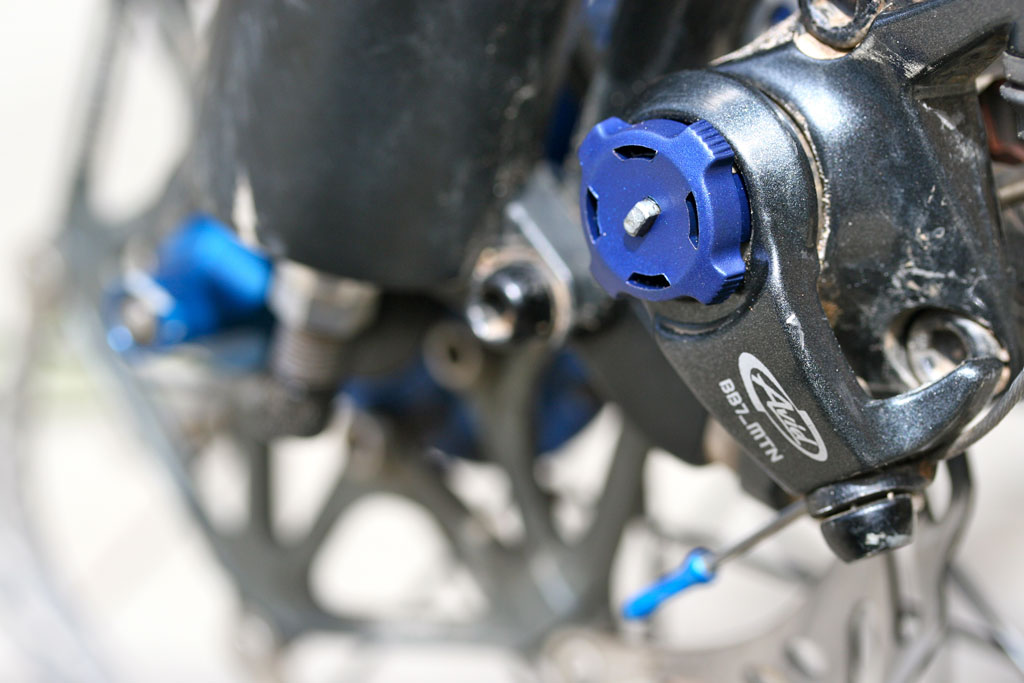
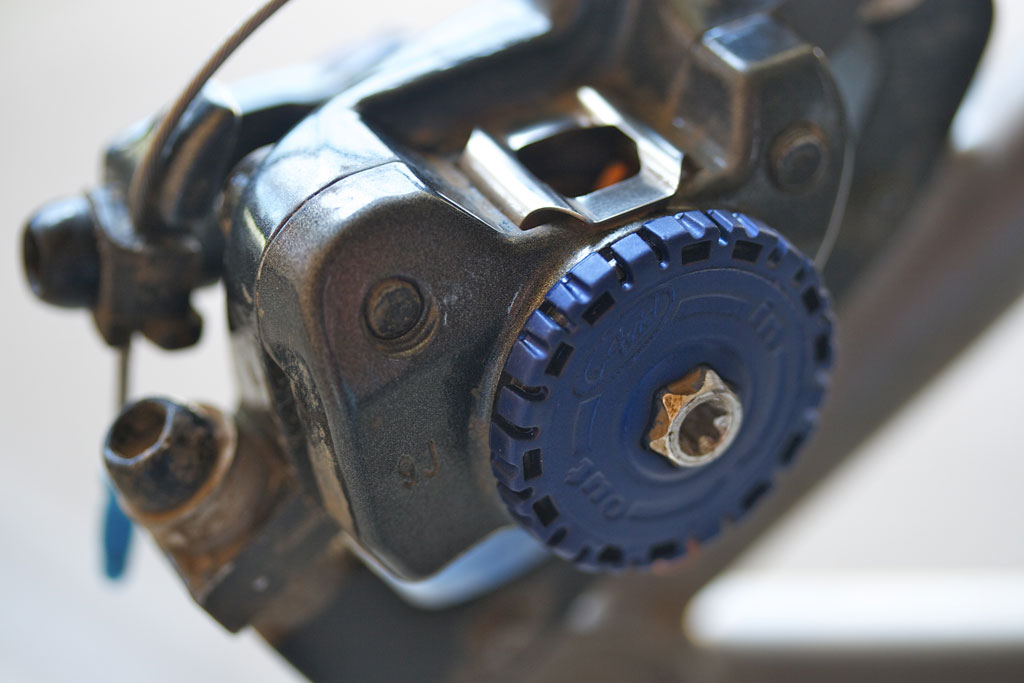
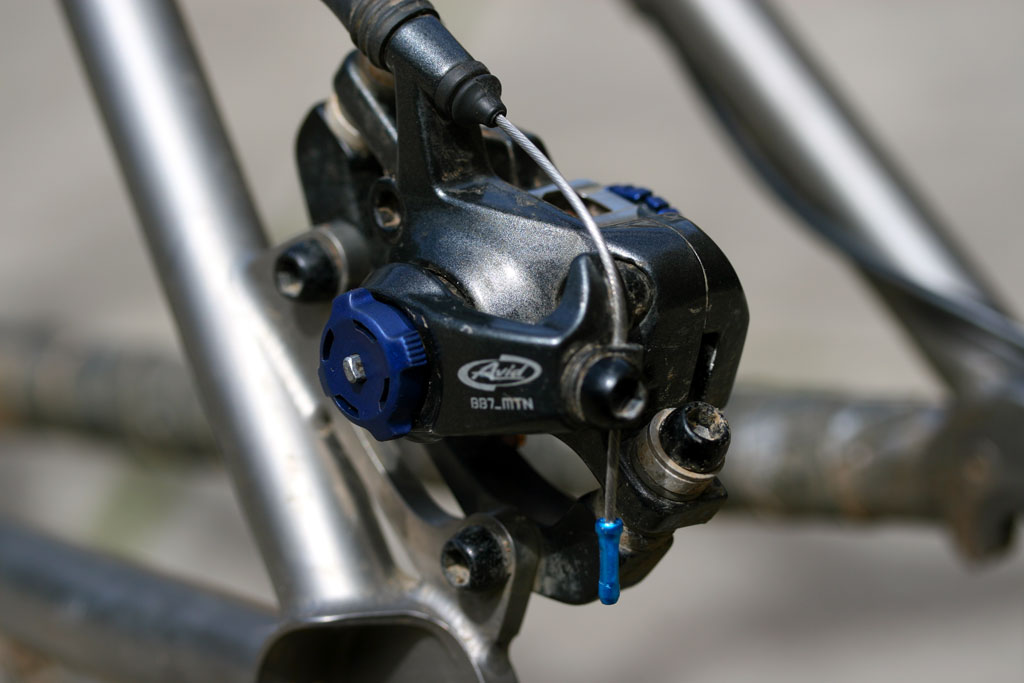
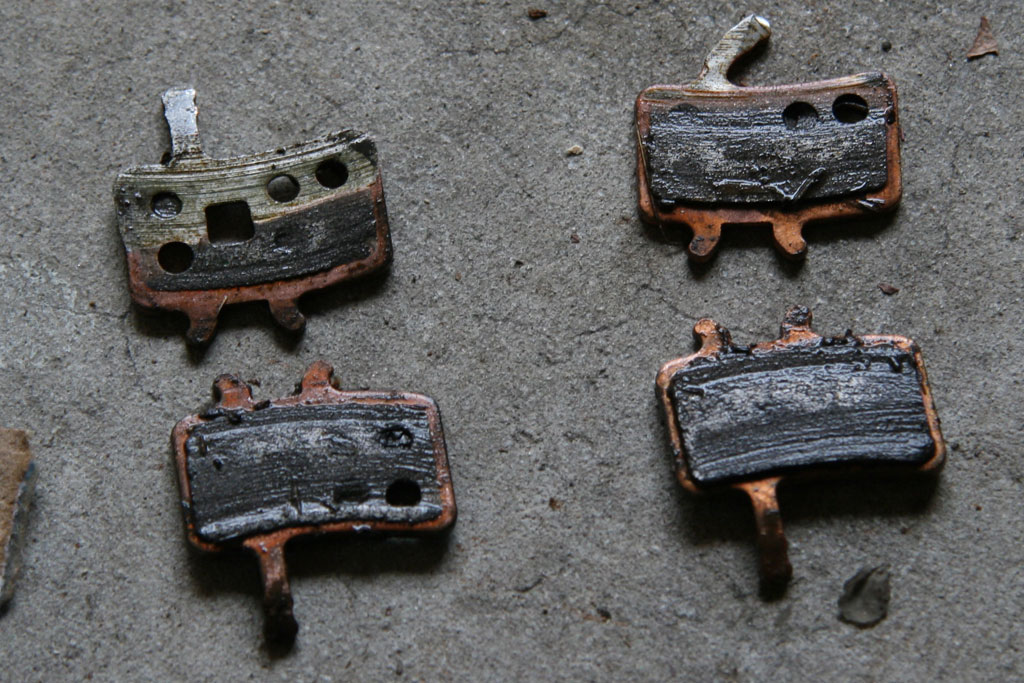
    Next, a breif update on the BB7 brake upgrade. I’ve used the BB7s in a few races, and in dry, wet and muddy conditions. My conclusion is that they work and they are a worth while upgrade. Benefits over my old rims brakes included more predictable braking in the wet and less hand fatigue, which is particularly useful in the enduro events. Areas of concern are the increased weight, braking noise and degraded modulation. However, even with the drawbacks, I would strongly recommend BB7s for cross country use.

    Moving on, I’ve converted the Eriksen to 1×9. Prior to the last enduro I removed the granny gear, so removing the big ring was the next logical step. I used a Paul’s Chain Keeper, and kept the XT crankset with the 32t middle ring. I’m still adjusting things (mostly the chain length), but the system seems to work well and the big ring hasn’t been missed.  That said, I’ll give the 1×9 setup more trail time before I give a more detailed review.

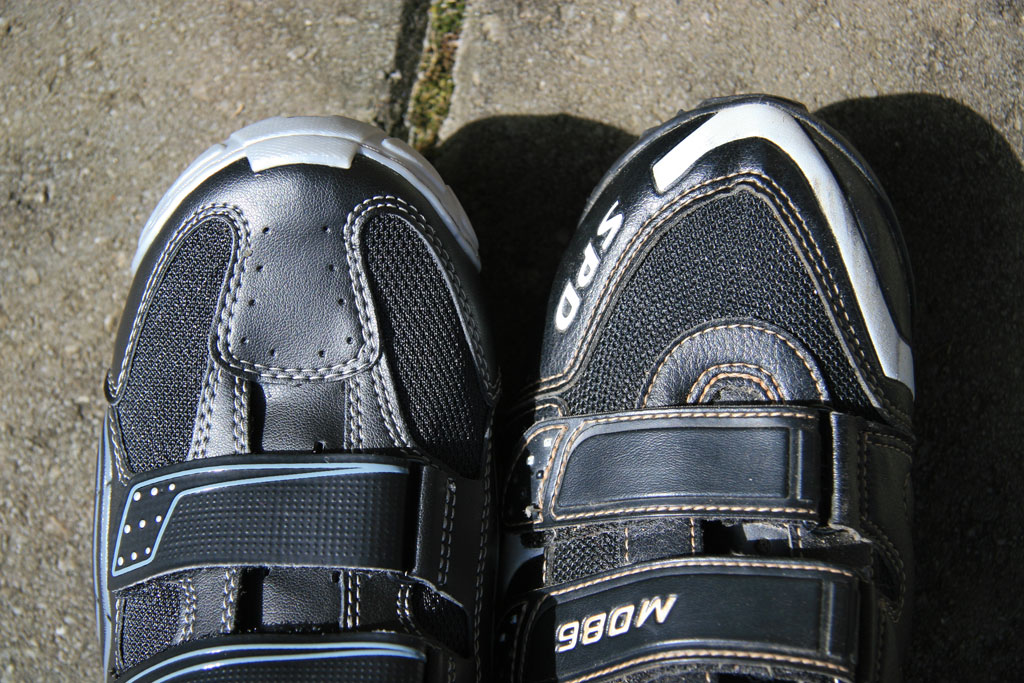
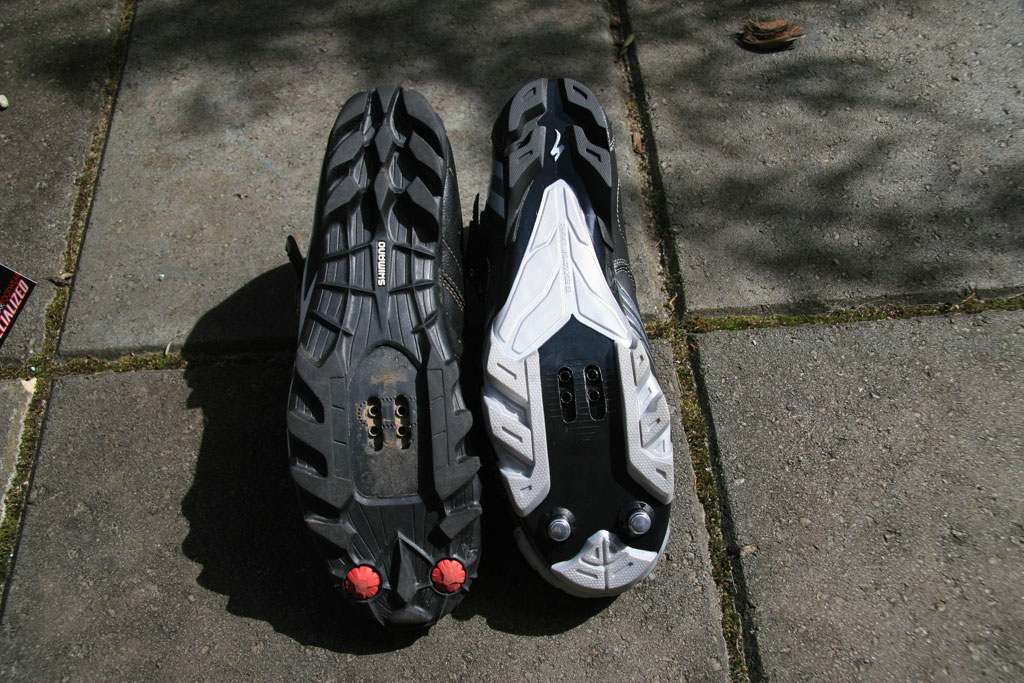
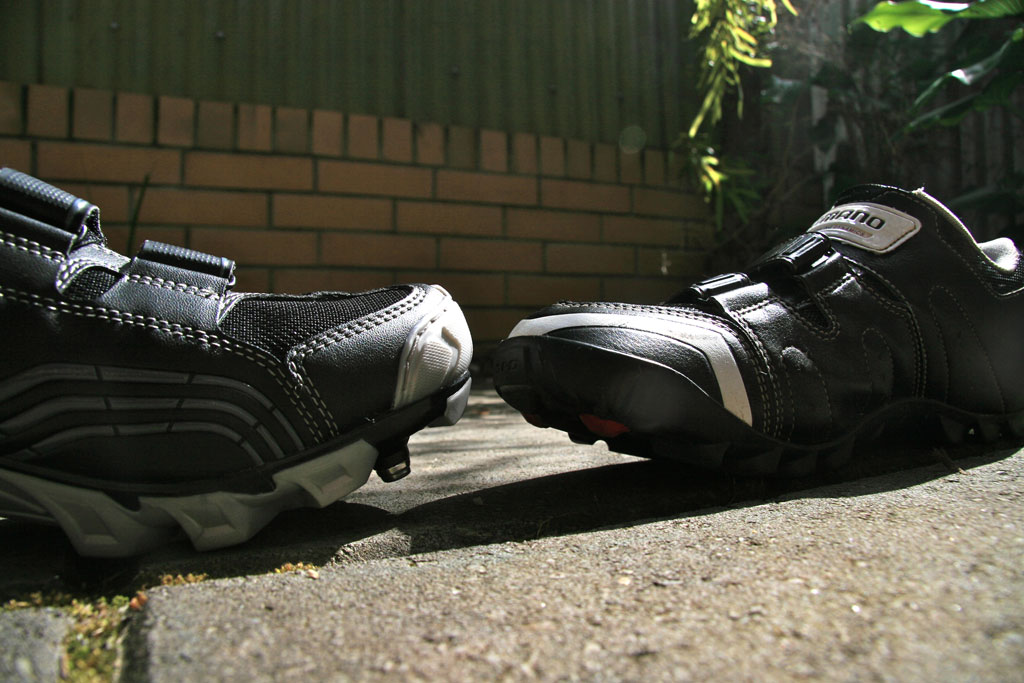
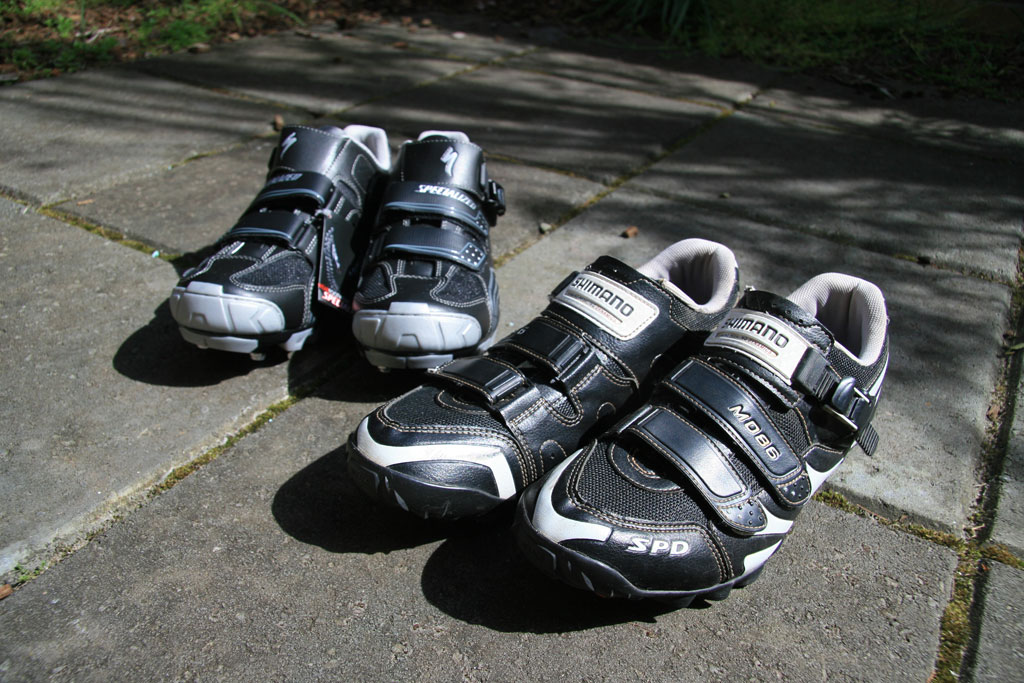
    Finally, my old (but not that old) Adidas Marathon shoes died. The sole surrounding the cleat cracked after about two years of use. I wasn’t impressed. So, I got a pair of Shimano SM-M086L (catchy name, huh?) shoes as a replacement. The Shimanos aren’t as flashy as some of the shoes out there, but they are reasonably priced and appear to be durable. They have been comfortable on the road, and haven’t given me any reason to complain off-road in the mud. That’s all for now, but I’ll have some non-cycling related updates shortly…


  • Hope Hub Update and Maintenance

    My new Hope Pro II hubs are doing well and I’ve been happy with their performance and durability.  It is hard to say how much distance the hubs have covered, but in the three plus months I’ve had them they have been used in several races in dry and muddy conditions.  The seals seem to be doing a good job of keeping the mud and sand out, and the bearings still feel as good as they did when new.  Other than this recent routine maintenance, I haven’t had to do anything to them.

    I’m not going to get into much detail on the maintenance.  If you’re looking for more technical info, I found the videos from Hope sufficiently detailed and informative. In comparison to routine Mavic hub maintenance, these are just as simple and the process doesn’t take much time.

    Upon removing the cassette there was obvious wear on the aluminum freehub from the smaller individual cogs on the XT cassette.  This is a widely noted shortcoming of the Hope freehub and can make the cassette a little difficult to remove.  Switching to Hope’s steel freehub is an option if the problem gets worse.

    Other than that, all I have to add is that an open water bottle is the perfect diameter to re-seat the drive-side seal between the freehub and hub body.  On a related note I used Park Polylube 1000, which in addition to working well in the these hubs, tastes better than most sports drinks.


  • Windows 7?

    For the past few months I’ve been thinking about getting a Windows 7 system.  Why?  Good question.  If I had to guess, it was probably those Bill Gates and Seinfeld commercials.

    It has been almost a year since I stopped using XP on a daily basis, but that is not to say that I miss it.  These days, I use any of a few different Apples, all running Mac OS 10.5 and a server running Windows Server 2008.  Yes, I’m still using 10.5 as my primary laptop is a five-year-old PPC-based 12″ PowerBook, and 10.6 is of course Intel only.  All of the other Macs are Intel based, but I like consistency so they are all on 10.5.  Anyway, I wanted to see how things are going in the Microsoft world, so I thought I’d try out Windows 7.

    Since my laptop is five years old I thought a similarly-sized Windows system would be nice.  For the past month (or more) I’ve been looking at low-cost CULV (Consumer Ultra Lowe Voltage) systems and some of the nicer netbooks.  I’ve looked at everything from Dell, HP, Samsung, Toshiba, Lenovo, Asus, Acer and even Gateway– I didn’t know they still existed.  But, I’d I have to say that I’m pretty underwhelmed by what I’ve found.  My requirements:

    • 10-12″ display, preferably matte
    • No more than 1″ thick, no protruding battery
    • A good keyboard and usable multi-touch trackpad
    • No optical drive, 160GB+ HDD
    • WiFi (802.11g is sufficient)
    • 5+ hours battery life, more is better, but no big batteries
    • Capable of playing SD video, HD would be nice, but not necessary
    • Less than $500
    • Nice extras: webcam, bluetooth, support for 4GB RAM, no glossy plastic

    Of the system I’ve actually used and seen in person, most were a huge disappointment.  I was particularly disappointed in the quality and appearance of the Asus netbooks- the keyboards were terrible and I’ve seen milk jugs that compare favorably to the case plastics. I wanted to like the Asus Eee PCs, but they were just too cheap.  The quality and materials on the Dells seemed alright, but the design (particularly the batteries) was just inexcusably awful.  Aside from these, I was surprised that the HP Mini systems looked and felt better than I expected.  I’ve never been a fan of HP laptops, but these actually seem rather well thought out.  The Acer systems are acceptable, but I have reservations about the quality and durability.  I really liked the Samsung netbooks I’ve seen, but they don’t really compete well on price or performance.

    To be fair, I’m really comparing these low-cost notebooks to my old PowerBook, which was $1800 in 2005.  That would be $2000 in 2010 dollars, or roughly 4-5x more than these systems.  And, with the exception of running Windows 7, the PowerBook still does everything these systems can do.

    So as of now, I haven’t found anything I want.  Of all of the systems, the HP Mini 210/210 HD and Acer 1410 come close, and I will say that the upcoming Acer 532h and Timeline 1830T look promising.  That said, this laptop malfunction rate data from Lifehacker (SquareTrade) may be worth considering:

    Lifehacker: Laptop-Reliability Study Highlights the Most Sturdy Laptop Makers

    In the mean time, I did hear about a 25% discount off of a Microsoft TechNet subscription on the Windows Weekly podcast.  Among other things, a TechNet subscription allows access to all MS operating systems, applications and utilities.  Included in this software is Windows 7.  So, for the price of a really bad netbook I can play with Windows 7, Office and whatever else looks interesting.

    I’m currently running Windows 7 Ultimate on the Core 2 Duo Mac Mini under VMware Fusion. I was going to just upgrade my old version of Parallels, but apparently my version is too old to upgrade.  Feeling slighted, I downloaded an evaluation copy of Fusion 3.  And, I’d have to say that Fusion running Windows 7 is nice.

    Oh, and just to rub salt in the wound, I sold the Mac Mini 1.42GHz G4 to cover the cost of the TechNet subscription — almost an even trade.  But don’t worry, I still have two remaining Minis.