
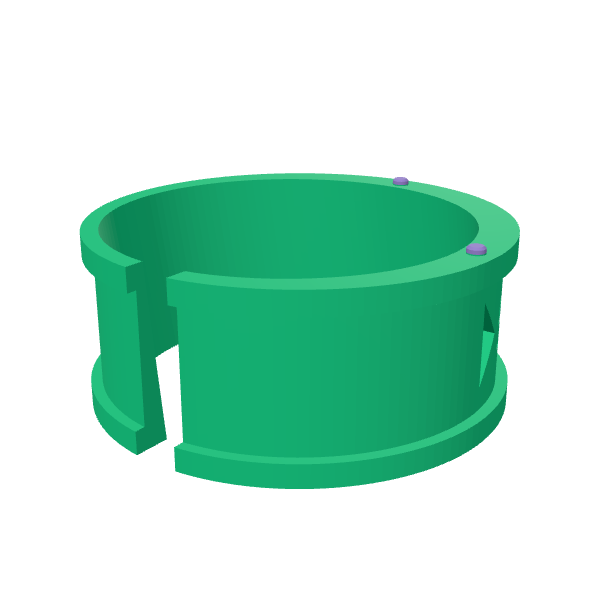
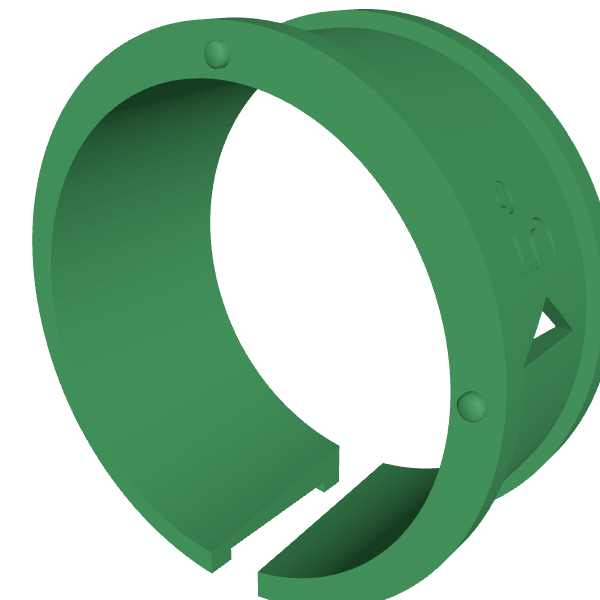
I have a pseudo-alt bar on my Canyon Lux, a Ritchey 10D riser bar, that has a bit more sweep than a typical riser and a bit of a wonky shape. It’s a nice bar, but it does have one peculiarity in that the bar immediately left and right of the stem clamp isn’t orthogonal to the stem, i.e. the bar sections immediately left and right of the stem clamp aren’t parallel with each other or the stem clamp section. This isn’t all that relevant, except that any accessory mounted to this bar is going to be crooked, and crooked in two planes: roughly vertically and roughly horizontally.
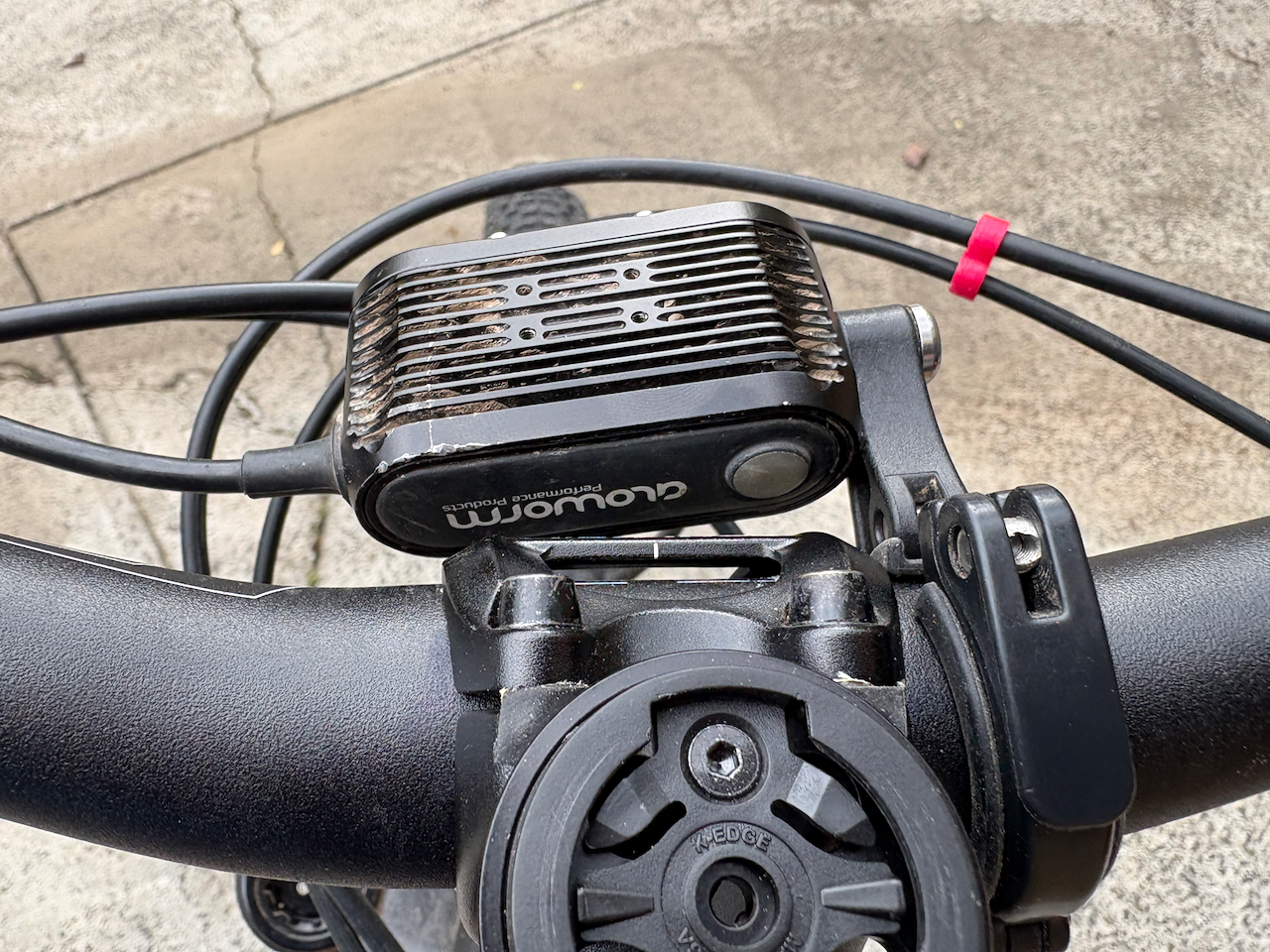
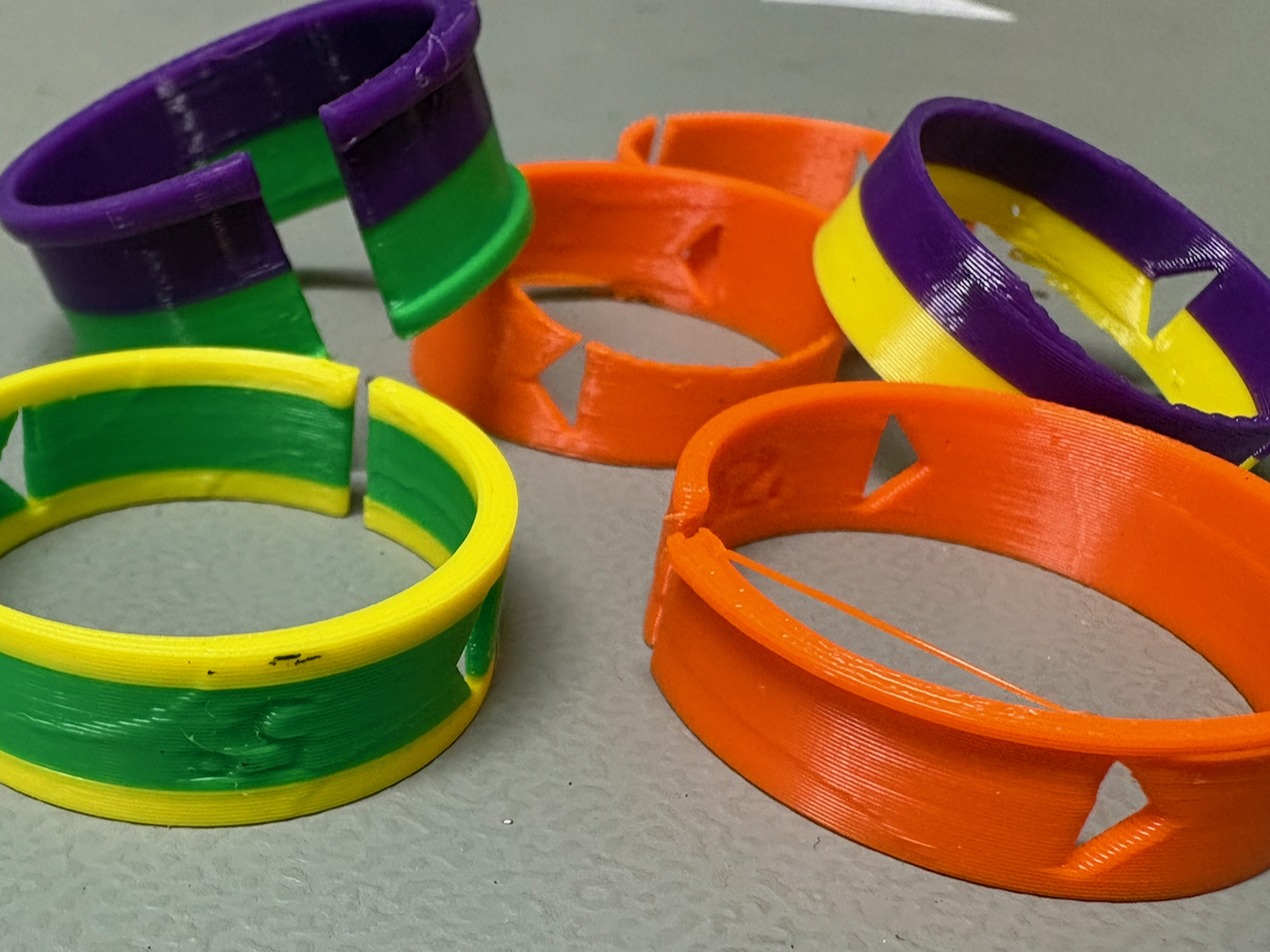
I generally prefer night rides, and I’ve dealt with a less-than-ideal light alignment and diagonal aim for too long on the Canyon. The fix? A wonky shim for a wonky bar. The shim has a 34mm O.D. cylindrical surface to interface with the light clamp, and a 32mm cylindrical face on the inside that interfaces with a 31.8mm bar (plus a 4mm cut to allow the shim to close on the bar), but with the slight change in a 5° tilt in two axes (which combines into a bore with a tilt of about 7° on a diagonal axis) to compensate for the wonky Ritchey bar.
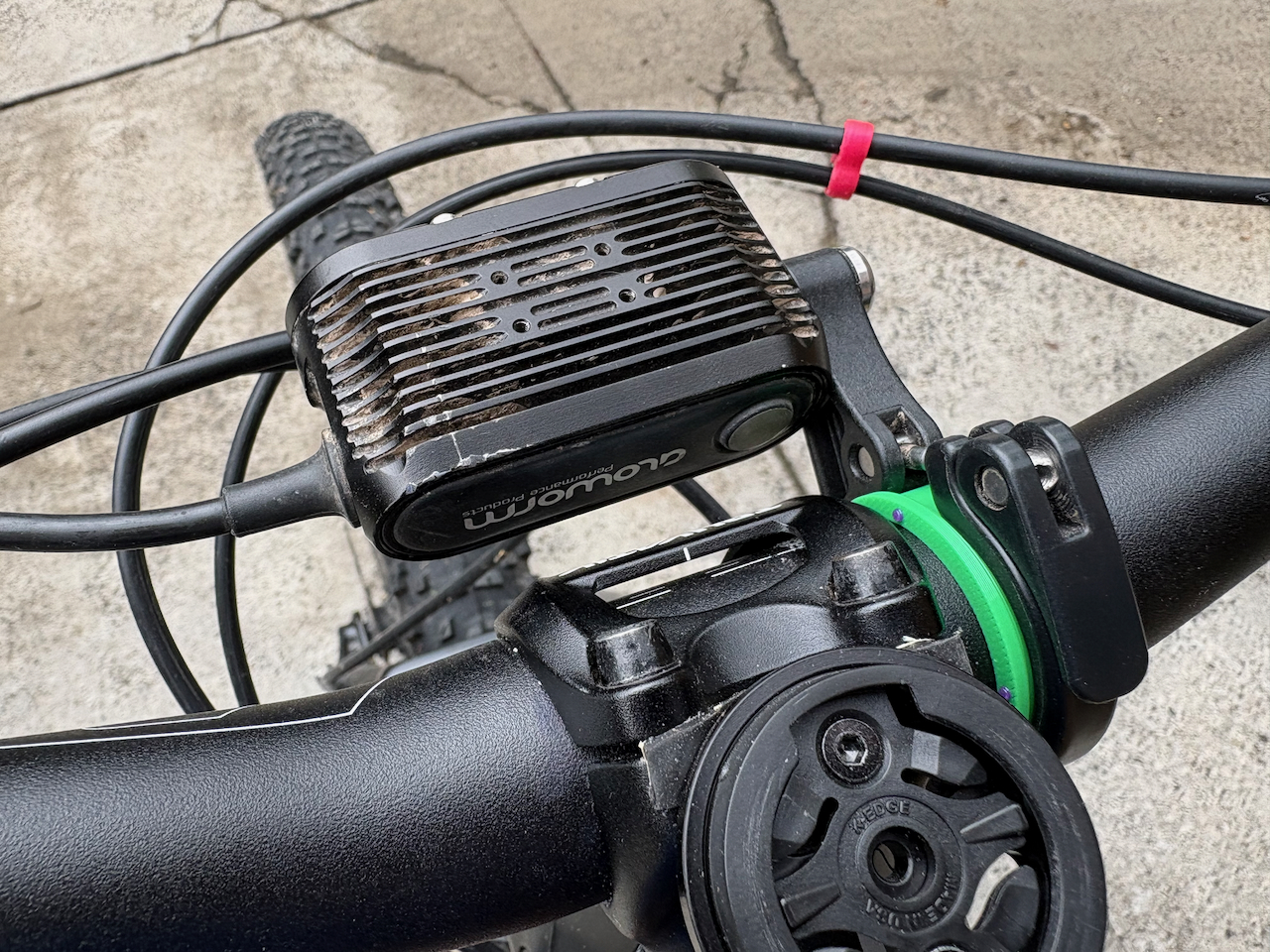
The Result? This shim allows mounting a light on a Ritchey 10D riser bar with its odd up-and-back swept profile on either side of the stem clamp. Due to the vertically symmetric and horizontally asymmetric shape of the bar this shim is (mostly) left/right specific and this model is set up for running on the right side of the stem by default. You cannot just flip it over (refer back to horizontal asymmetry), but you can rotate it 180° and live with the arrow pointing backwards, or just mirror the model prior to printing for left-side use. The clamp area in the shim is 11mm wide and the additional diameter works comfortably with the clamp on my Gloworm light. I’ve included a couple indicators on the clamp to indicate positioning and clocking rotation. Clocking the shim might be necessary if your bar roll is off horizontal, which it almost certainly is.
If you have a multi-filament printer (eg. a Bambu printer and an AMS), use a height range modifier in your slicer from 15.1mm and up to make the dot indicators a contrasting colour (assuming you’re printing the shim flat-side down and indicator-side up). Download the STL and get more print details: Swept Bar Clamp Shim 5° x 5°
You may notice the model at the top of this post (presented by my 3D model gallery WordPress plugin oollyPrints) shows contrasting colour indicators. As of yesterday, oollyPrints 0.9.3 now supports direct GLB uploads and model-defined colours. More on that in my next post.
Leave a Reply